Duration
3+ hours
Video lessons
9 + trailer
Price
Free
Free projection mapping tutorial by Video Mapping Store
Free Projection Mapping Tutorial: What will You learn in this Video Mapping Course?
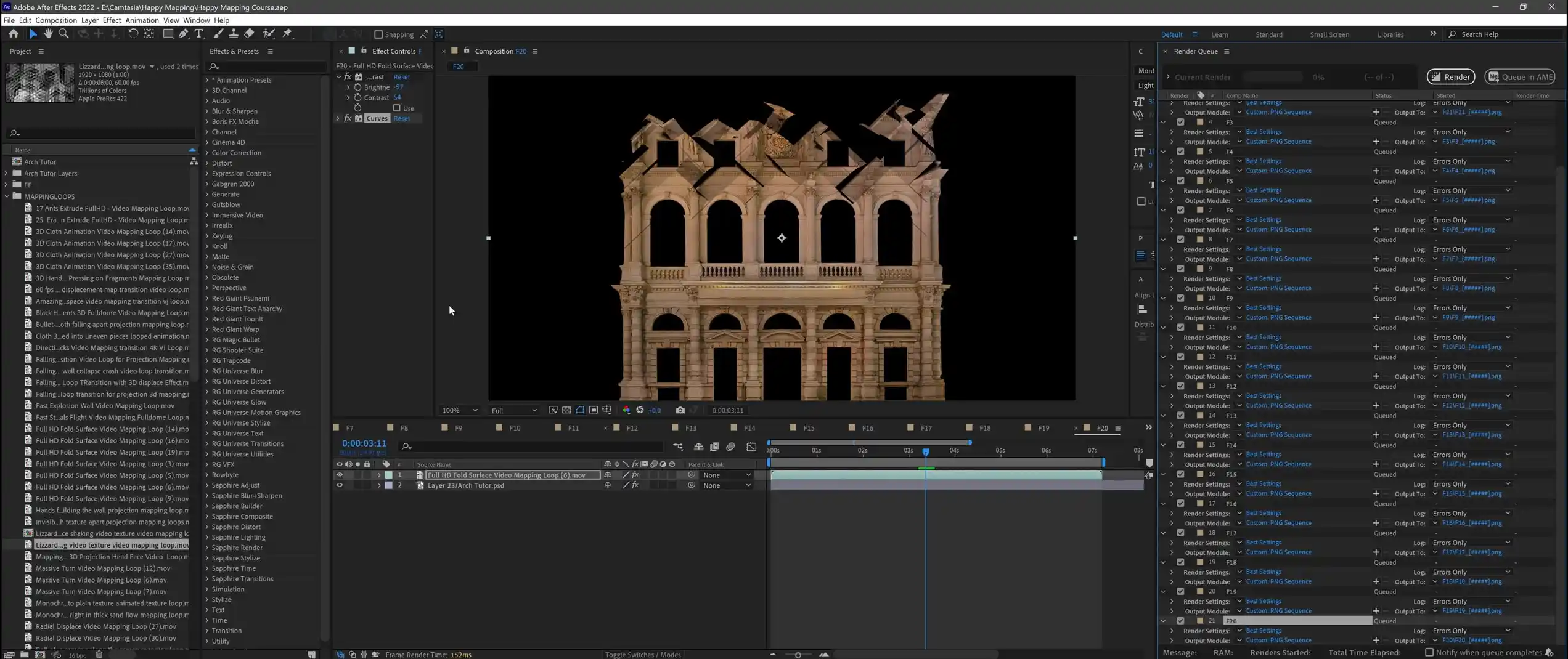
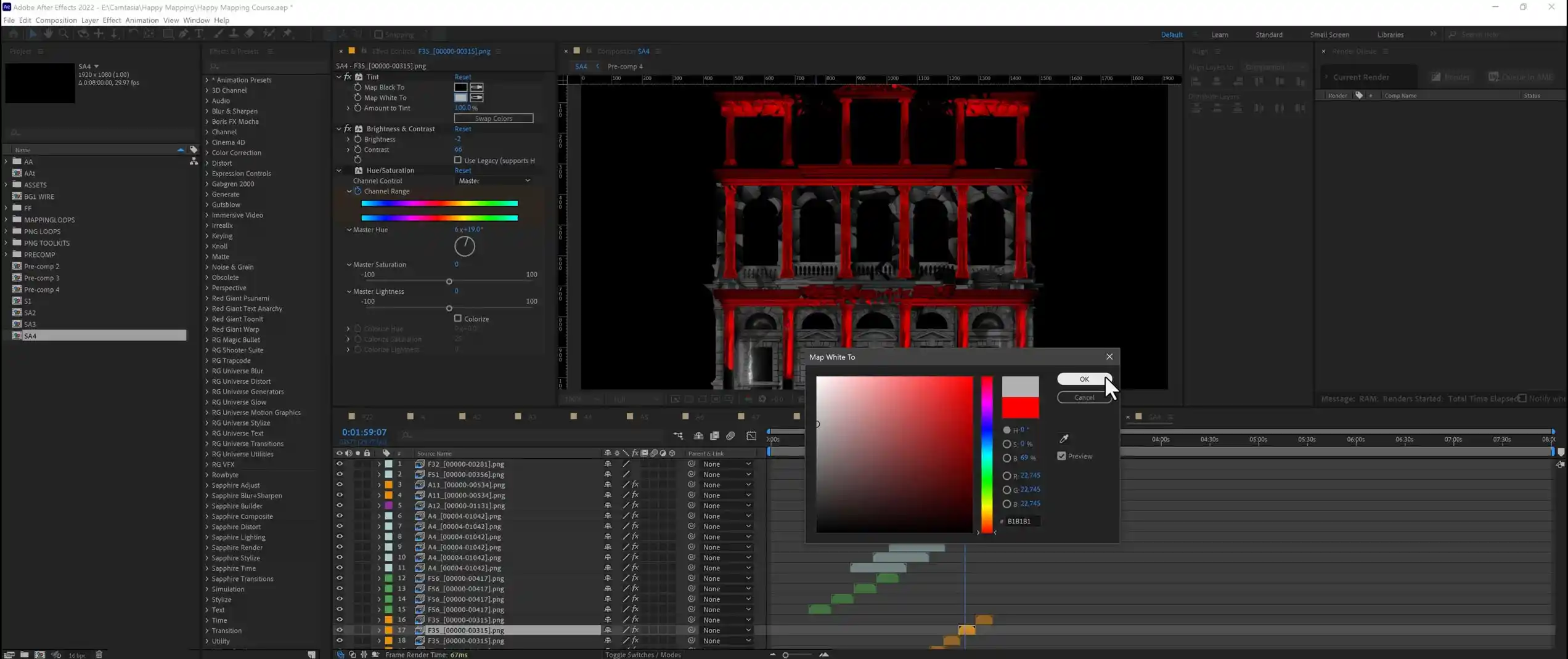
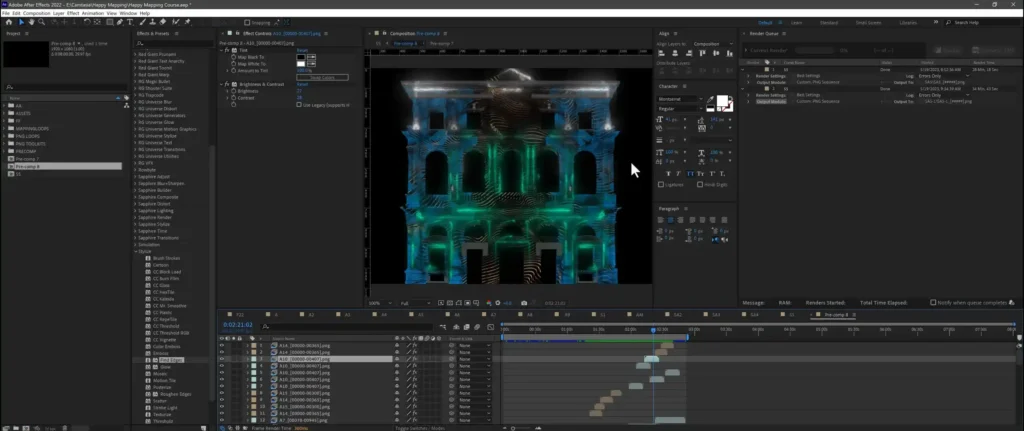
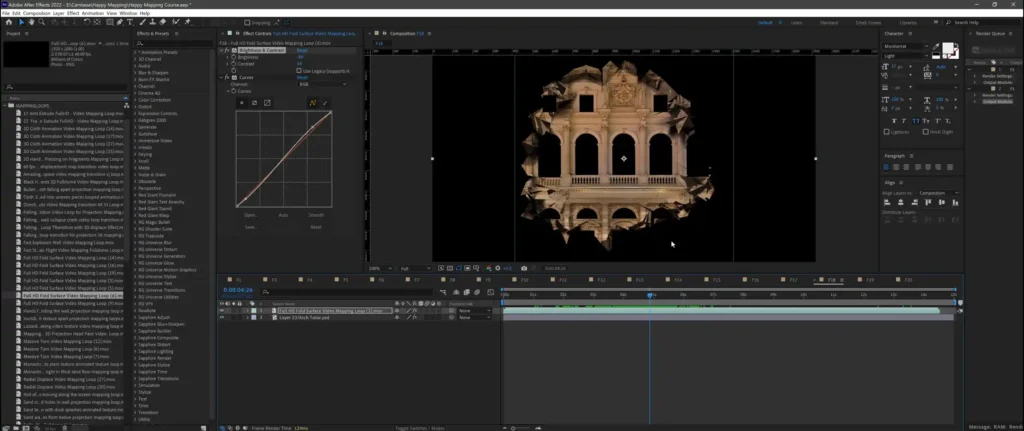
Happy Mapping is a free Projection Mapping Tutorial by media artist Alexander Kuiava, founder of Video Mapping Store. In 9 video lessons and just over 3 hours, You build a complete facade mapping show from ready-made assets: a facade texture in Photoshop, Video Mapping Loops → and Video Mapping Toolkits → composed in After Effects, and a live show in Resolume Arena.
The course used to cost €249. Now every lesson is open on our YouTube channel: no payment, no sign-up.
Who is this Video Mapping Tutorial for?
Beginners in media art
If You’ve never built a mapping show, this is a practical way in. You follow one production from a photo of a facade to a projected show, and every step is shown on screen.
Event and rental agencies
If You rent projectors or run events, You can learn to produce facade shows in-house instead of outsourcing every project to a studio.
Motion designers and mapping studios
If You already work in After Effects, the lessons show a faster production method built on ready-made Video Mapping Loops and Video Mapping Toolkits.
What do You gain by learning Facade Projection Mapping this way?
About the author
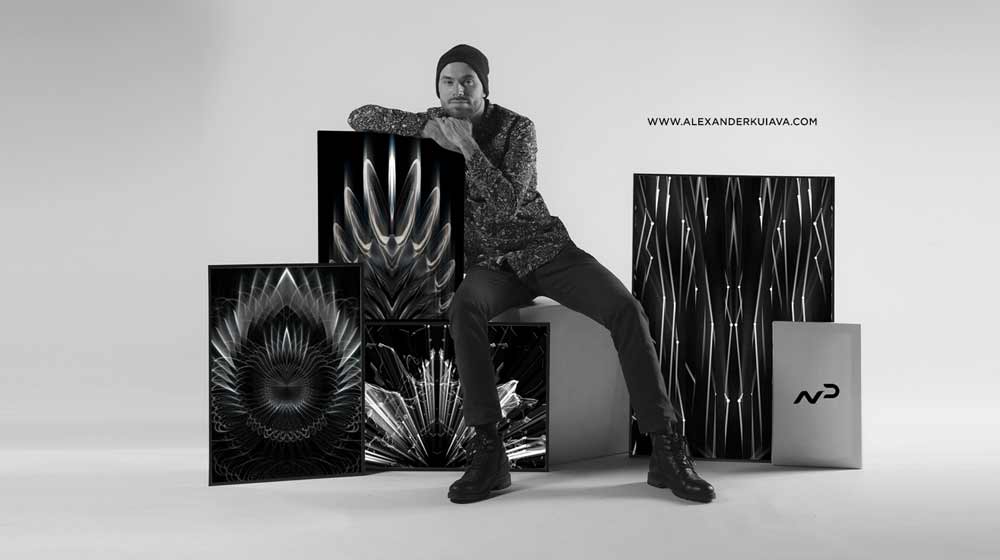
Alexander Kuiava
Alexander Kuiava is a new media artist, creative content and immersive films producer, and the founder of Video Mapping Store. He has spent 15+ years in video art and runs the Austrian video production studio LIME ART GROUP (FrontFX).
He developed his own techniques for producing projection mapping shows and teaches them at the new media art school Frontskill. Video Mapping Store content is used by 10,000+ artists and companies in 100+ countries.
Watch full Video Mapping Course Free
Nine lessons follow the order in which You’d produce a real facade show: texture first, then animated elements, compositing and rendering, and finally the live projection in Resolume Arena. Watch them in sequence. Total running time is about 3 hours 16 minutes.
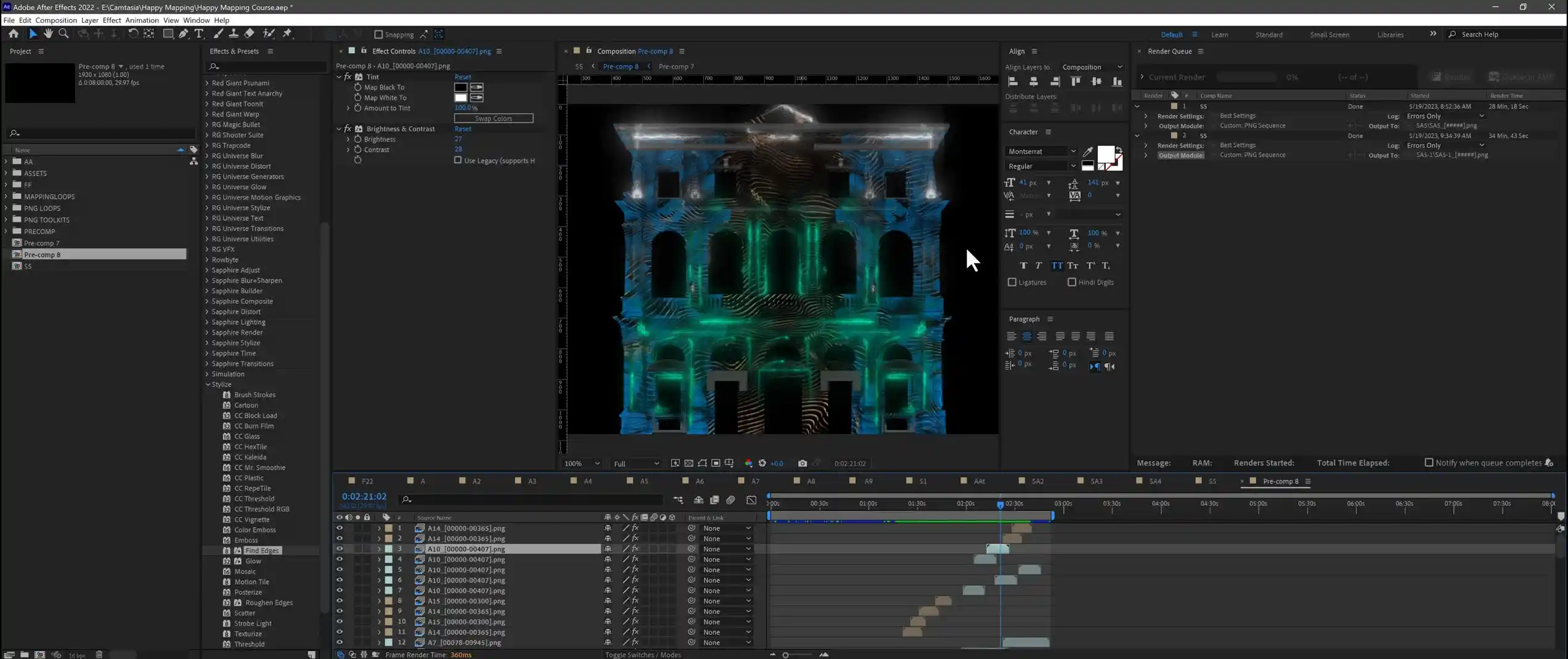
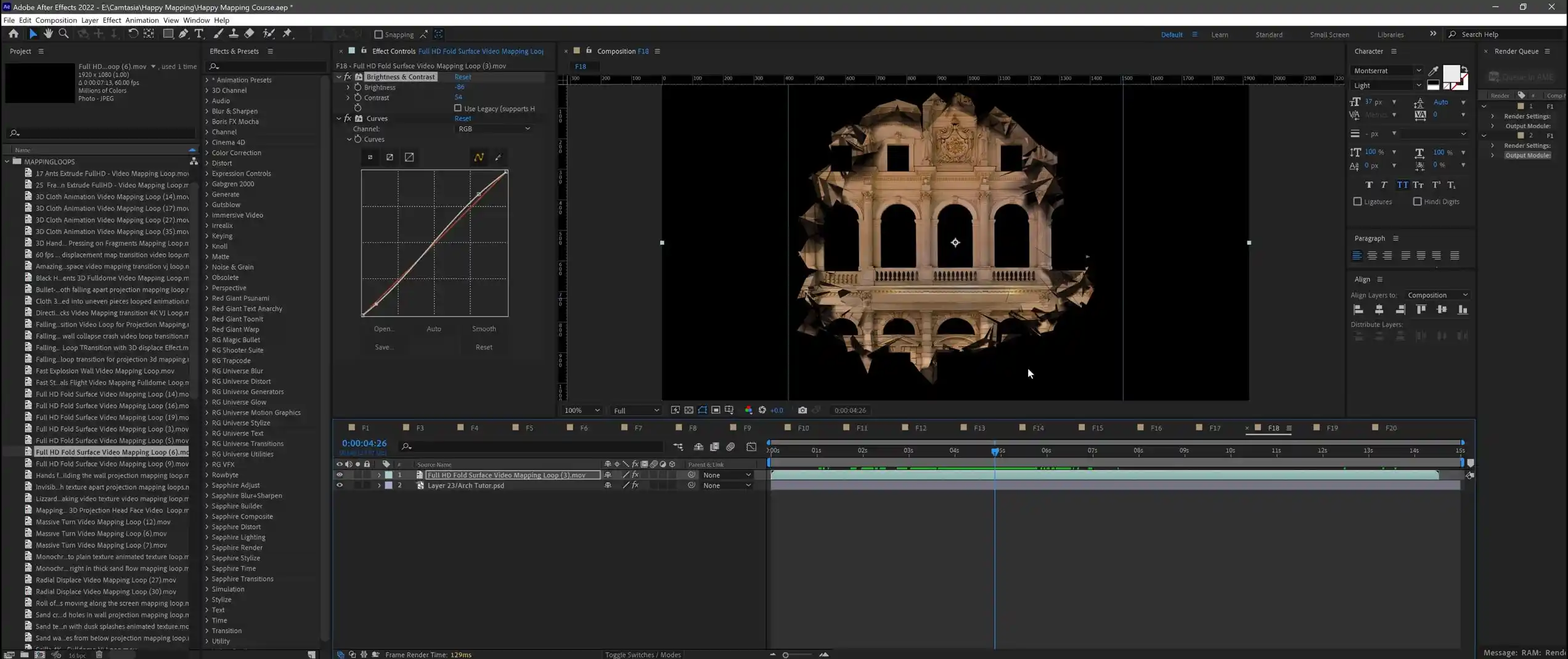
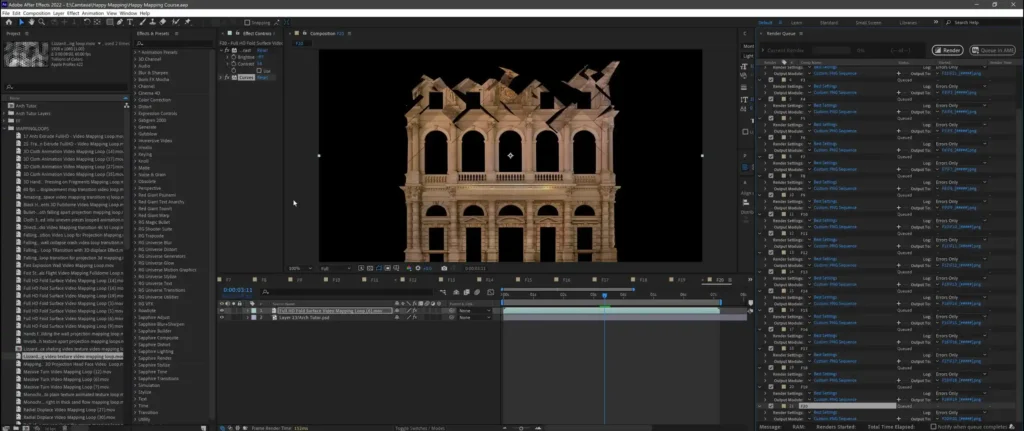
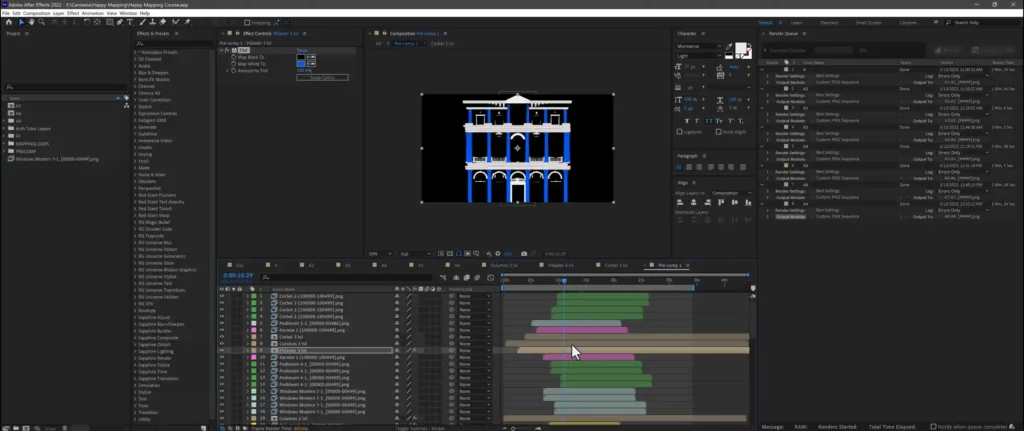
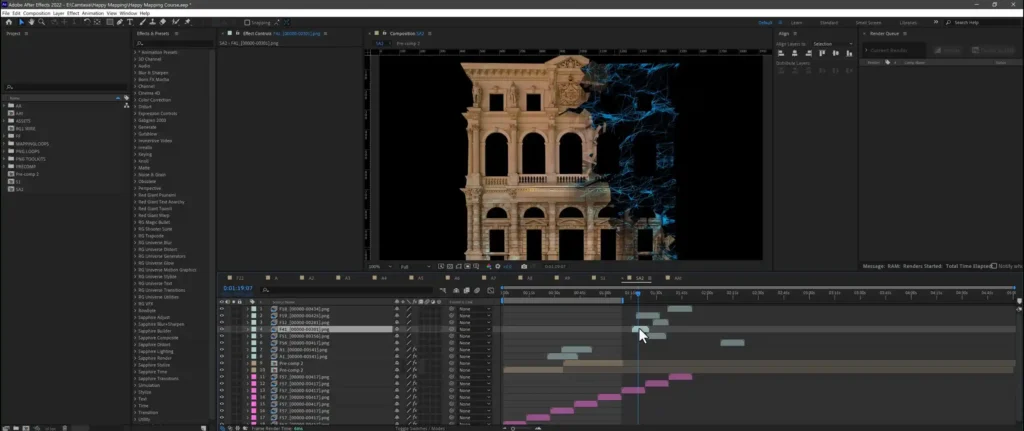
The tutorial starts with the building itself. You prepare a facade texture in Photoshop, bring it into After Effects and lay the first Video Mapping Loops → over the architecture. Need a ready base for practice? See Projection Mapping Textures →
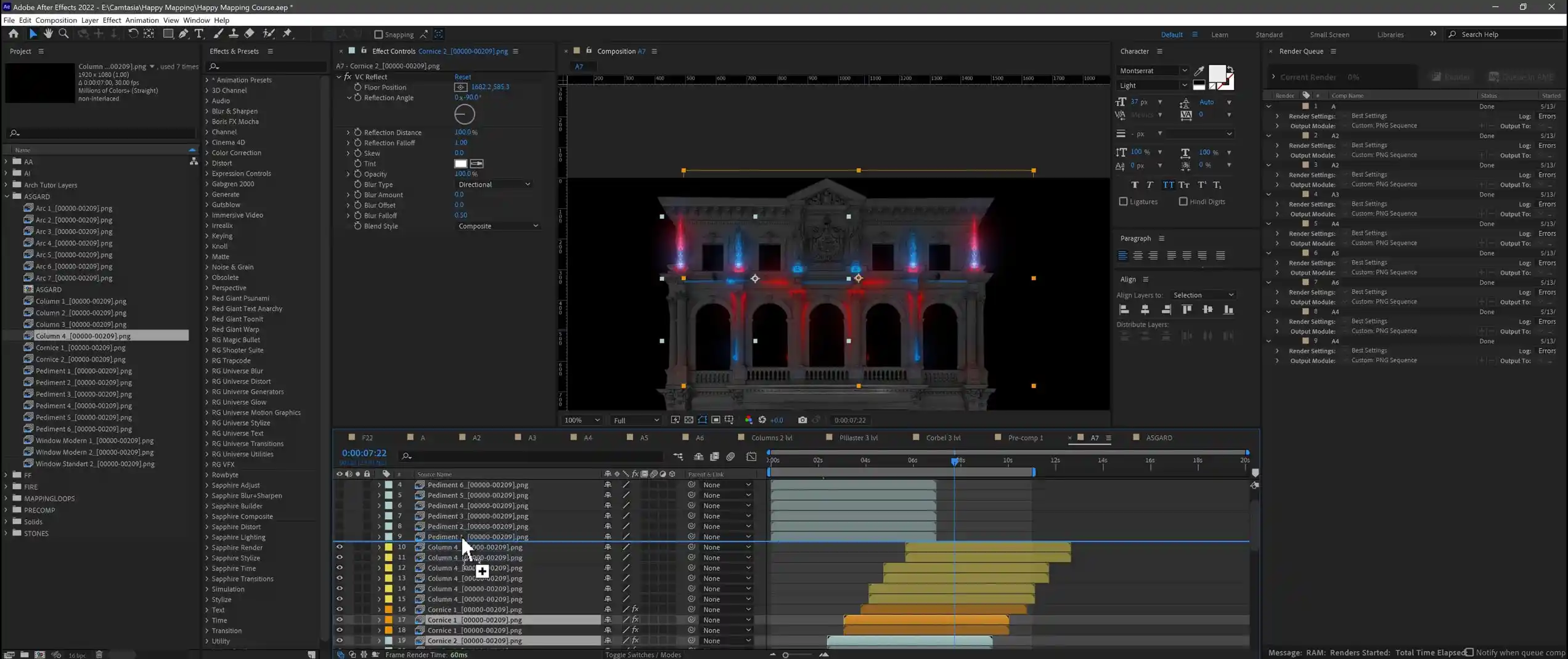
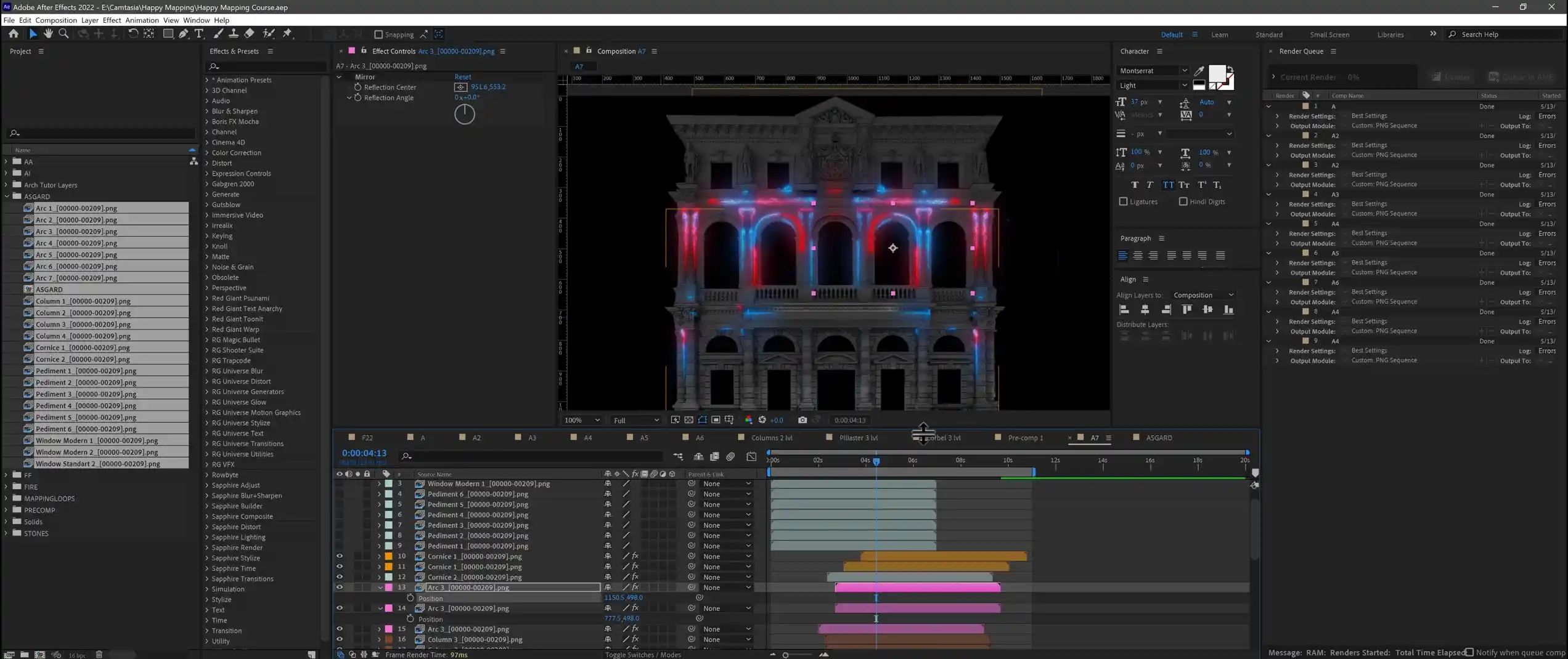
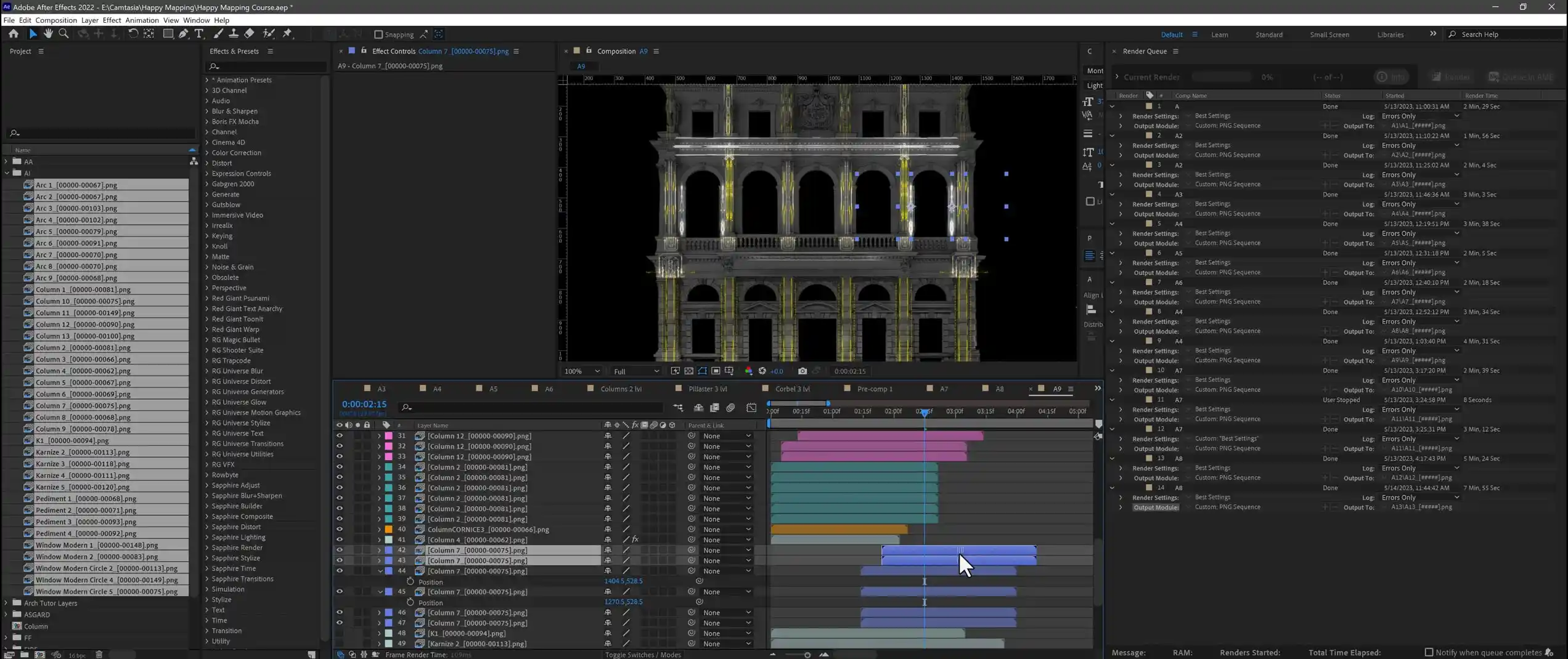
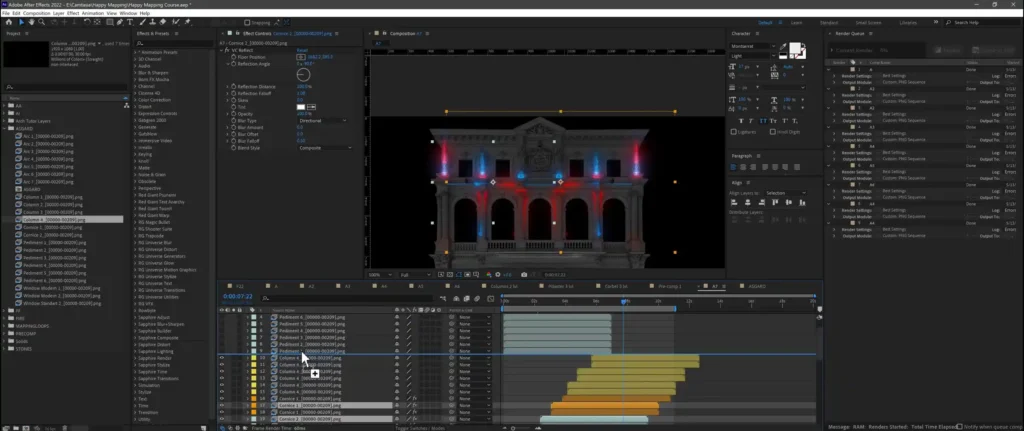
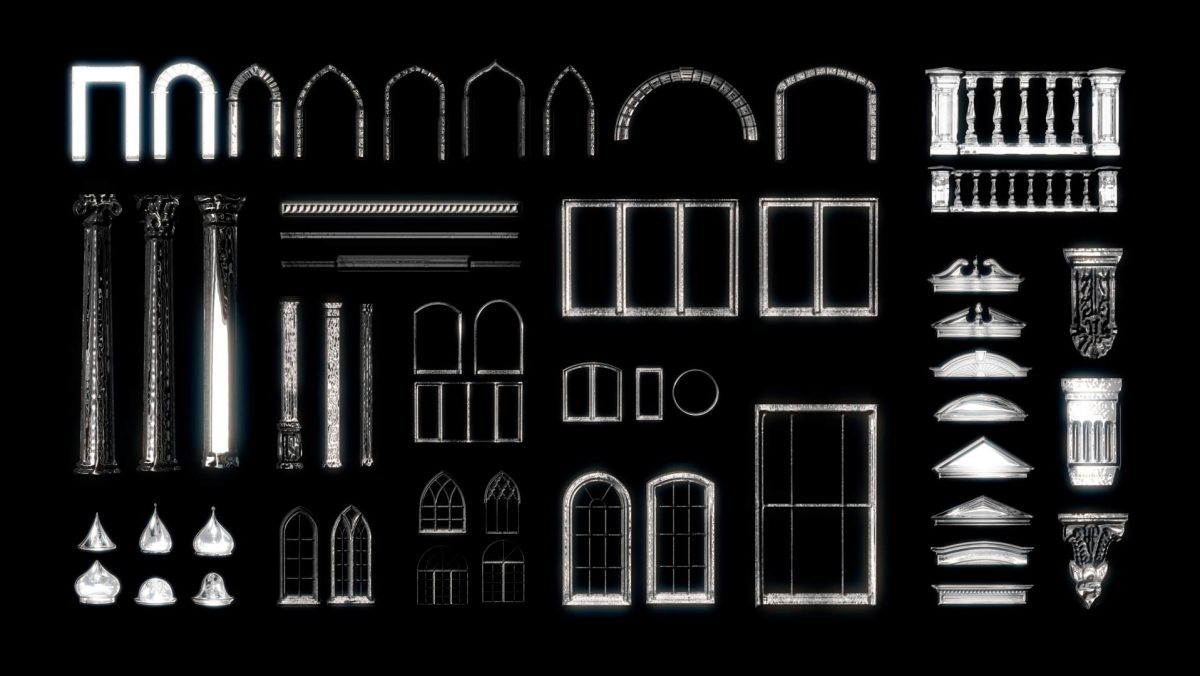
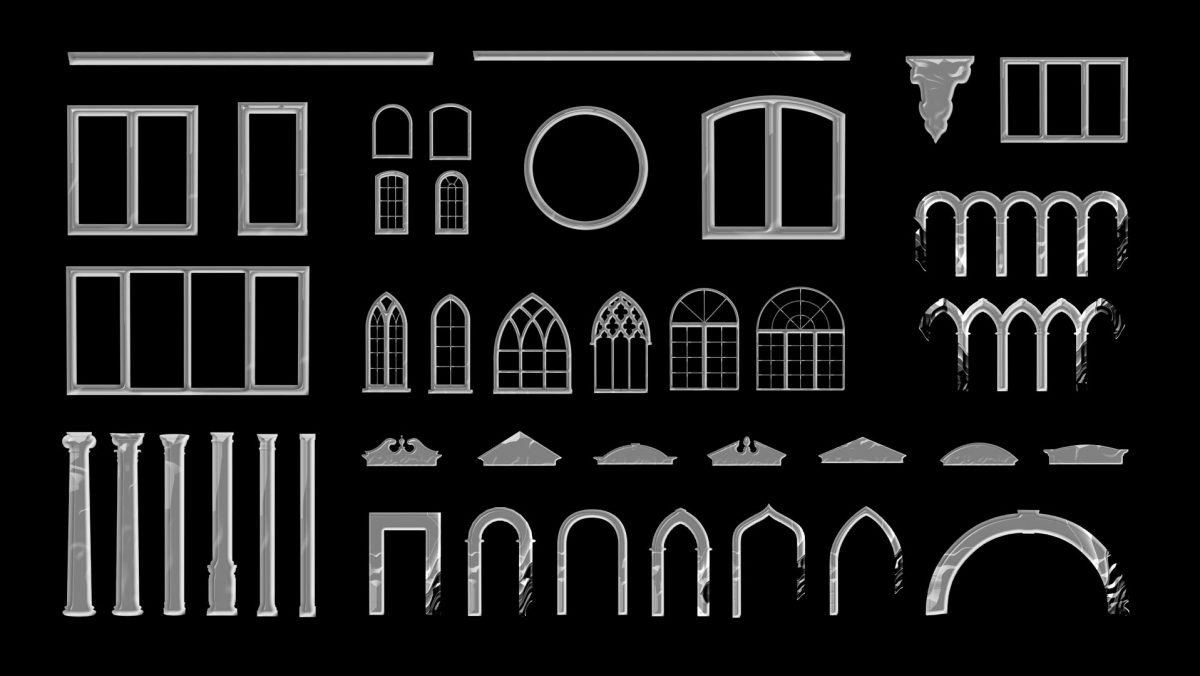
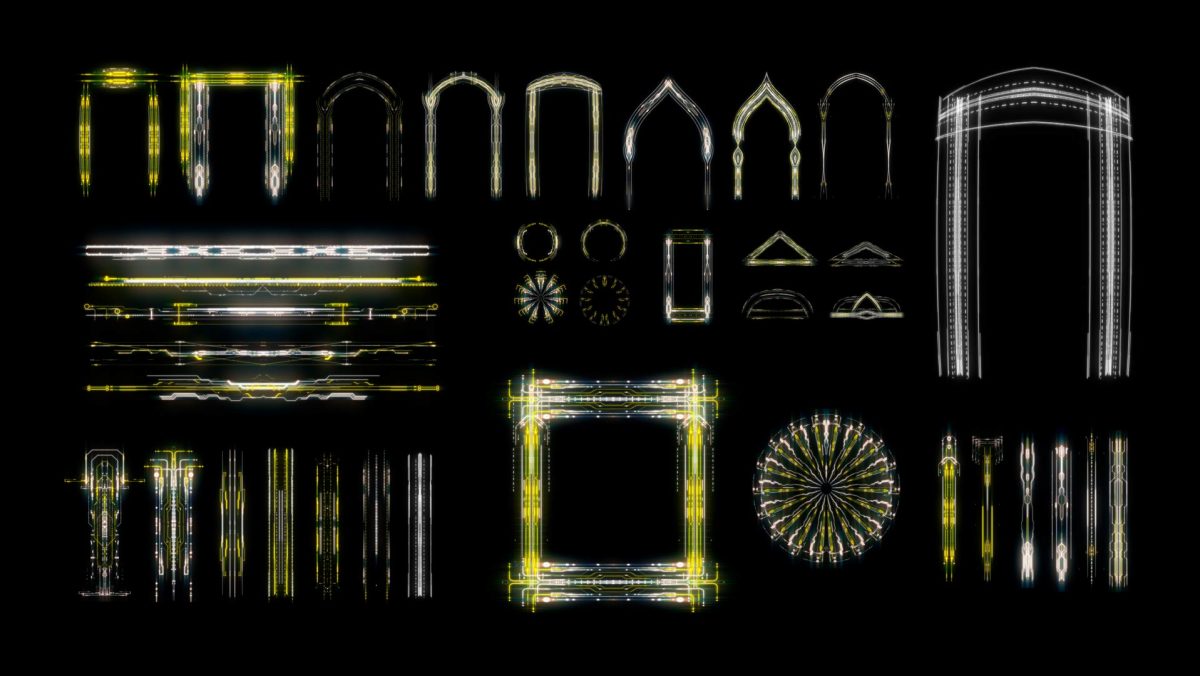
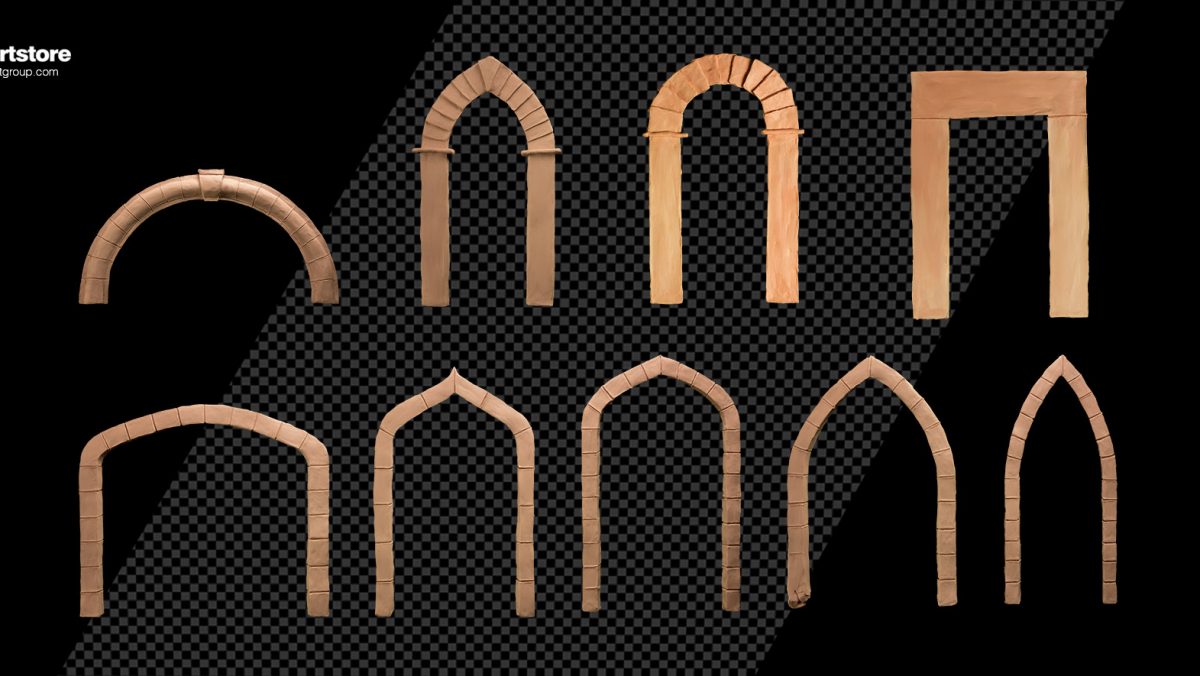
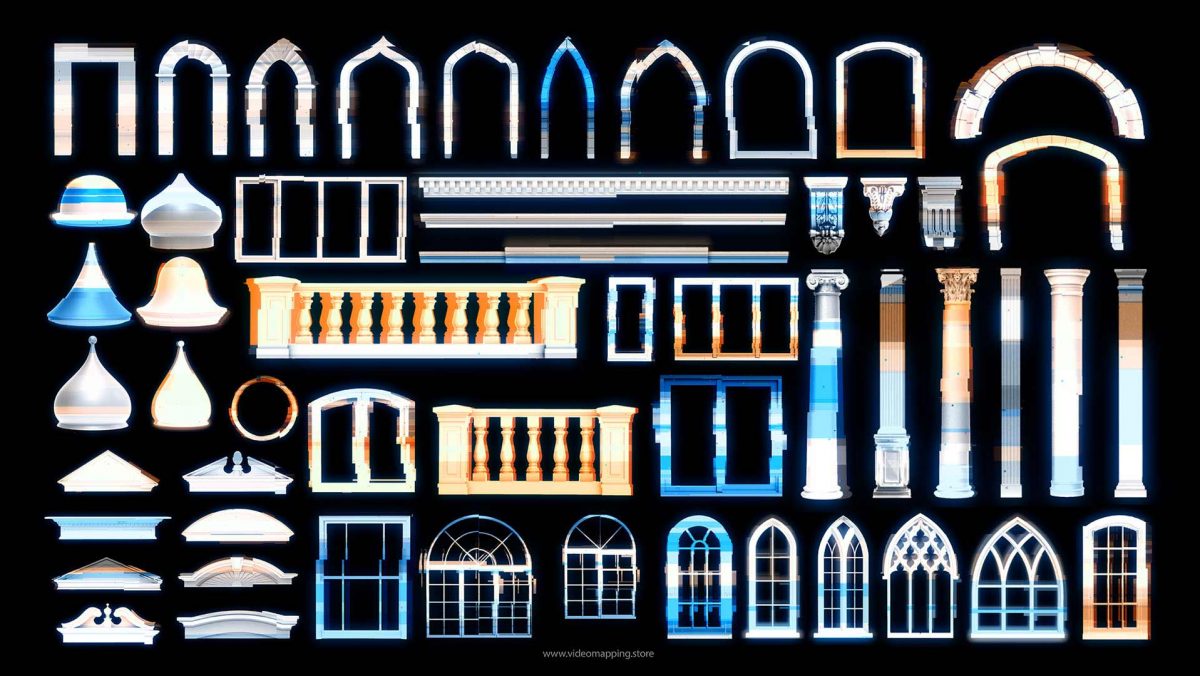
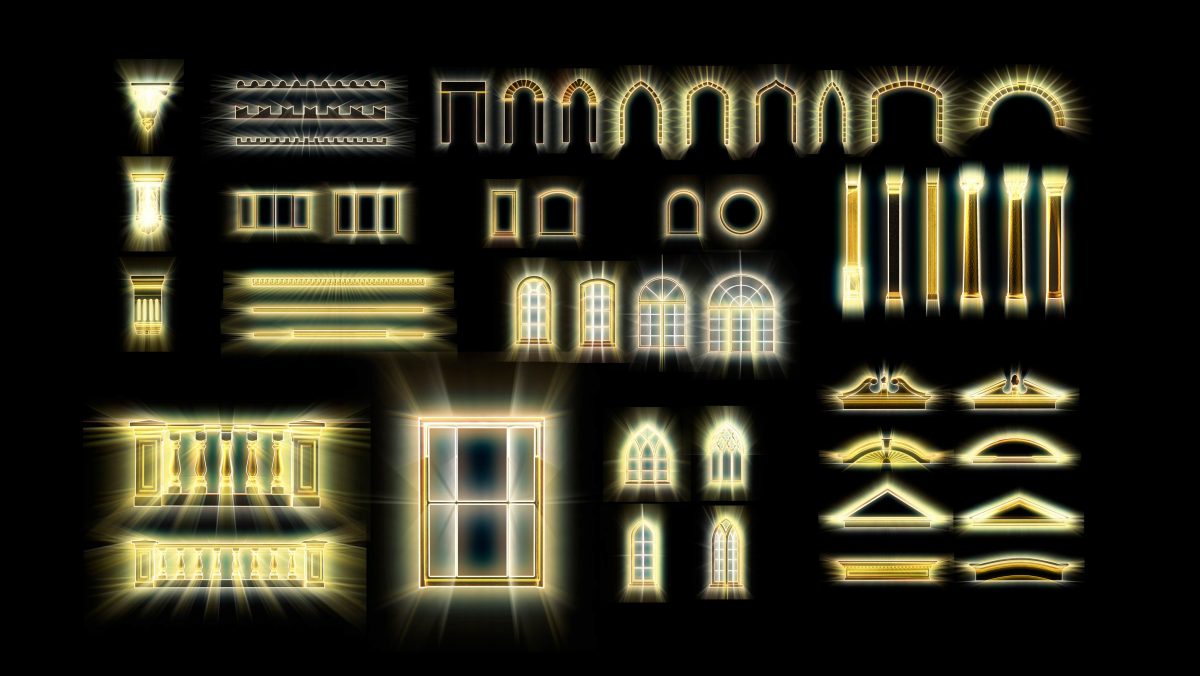
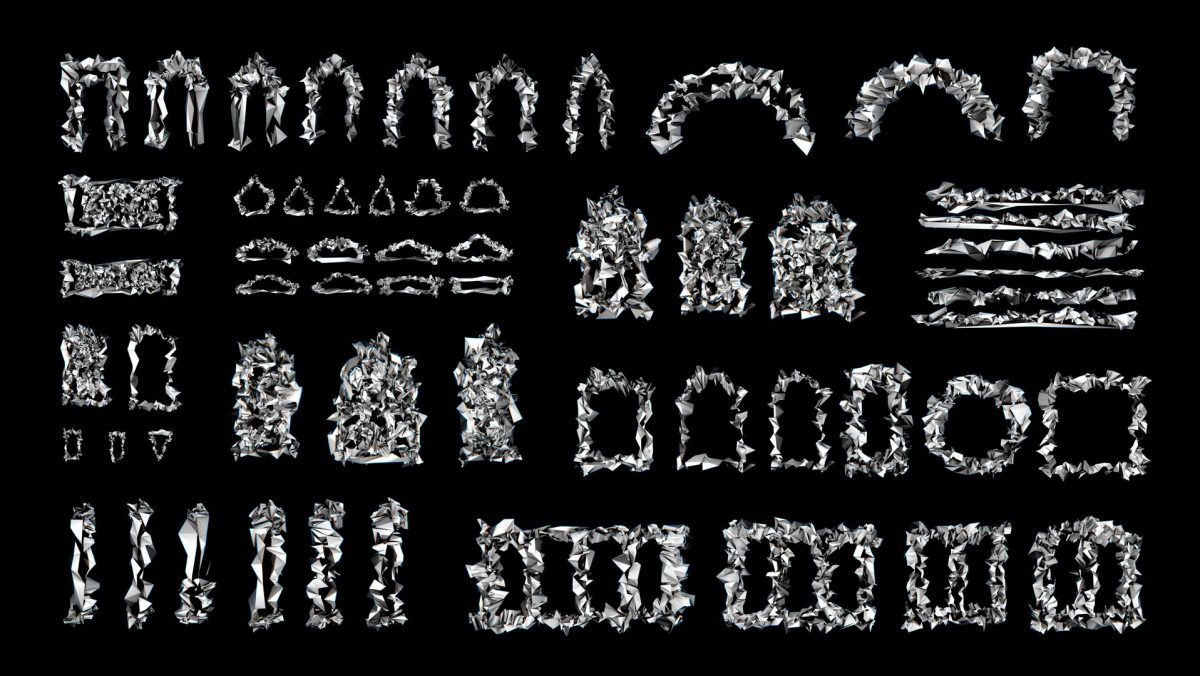
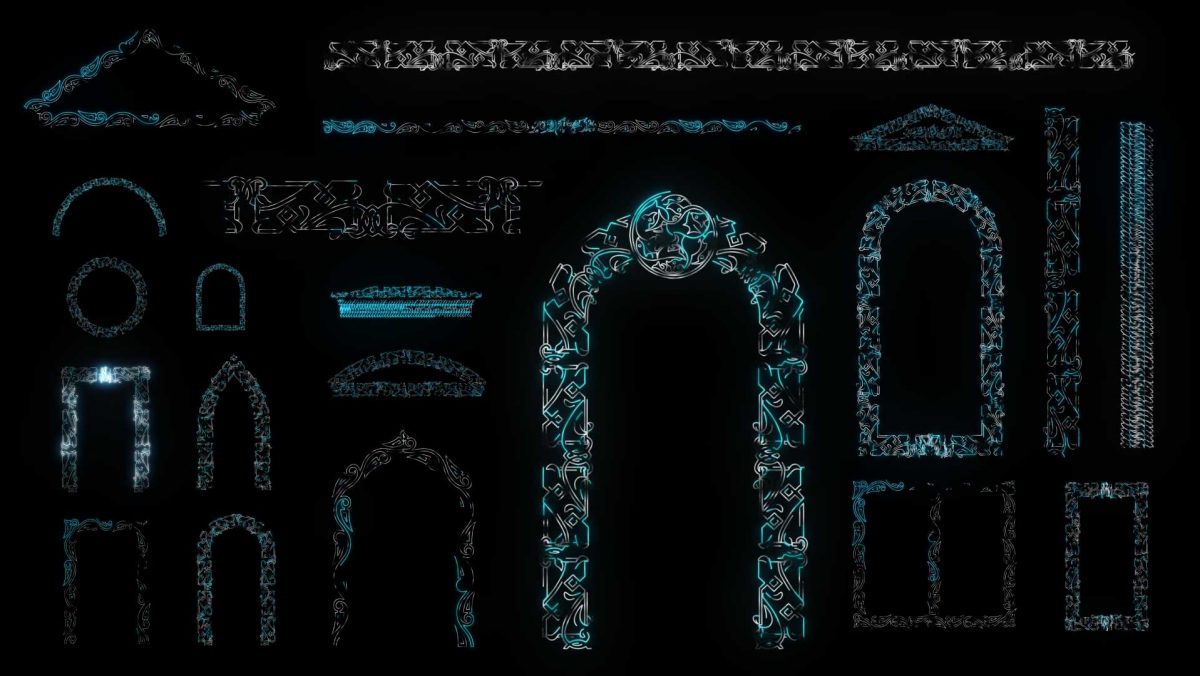
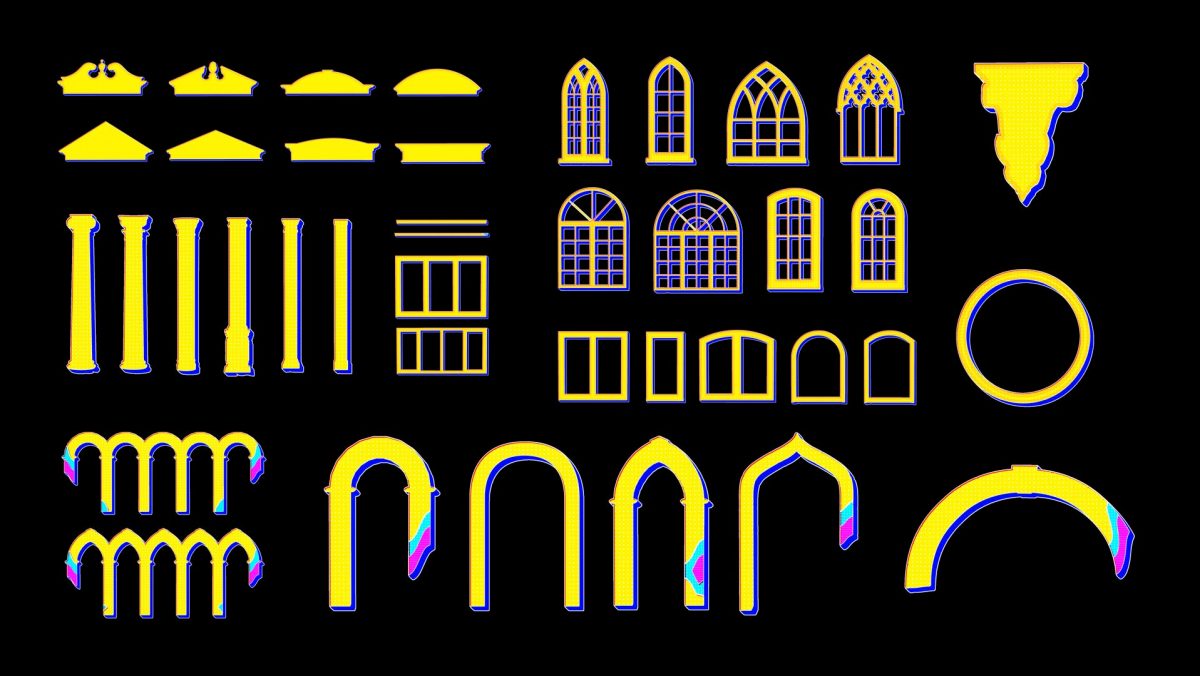
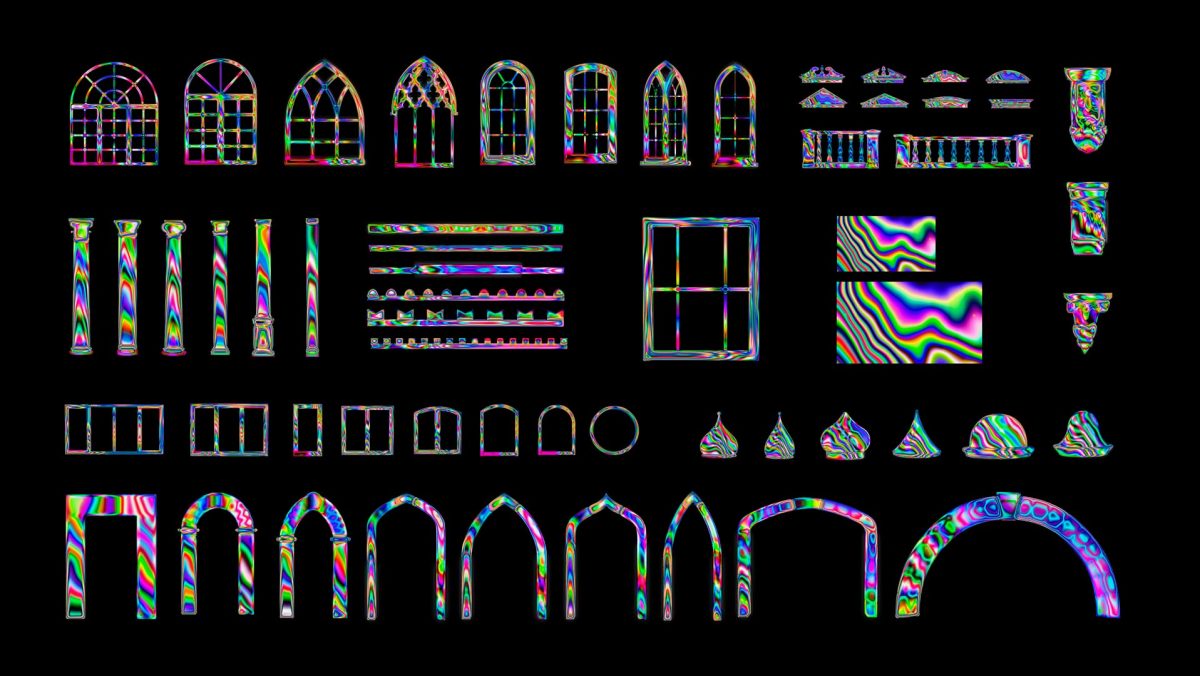
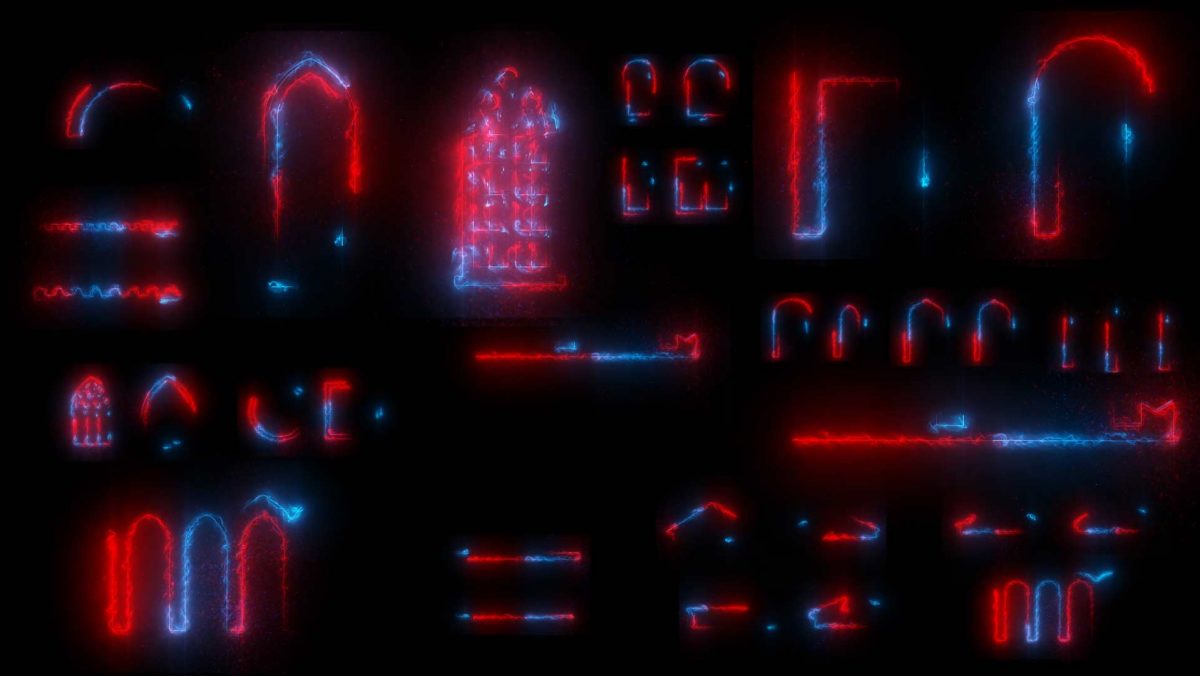
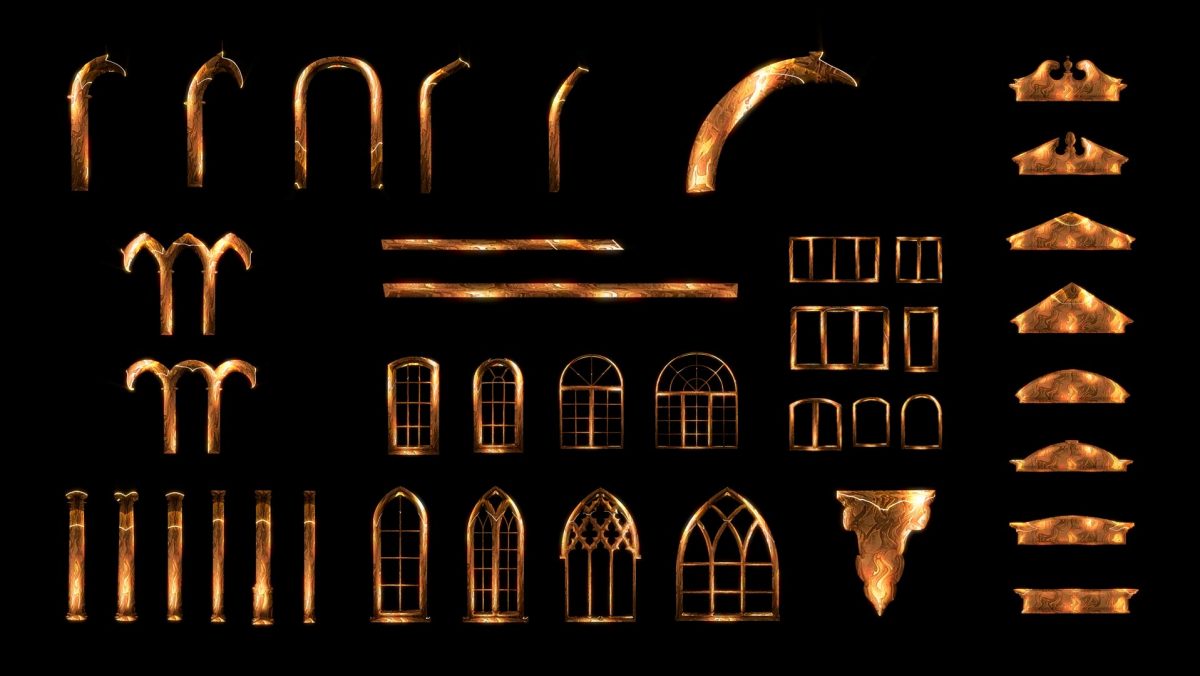
You import Video Mapping Toolkits →, facade elements with an alpha channel such as columns, arches and ornaments, and set them up on top of the texture so they follow the real architecture.
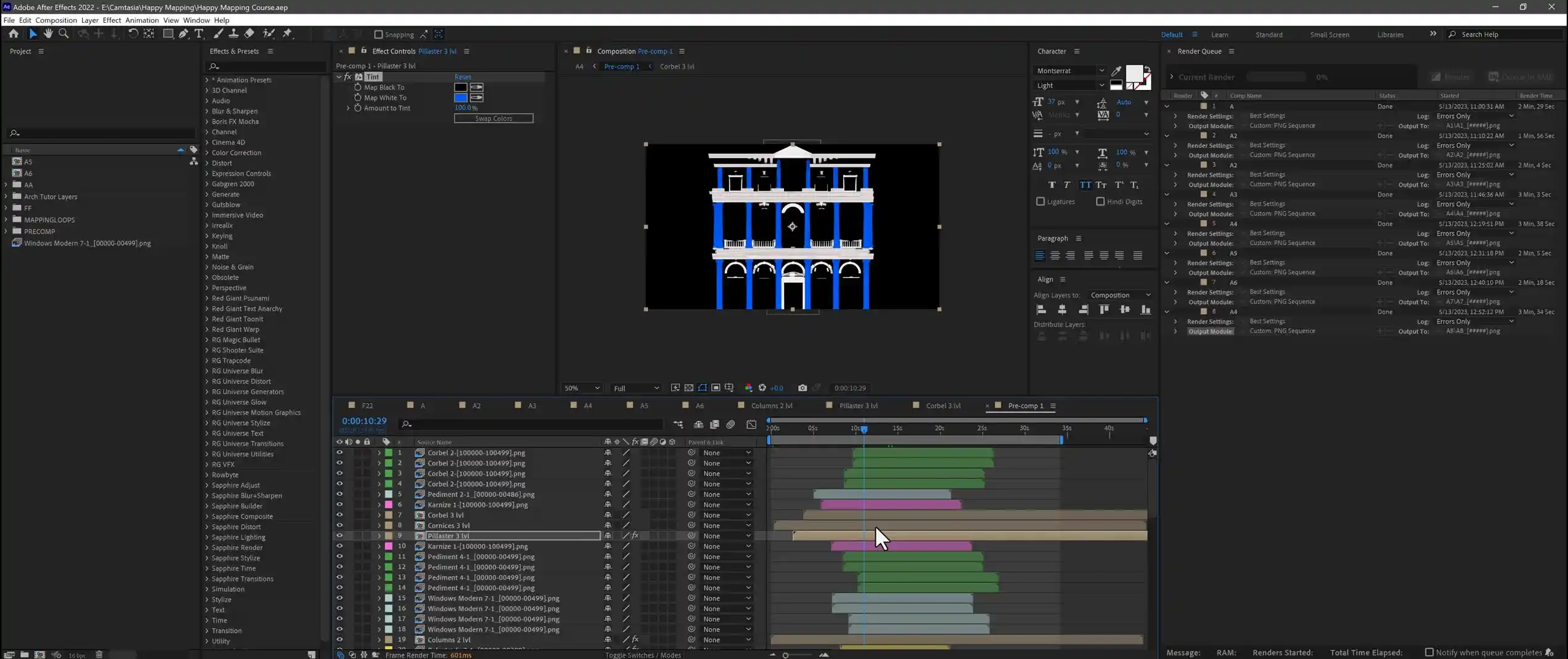
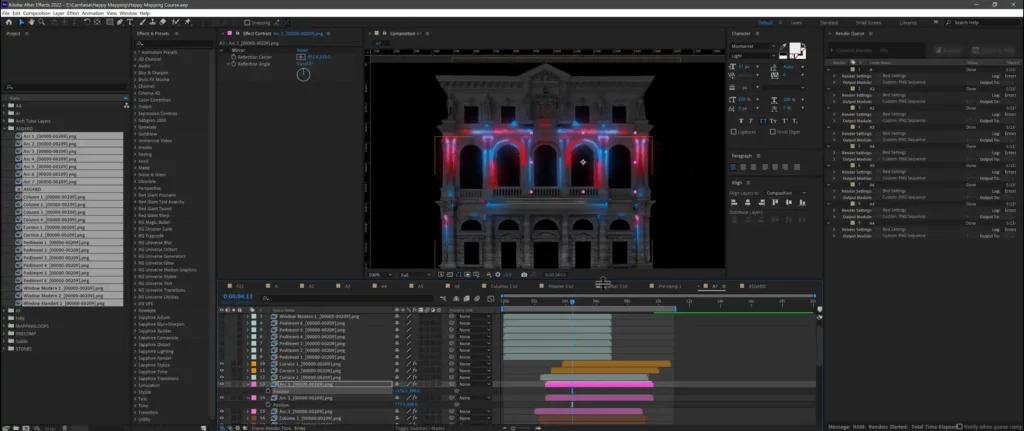
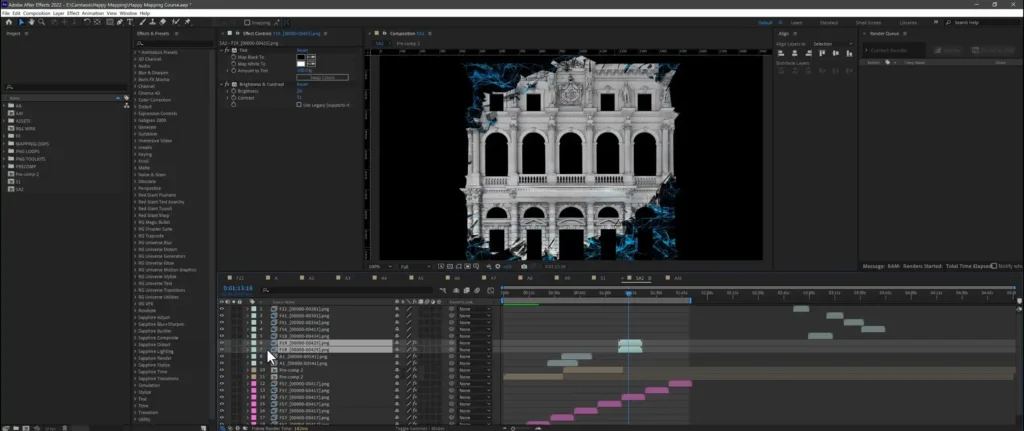
The decorative elements start to move. You set their timing and animation so the facade comes alive in a planned sequence rather than all at once.
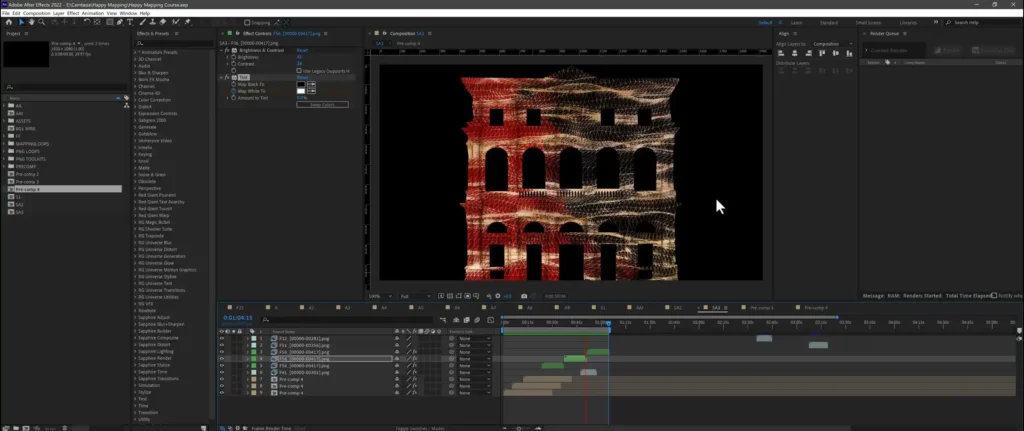
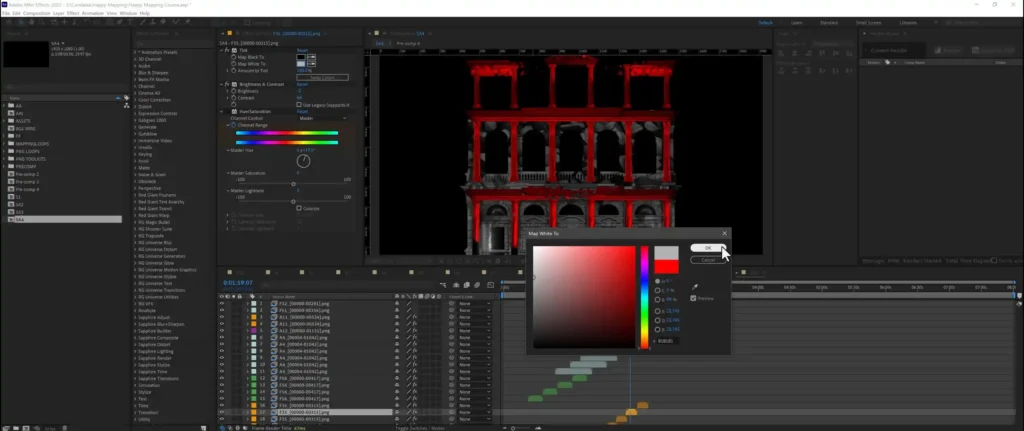
More advanced animation techniques, plus color management for the whole composition, so the show reads clearly once it’s projected onto a real surface.
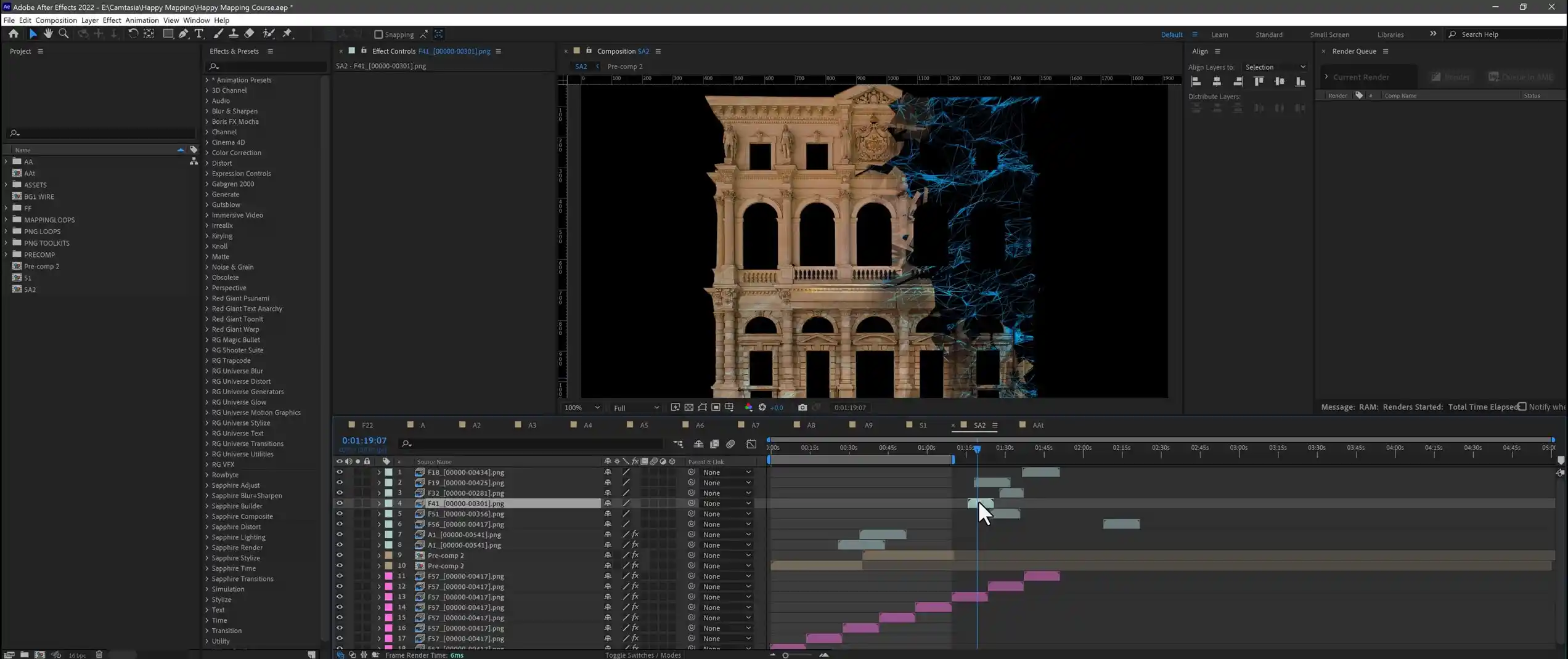
You add new toolkits to the existing composition and expand the show with fresh elements without rebuilding what You’ve already done.
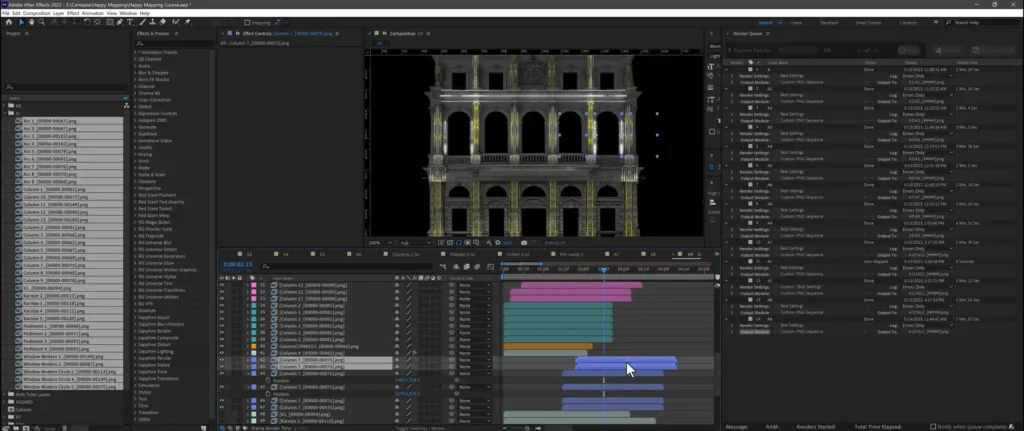
All elements come together in the final composite, and You render the outputs that will later play on the projector.
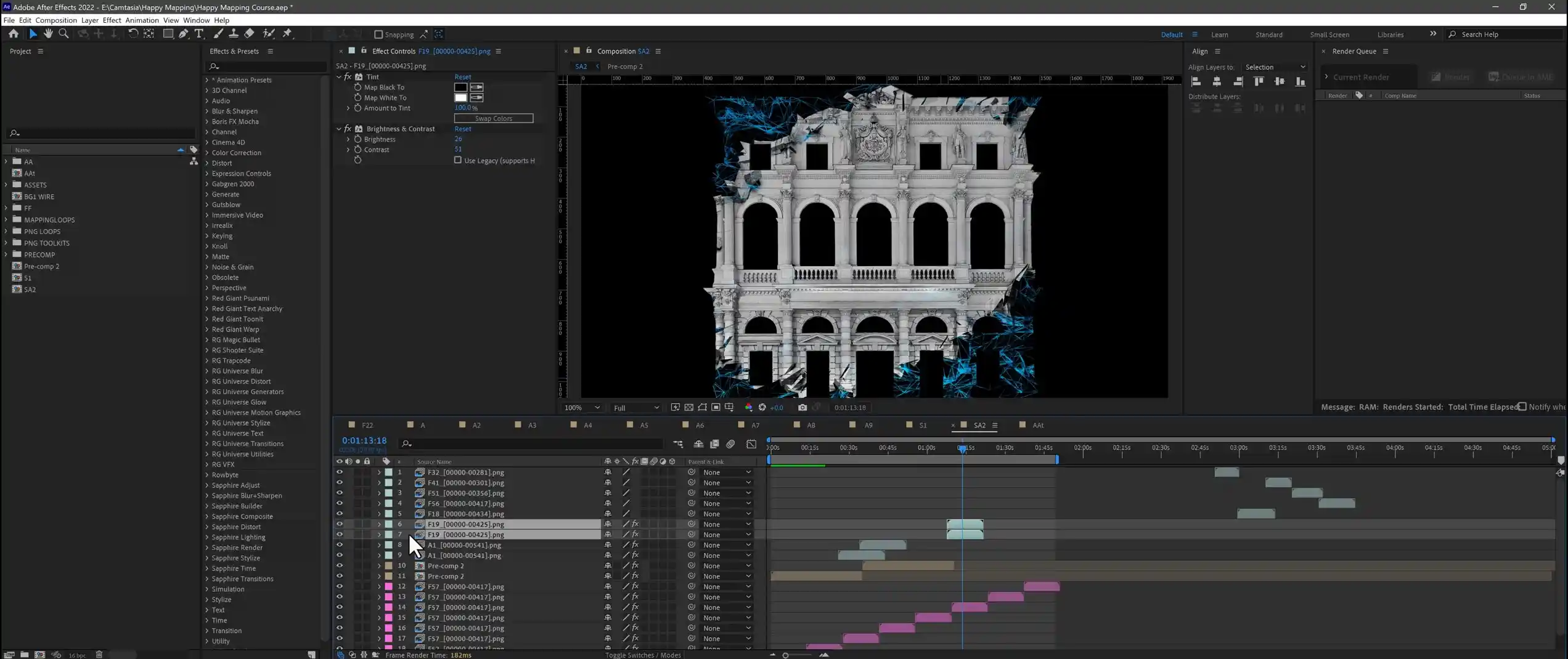
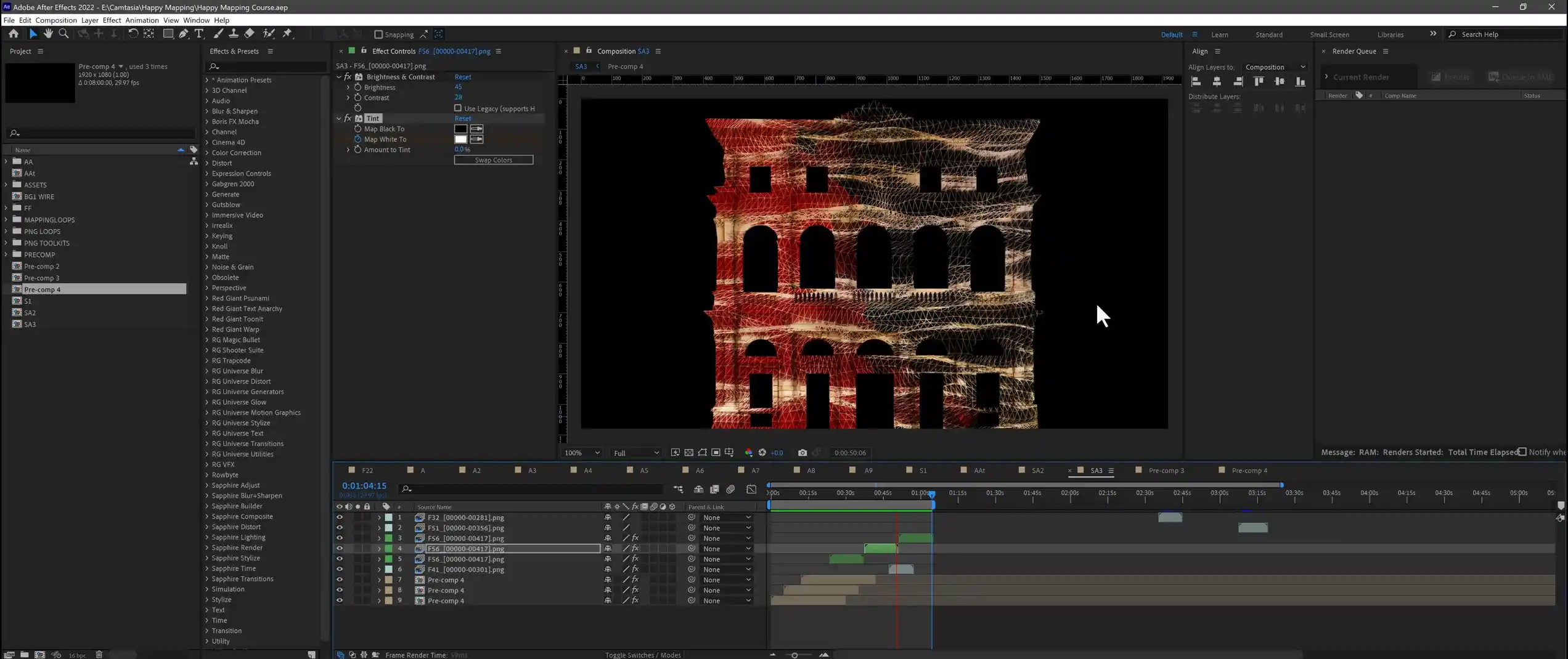
You mix video compositions and explore color variations, turning one composition into several looks for the same building.
The finishing pass: effects that polish the composition and give the show its final, professional look. Useful plugins are covered in our After Effects plugins guide →
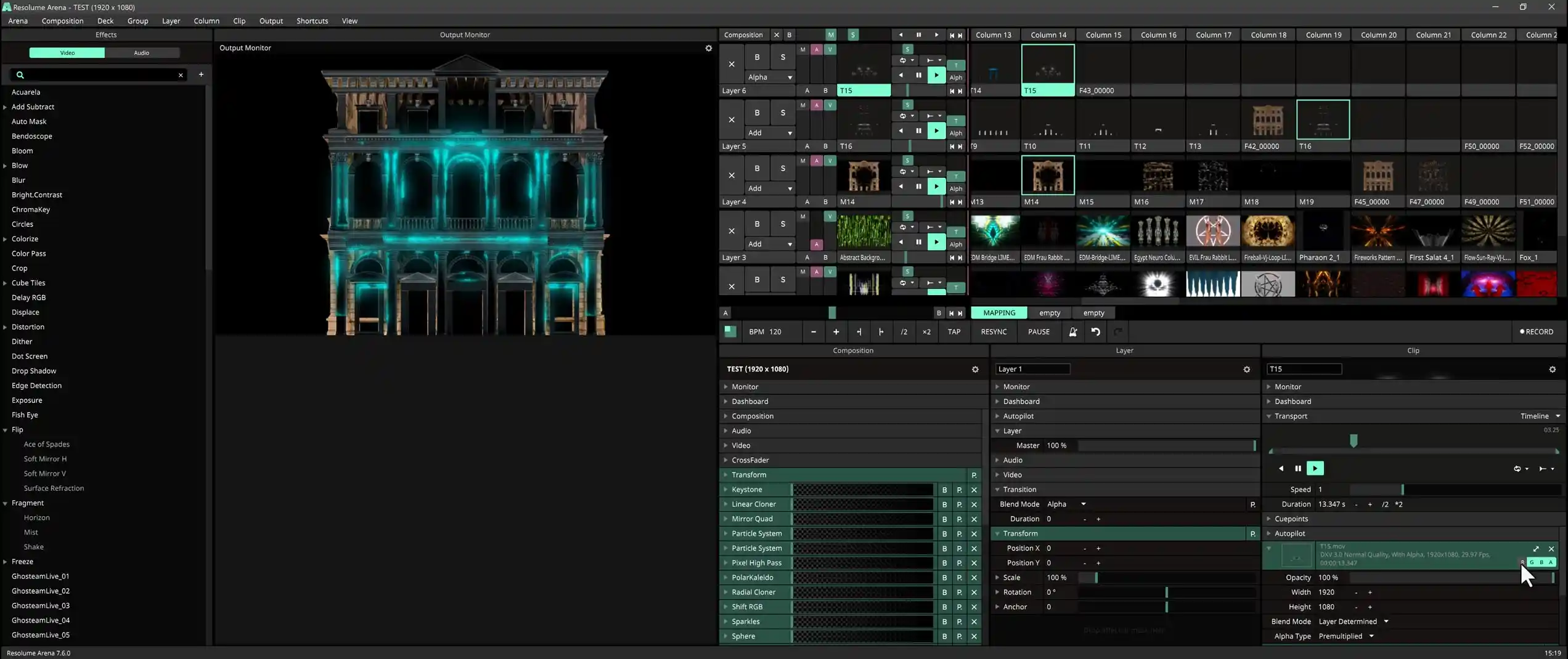
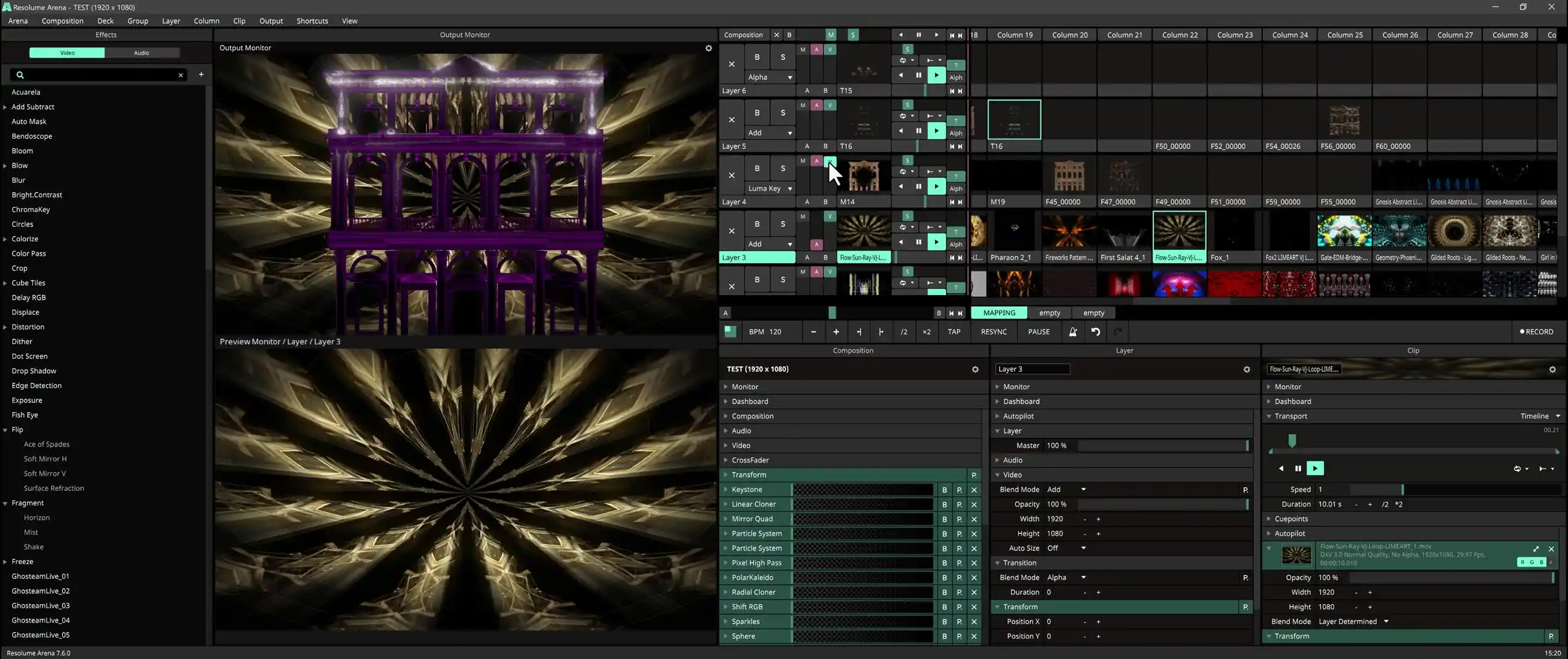
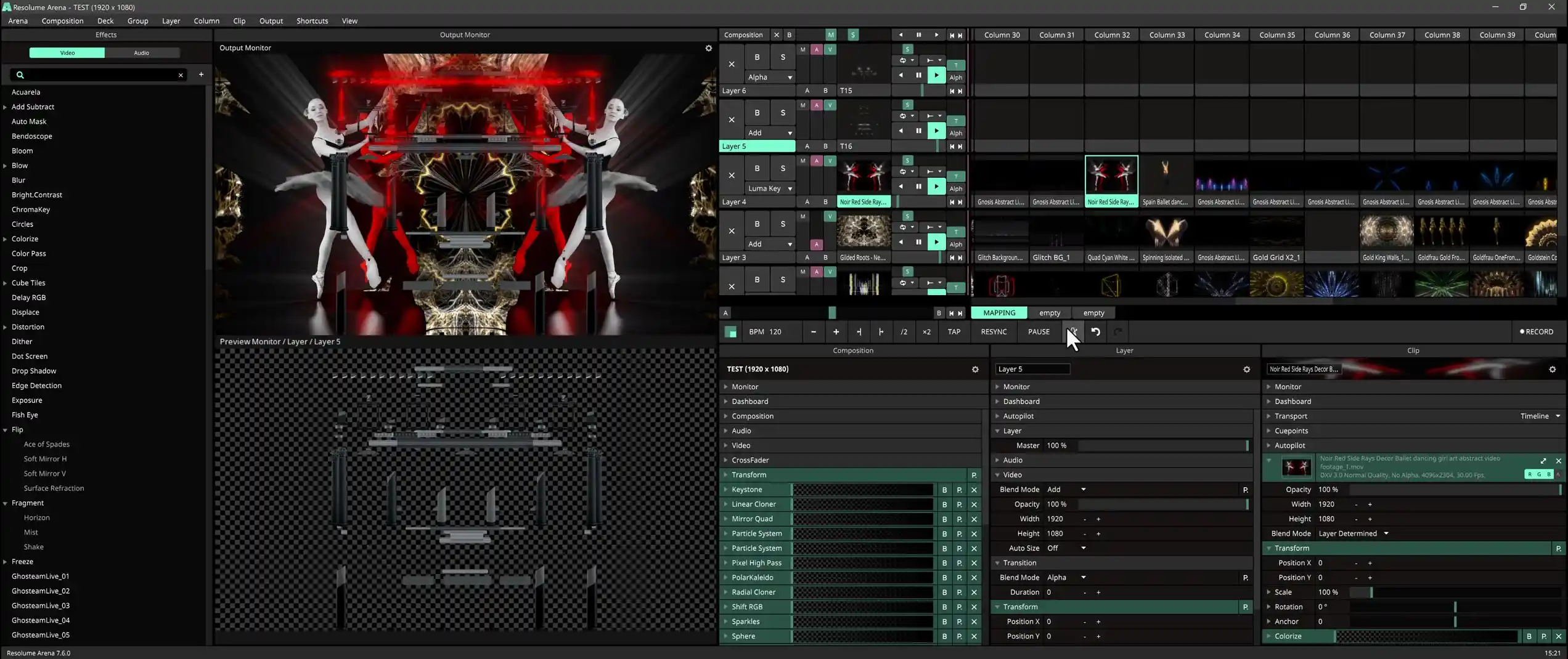
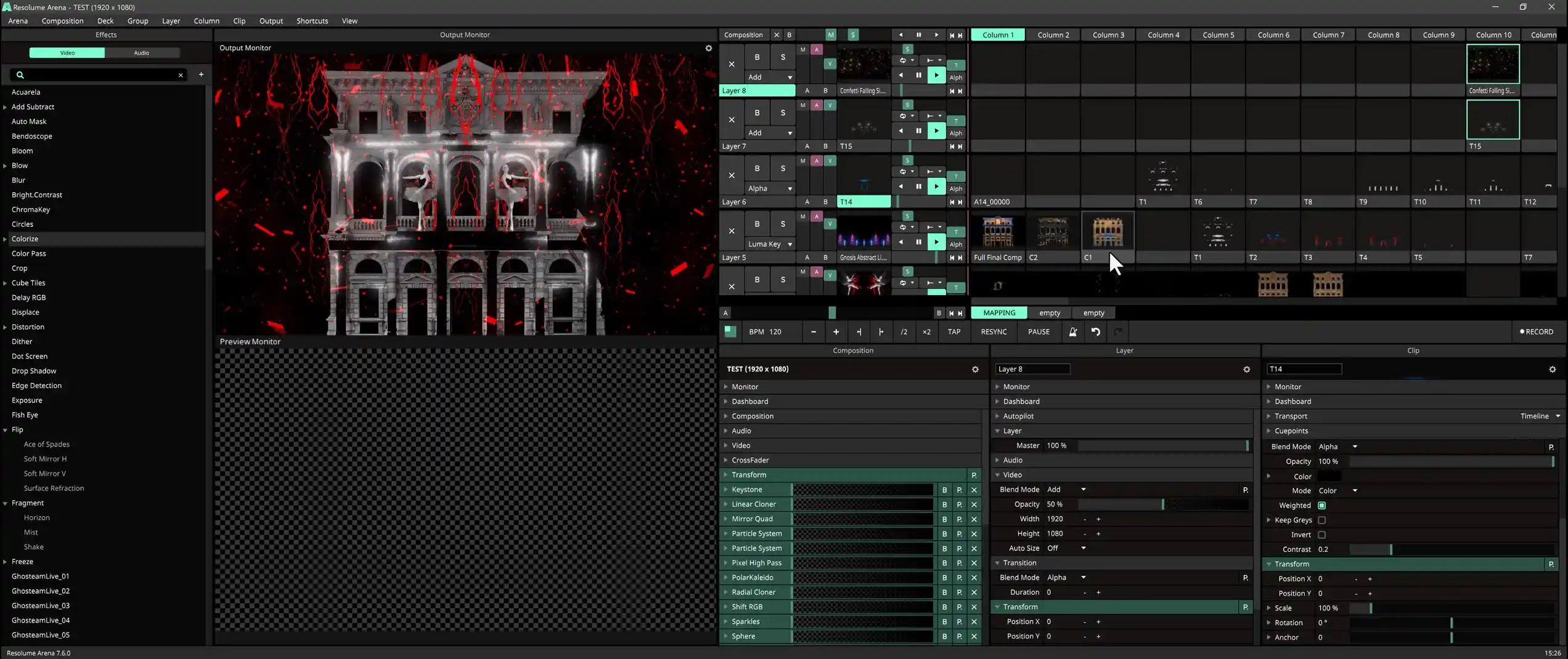
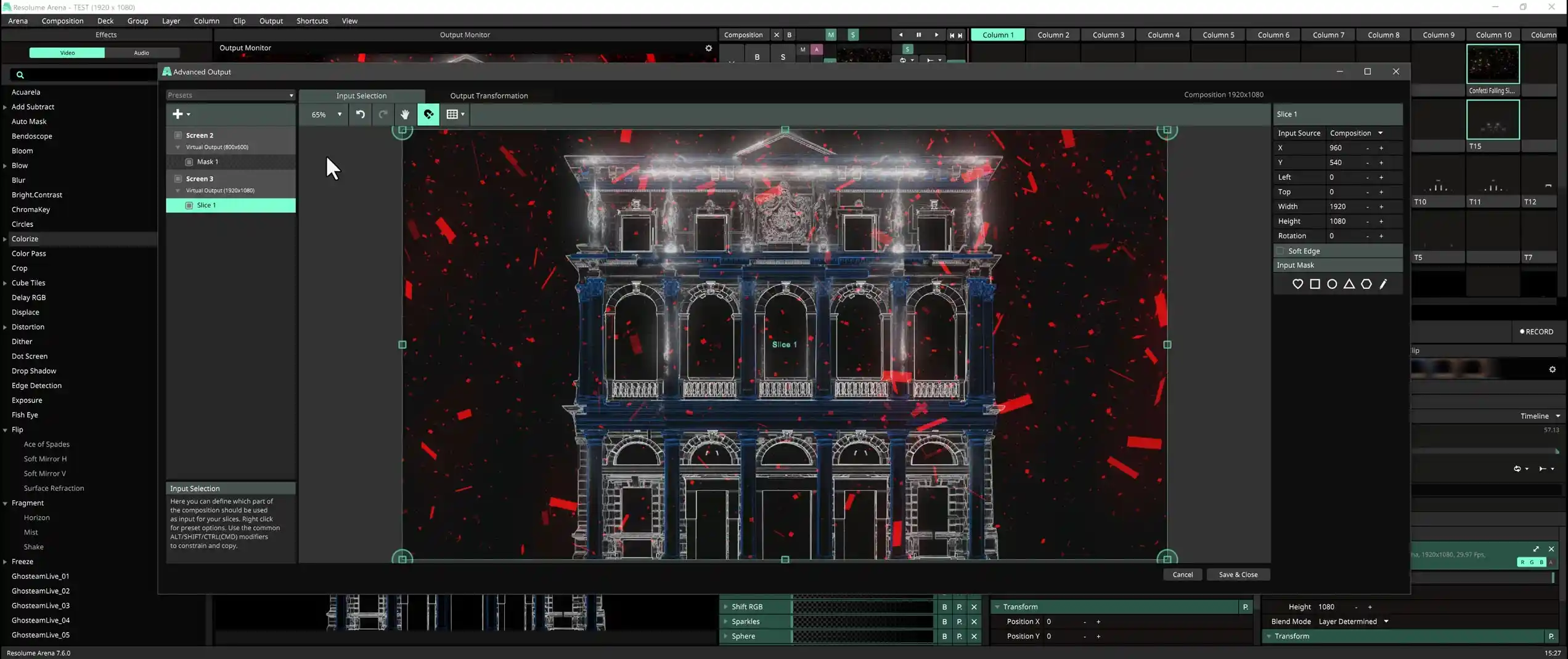
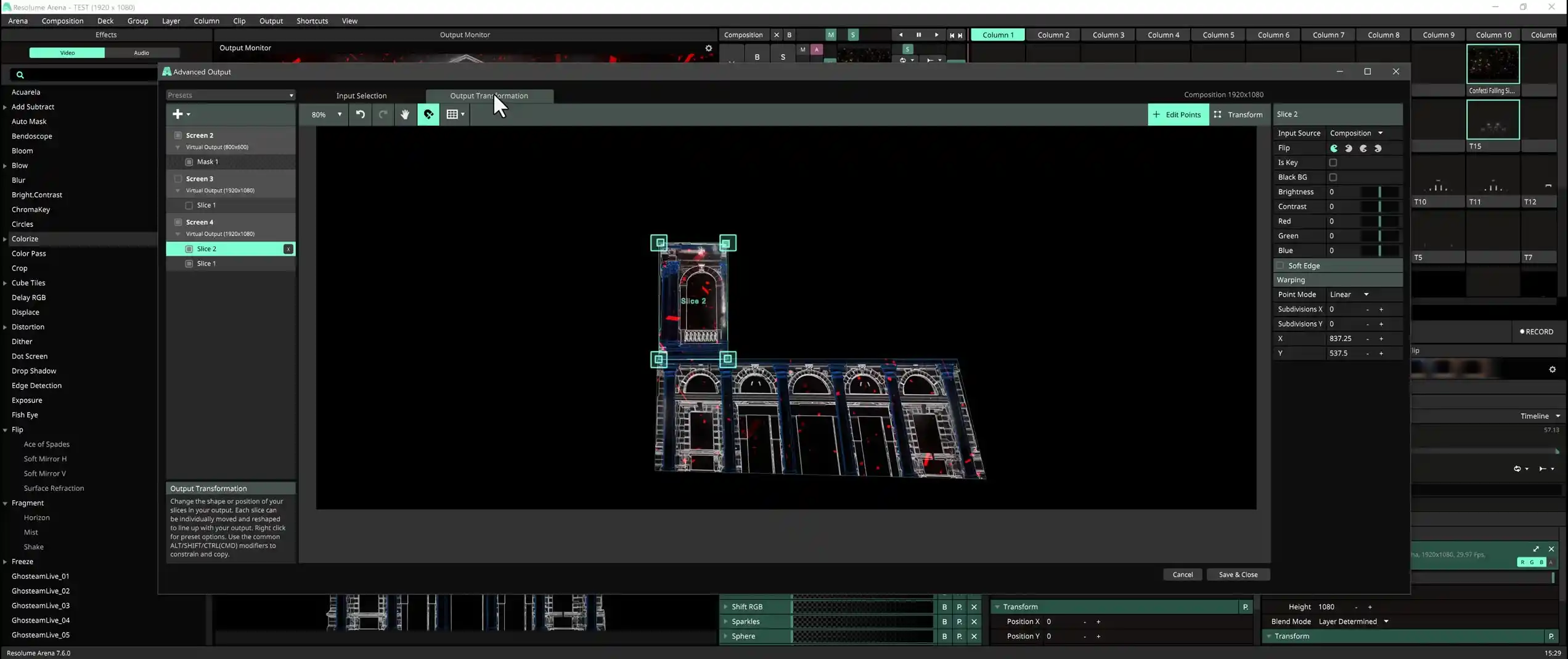
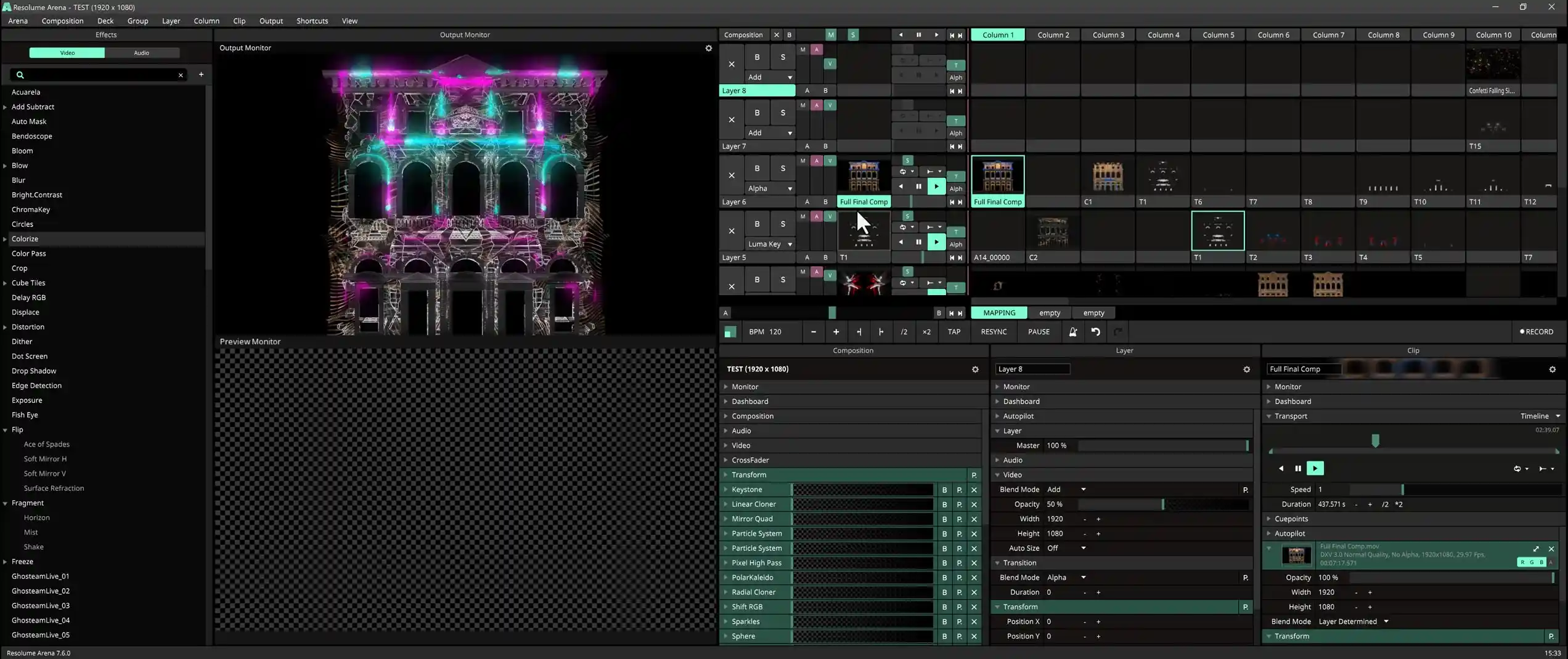
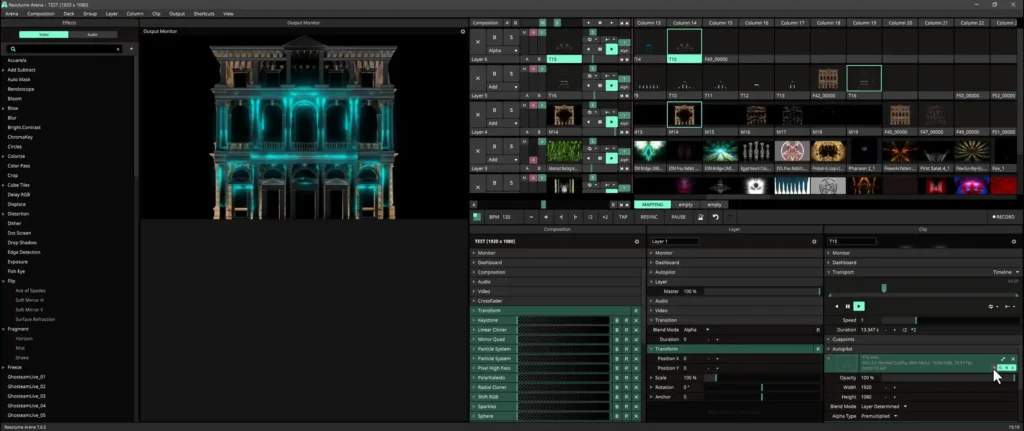
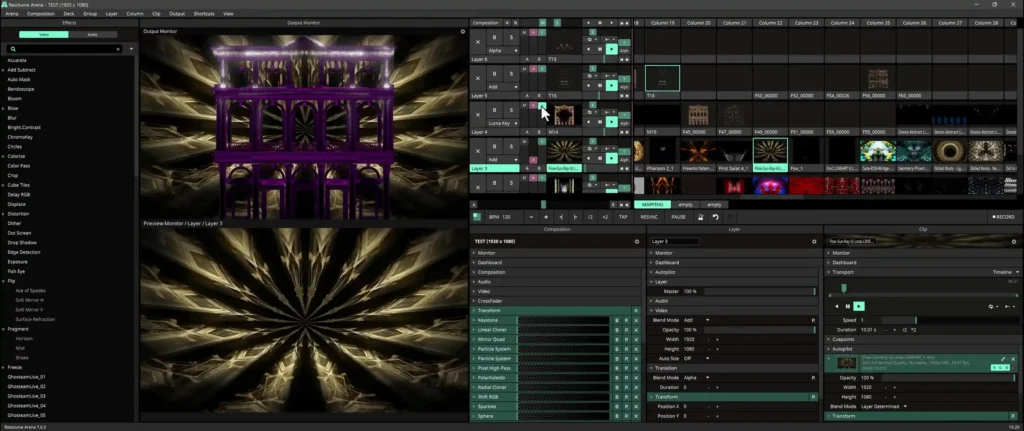
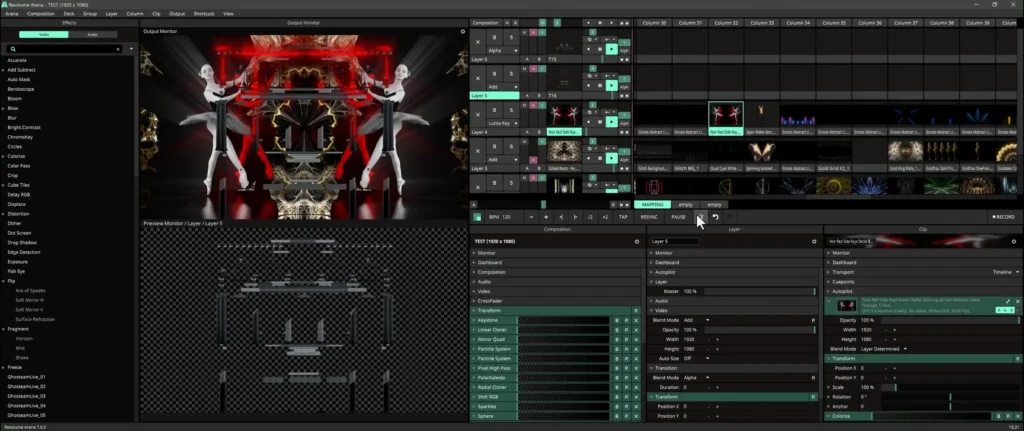
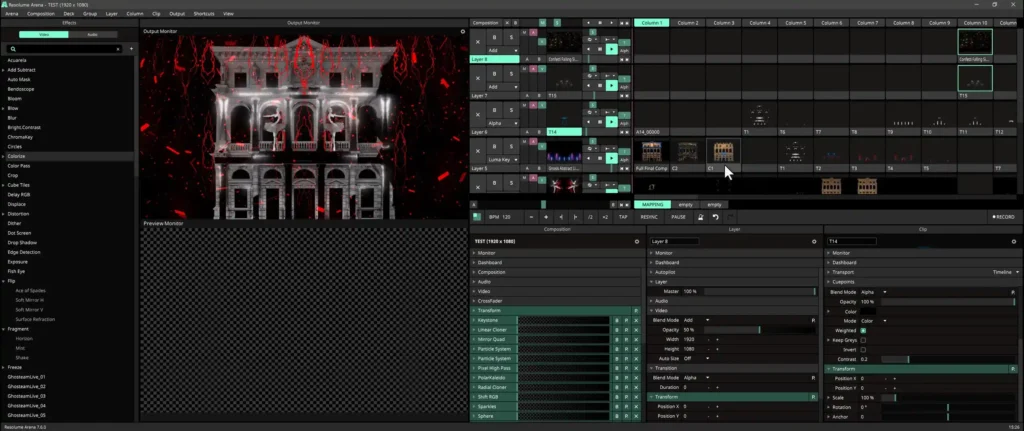
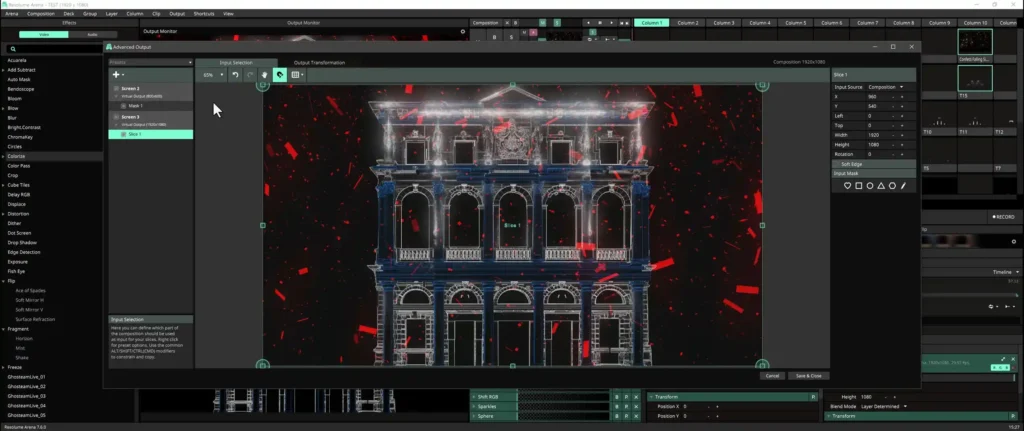
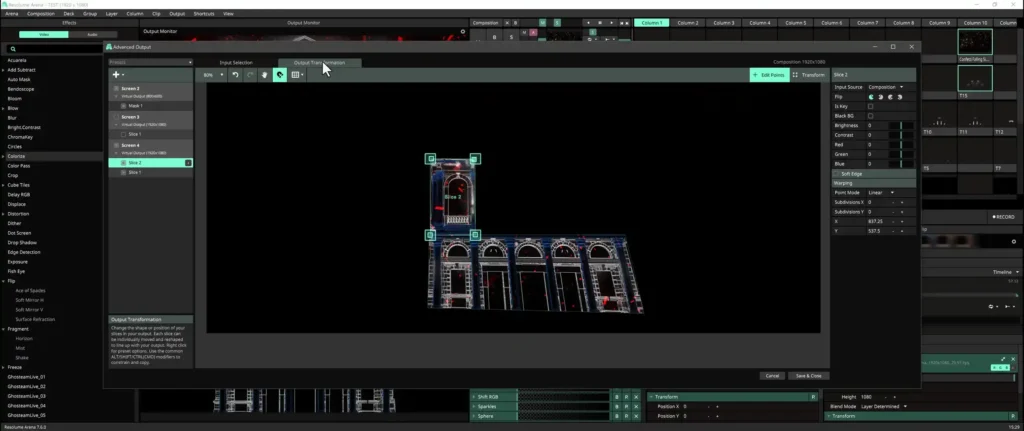
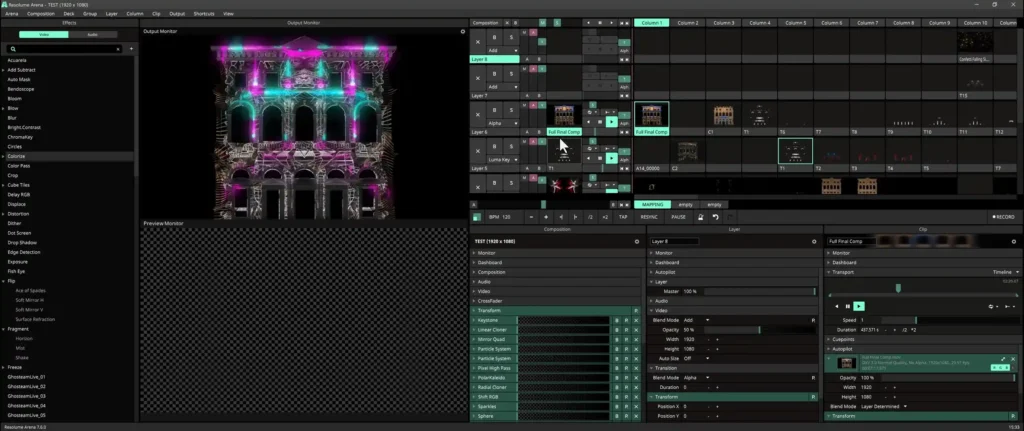
The show goes live. You load the rendered compositions into Resolume Arena, configure the projection and map the content onto the building. For a deeper look at the software, read our Resolume Arena guide →
Which assets are used in the Happy Mapping lessons?
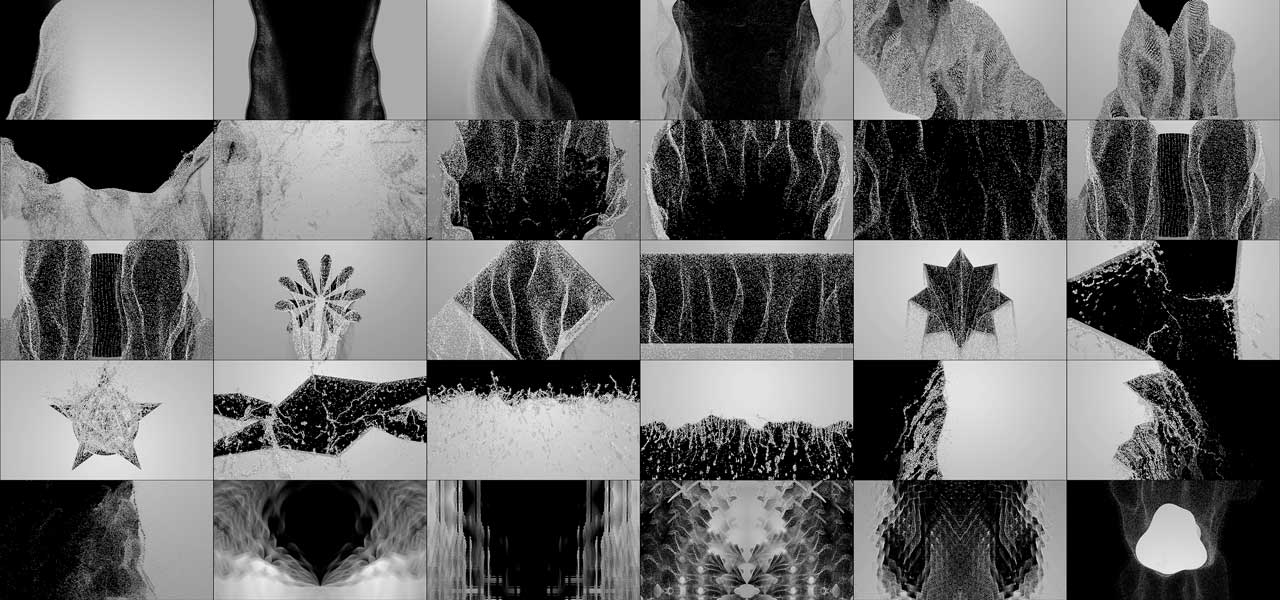
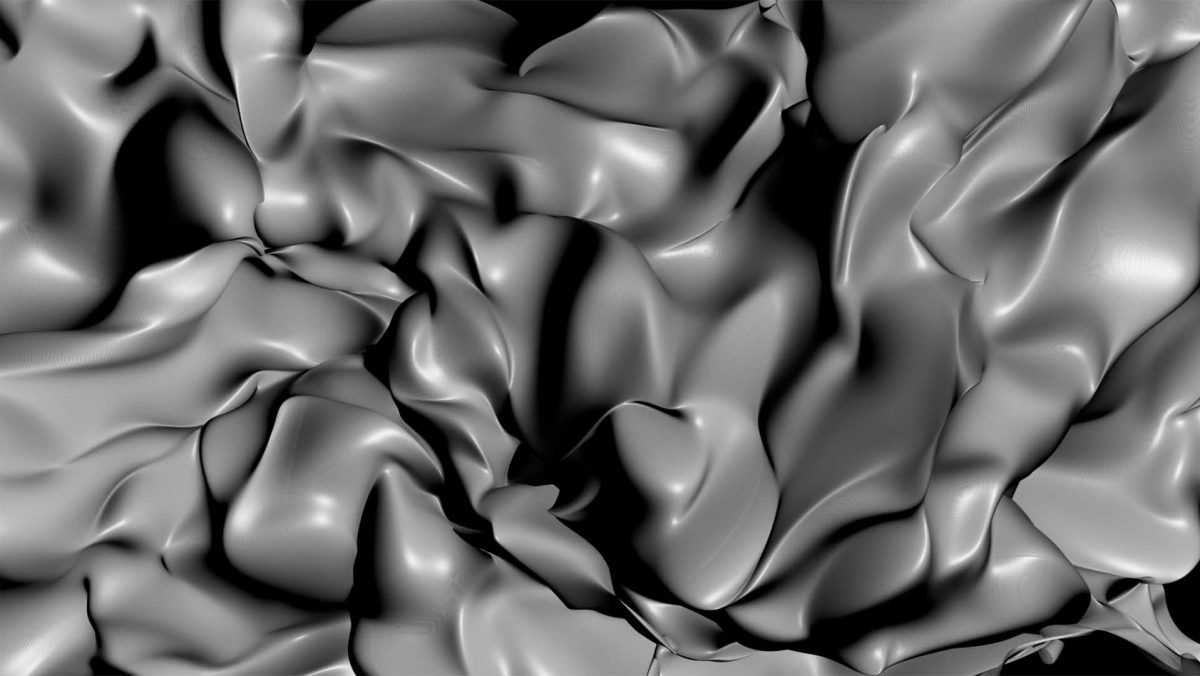
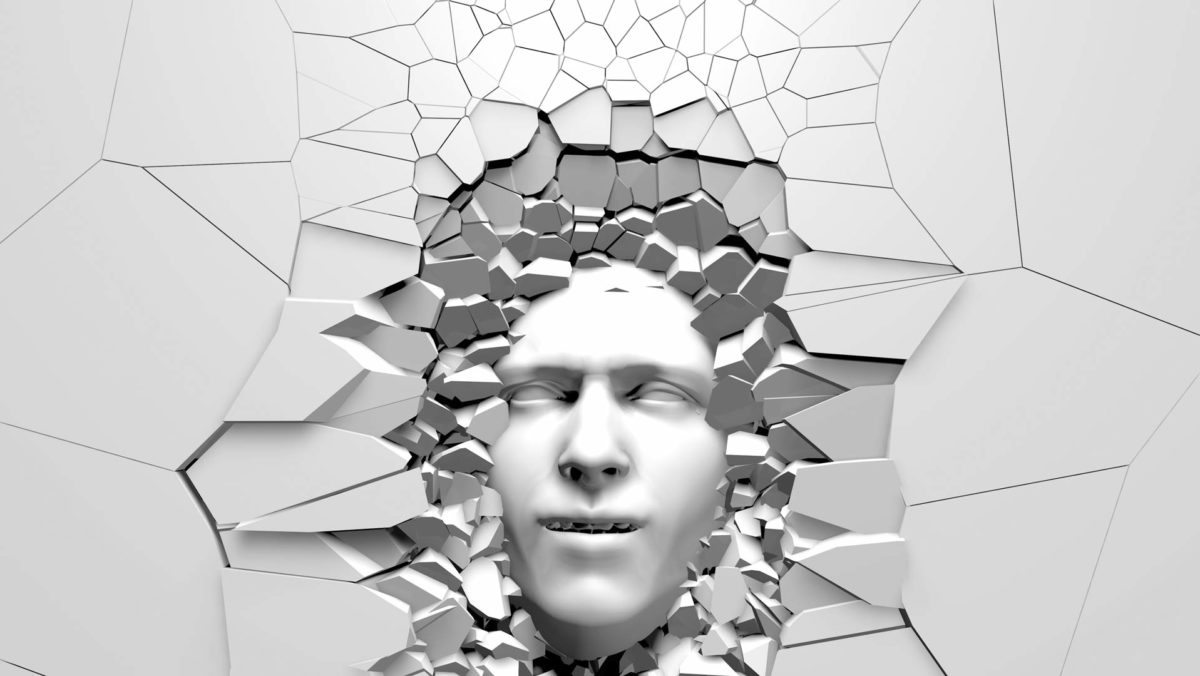
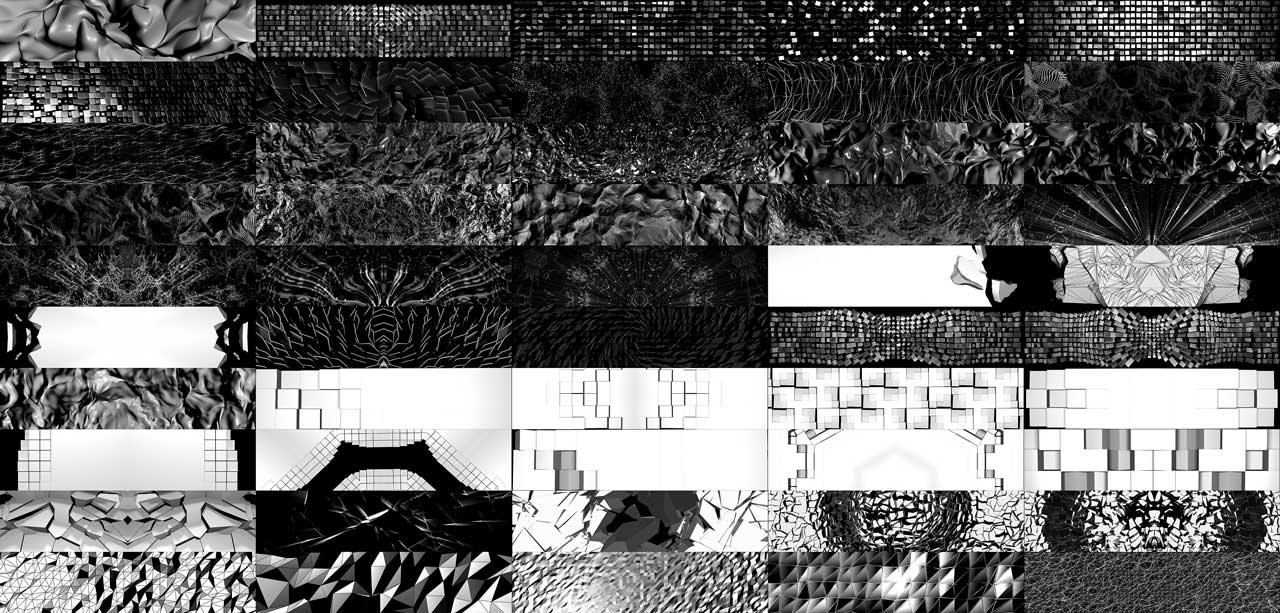
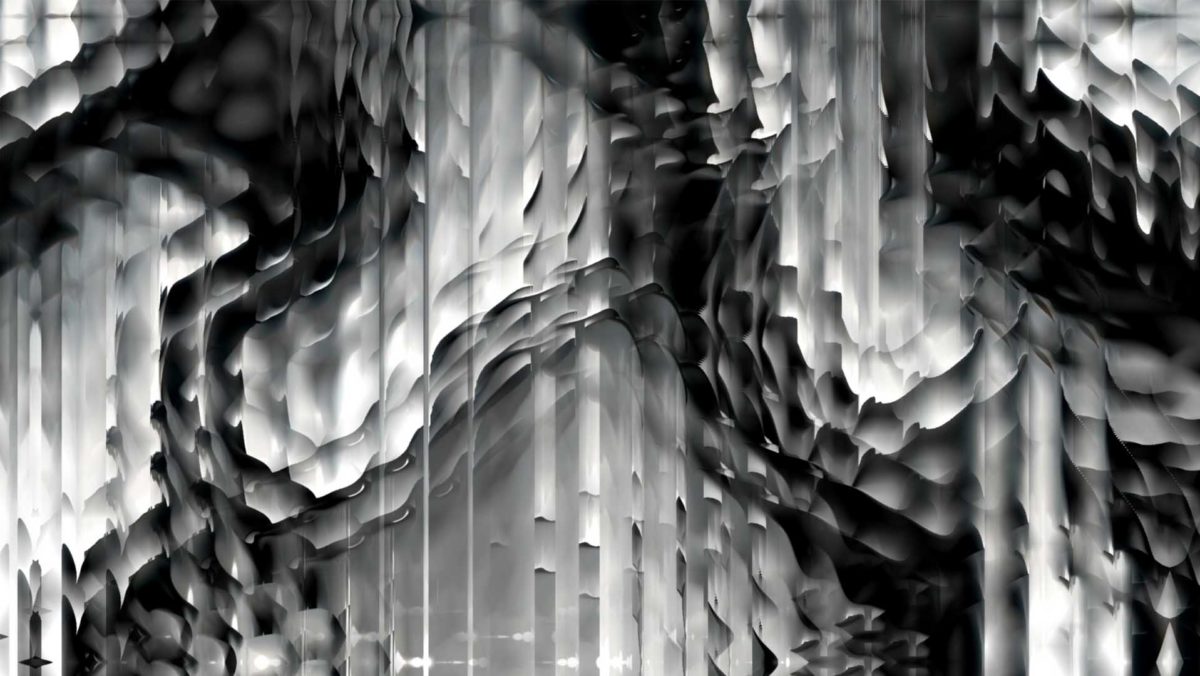
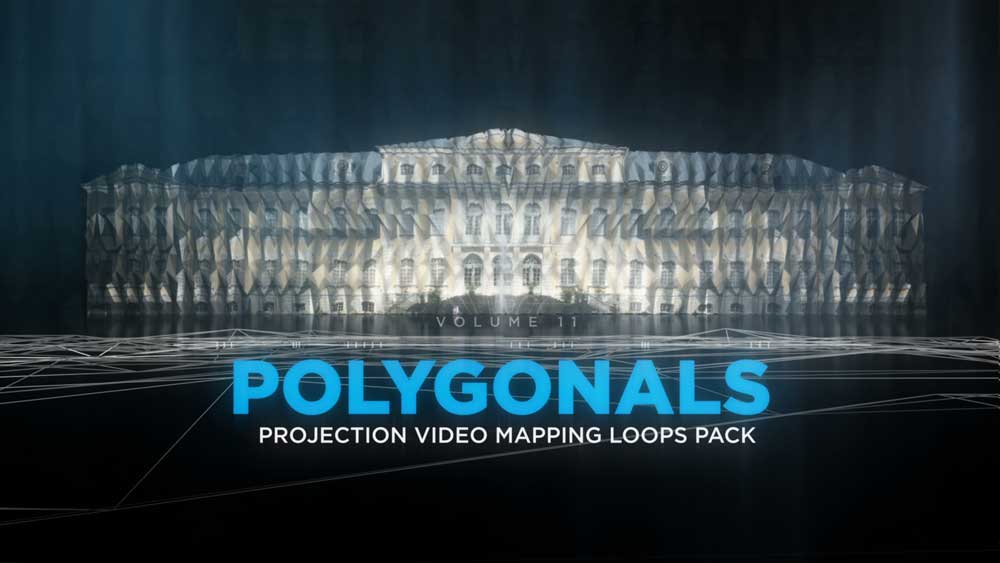
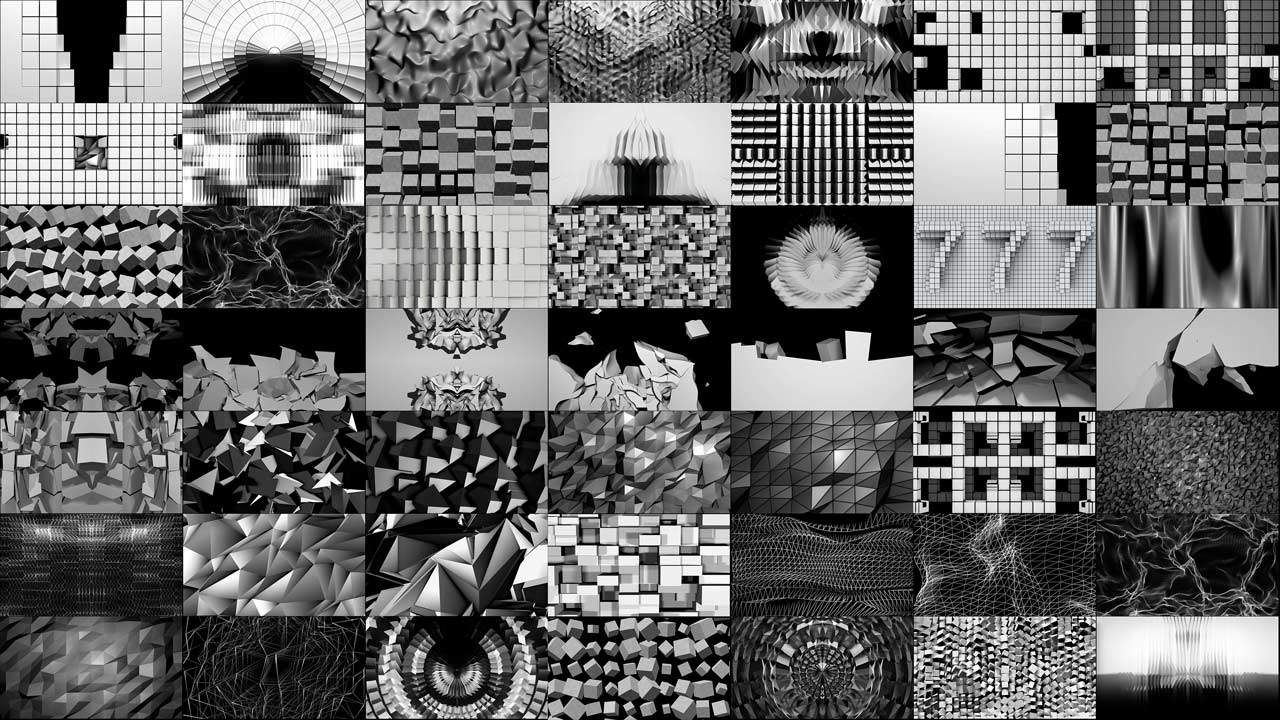
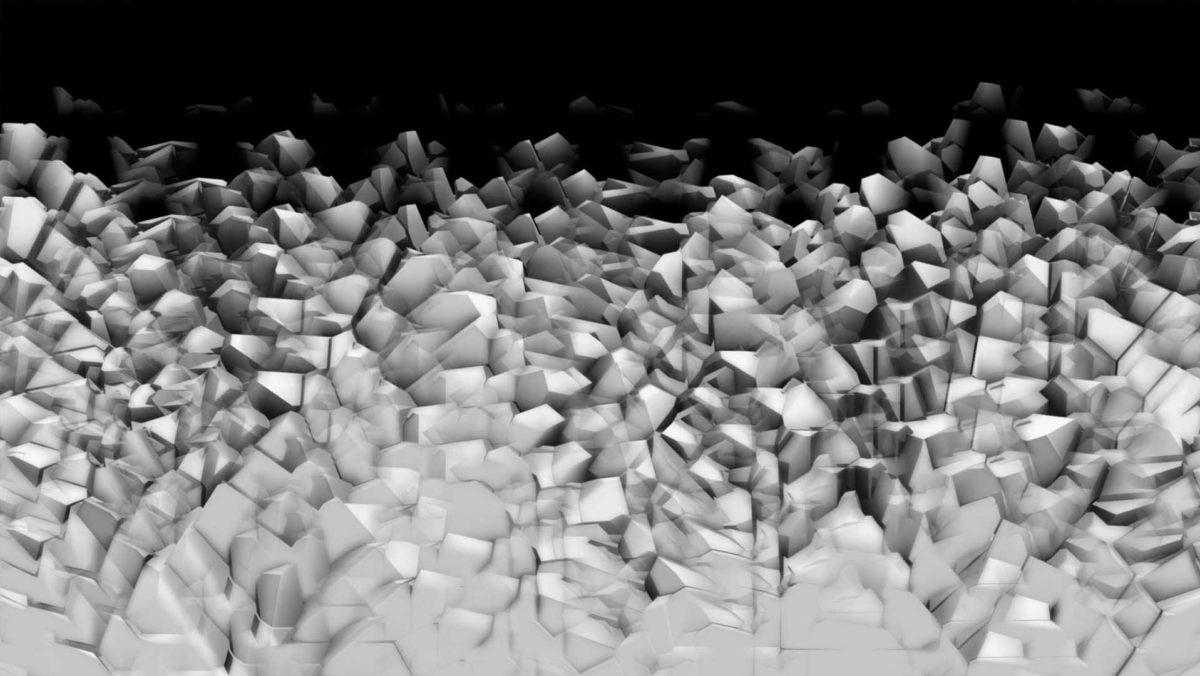
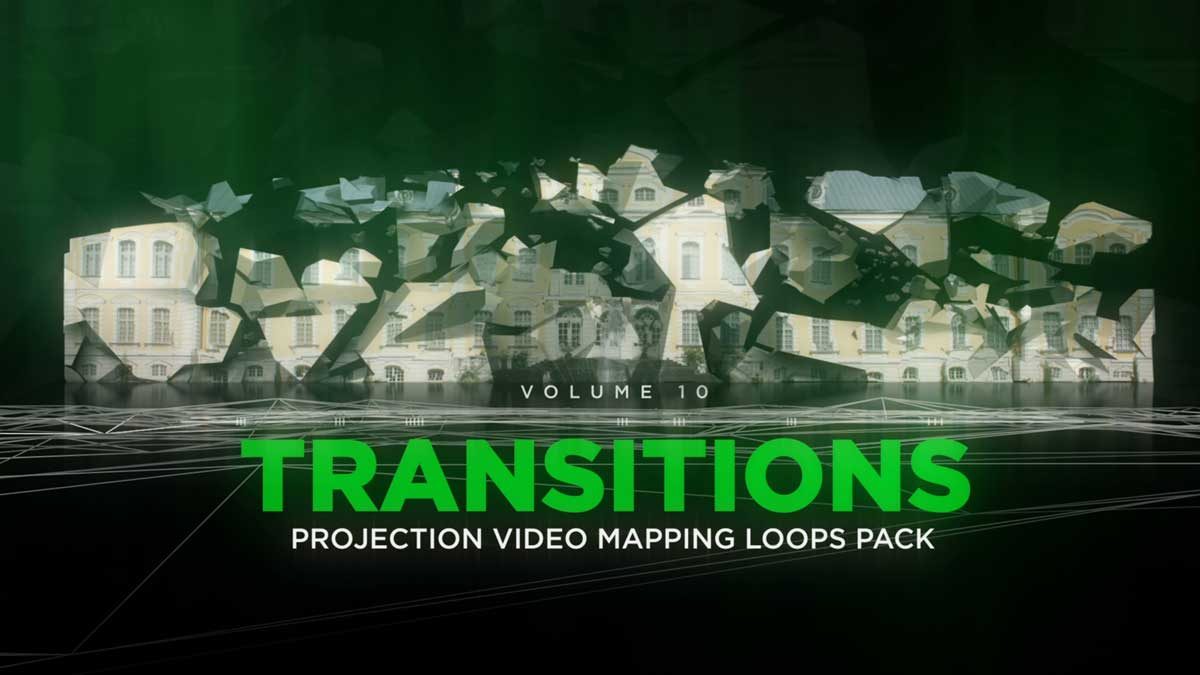
The course is built on two Video Mapping Store product lines: Video Mapping Loops → for the animated 3D depth effects and Video Mapping Toolkits → for the facade elements with alpha channel. You can follow along with your own footage, but working with the same type of packs makes the lessons easiest to repeat.
-
Displaced Dust – Projection Mapping Loops Pack Vol.30
€99 -
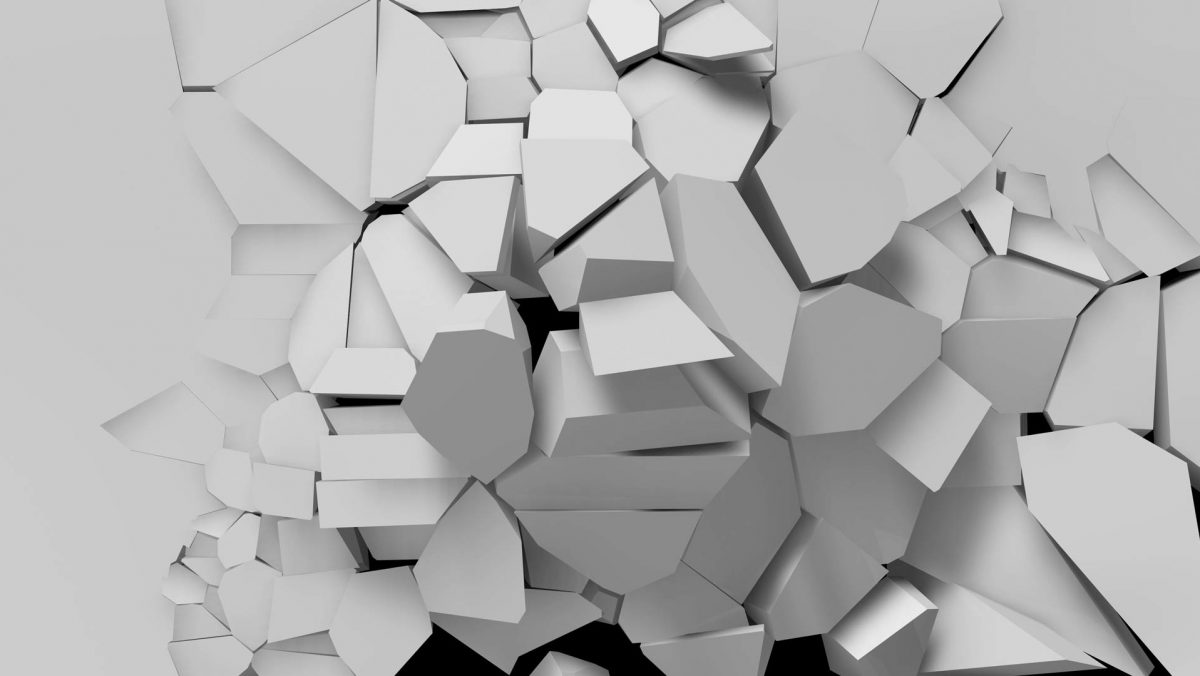
Breaking Walls – Projection Mapping Loops Pack Vol.13
€99 -
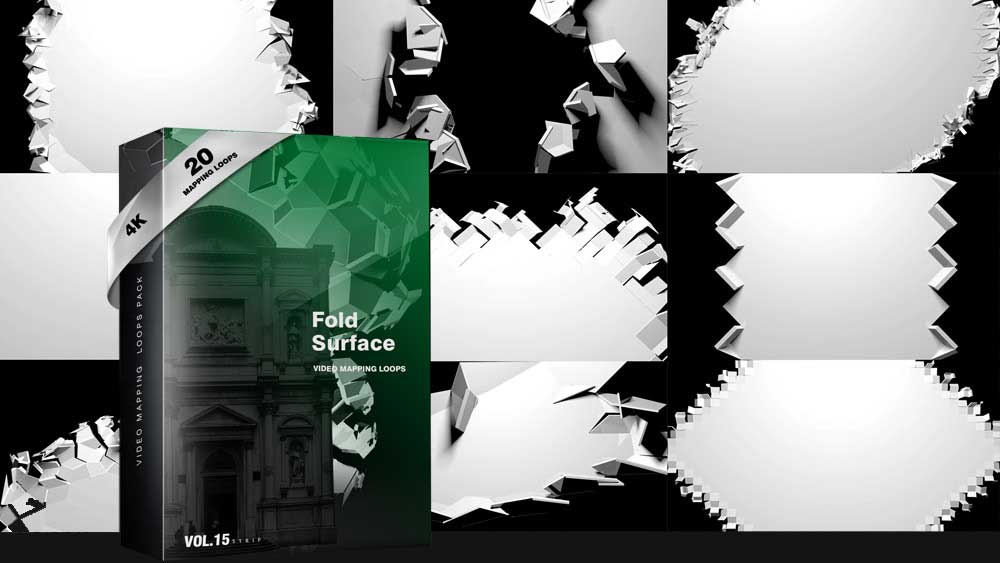
Folding Backgrounds 4K – Projection Mapping Loops Pack Vol.15
€99 -
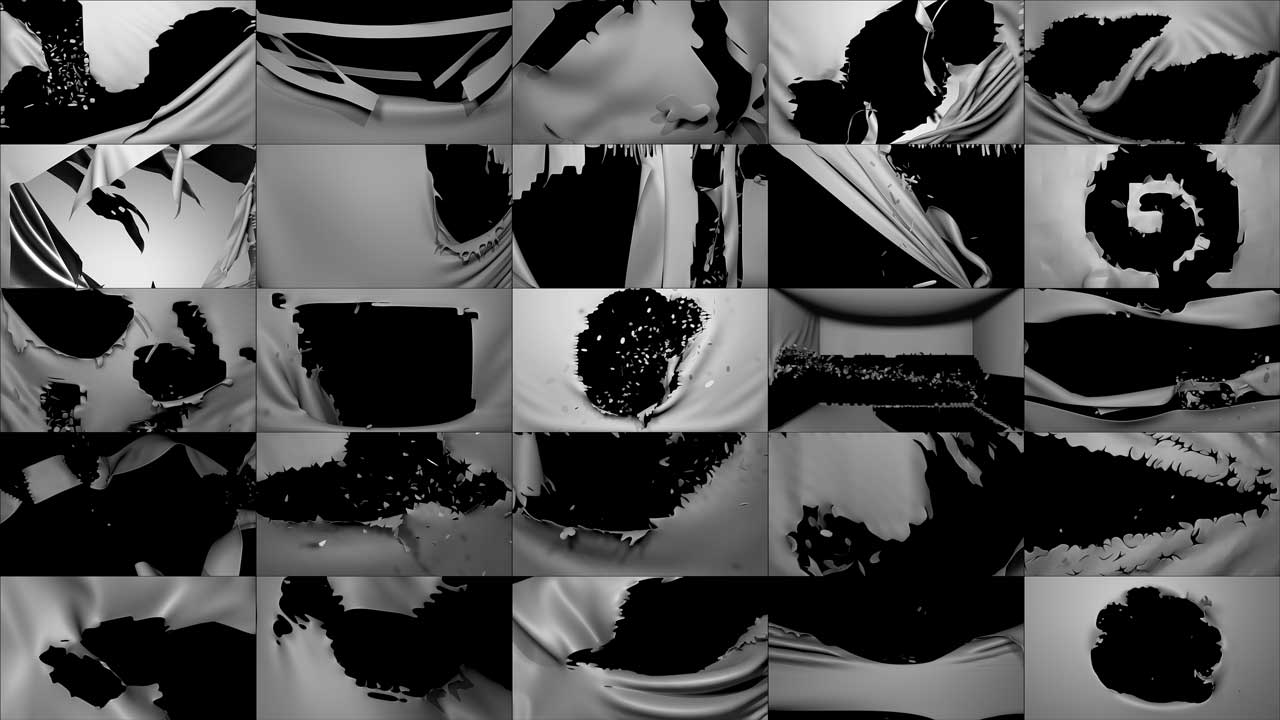
Blowing Curtain – Projection Mapping Loops Pack Vol.29
€99 -
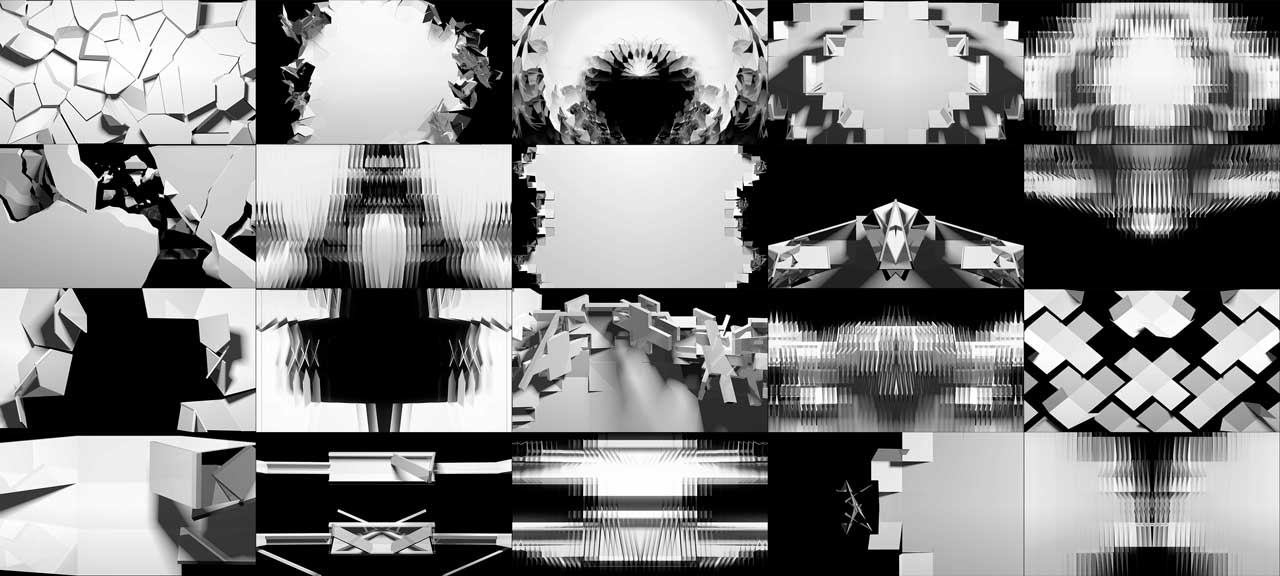
Falling Walls – Projection Mapping Loops Pack Vol.3
€99 -
Sale!
Ultrawide Walls – Projection Mapping Footage Pack Vol.18
Original price was: €149.€129Current price is: €129. -
Liquid Fabrics – Projection Mapping Loops Pack Vol.4
€99 -
Face Effects – Projection Mapping Loops Pack Vol.26
€99 -
Panorama – Projection Mapping Loops Pack Vol.5
€99 -
Wall Displace – Projection Mapping Loops Pack Vol.11
€99 -
Polygons Effect – Projection Mapping Loops Pack Vol.12
€99 -
Massive Turn – Projection Mapping Loops Pack Vol.14
€99 -
Sale!
Smart Reflection – Projection Mapping Loops Pack Vol.2
Original price was: €129.€99Current price is: €99. -
Sale!
Ultrawider Rocks – Video Mapping Loops Pack Vol.25
Original price was: €149.€99Current price is: €99. -
Transitions – Projection Video Mapping Loops Pack Vol.10
€99 -
Cloth Facade – Video Mapping Loops Pack Vol.21
€99
















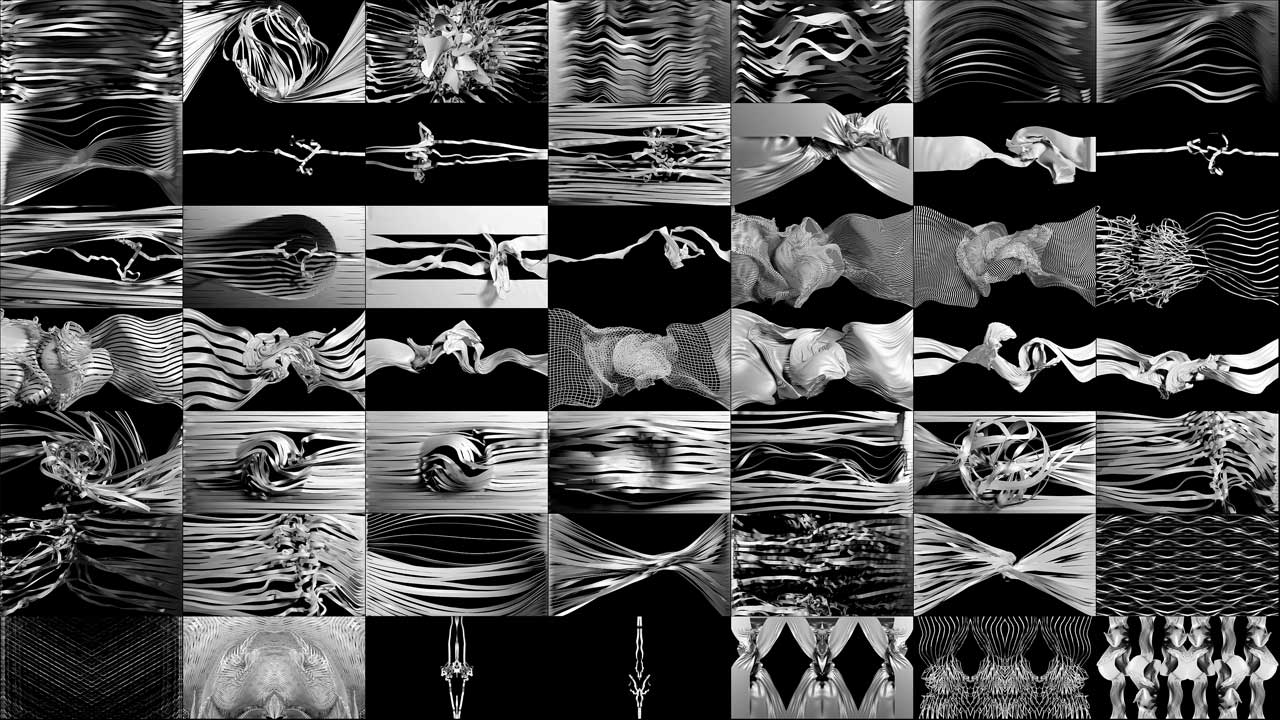
Video Mapping Toolkits for the lessons
Exclusive Animated Facade Decorative elements with Alpha Channel
-
Cocoon Look – Video Mapping Toolkit Vol.26
€89 -
Sale!
Shine Breathe – Video Mapping Toolkit Vol.22
Original price was: €129.€59Current price is: €59. -
Sale!
Fire Wood – Video Mapping Toolkit Vol.6
Original price was: €129.€99Current price is: €99. -
Sale!
Liquid Displace – Video Mapping Toolkit Vol.4
Original price was: €149.€99Current price is: €99. -
Sale!
White Mask – 4 in 1 Video Mapping Toolkit Vol.35
Original price was: €489.€199Current price is: €199. -
Sale!
Artificially Intelligent – Video Mapping Toolkit Vol.28
Original price was: €129.€99Current price is: €99. -
Sale!
Plasticine Animation – Video Mapping Toolkit Vol.13
Original price was: €149.€129Current price is: €129. -
Sale!
Glitch Reload – Video Mapping Toolkit Vol.11
Original price was: €129.€99Current price is: €99. -
Sale!
Gold Mine – Video Mapping Toolkit Vol.25
Original price was: €129.€89Current price is: €89. -
Light Rays – Video Mapping Toolkit Vol.5
€99 -
Sale!
Crystal Hall – Video Mapping Toolkit Vol.12
Original price was: €129.€99Current price is: €99. -
Sale!
Islam Signs – Video Mapping Toolkit Vol.21
Original price was: €129.€59Current price is: €59. -
Sale!
Blaze Comics – 3 in 1 Video Mapping Toolkit Vol.29
Original price was: €399.€199Current price is: €199. -
Sale!
Psy LSD – Video Mapping Toolkit Vol.8
Original price was: €149.€99Current price is: €99. -
Sale!
Asgard Energy – Video Mapping Toolkit Vol.27
Original price was: €129.€99Current price is: €99. -
Sale!
El Dorado – 4 in 1 Video Mapping Toolkit Vol.33
Original price was: €449.€199Current price is: €199.

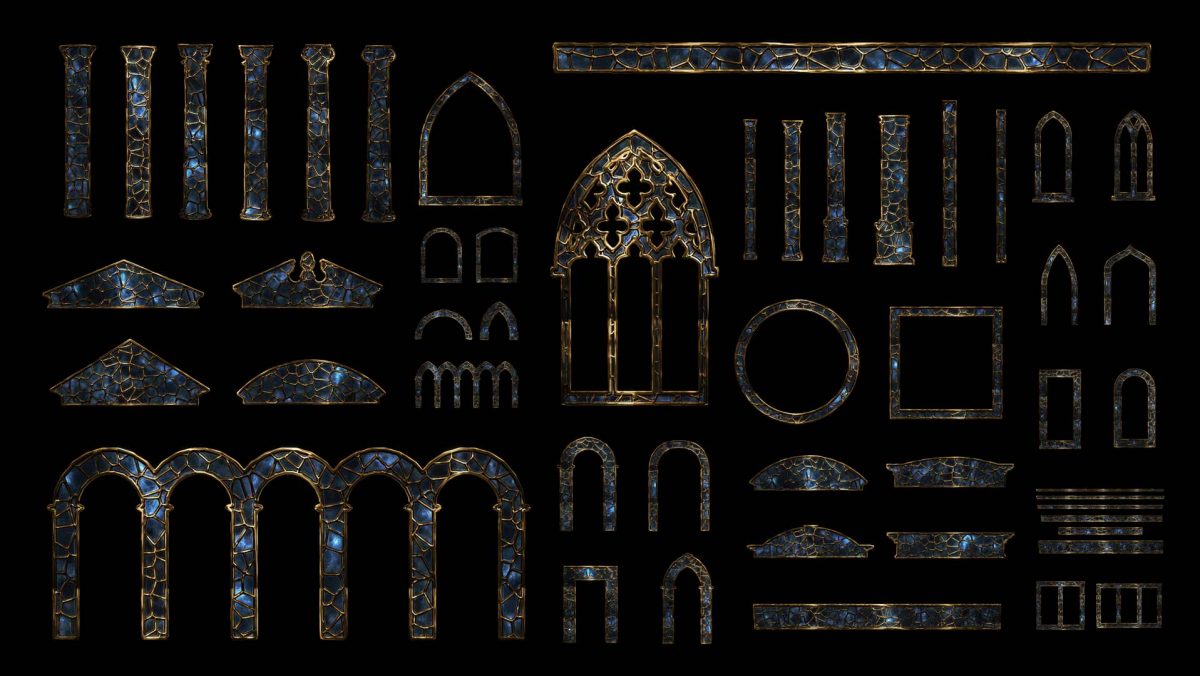

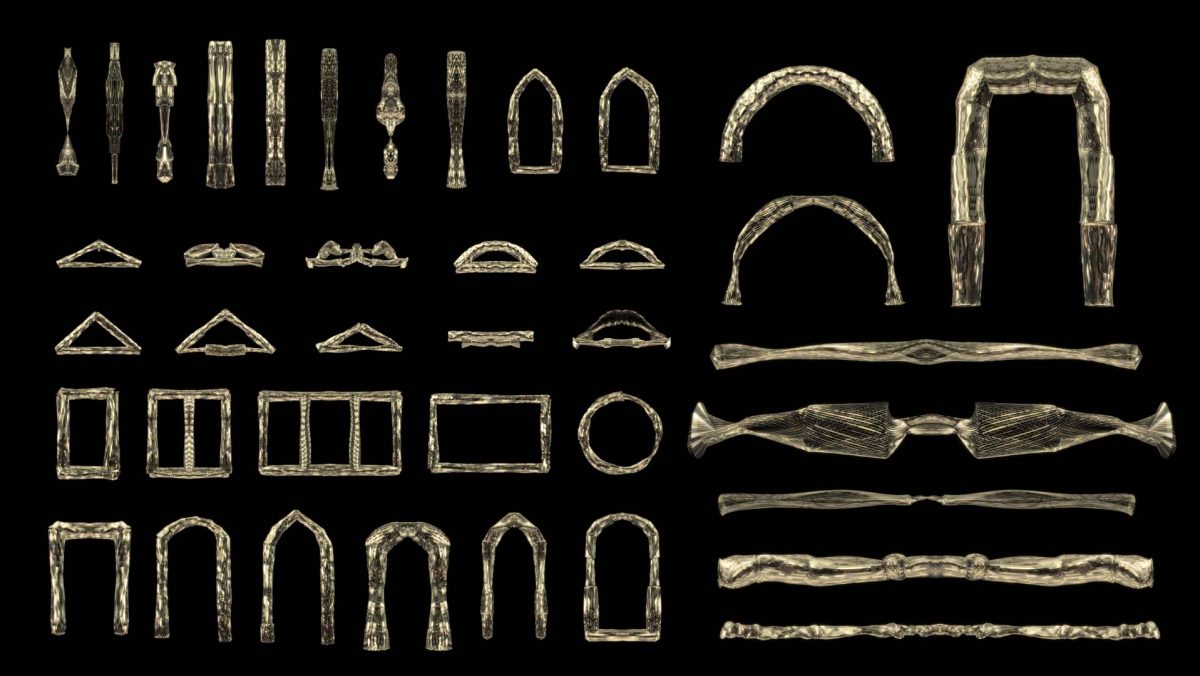

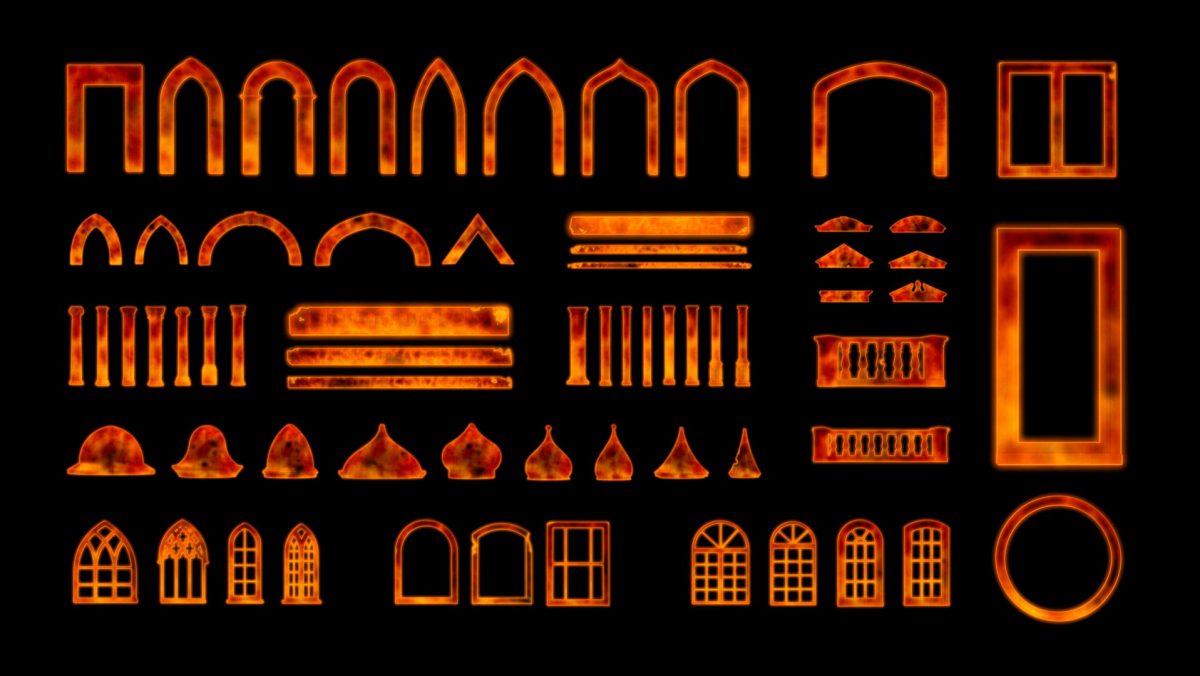













Want every pack from the course and the rest of the library? Full Access → includes all Video Mapping Loops, Toolkits, Textures and new releases for the year.
Frequently asked questions about the Happy Mapping tutorial
Is the Happy Mapping course really free?
Yes. Happy Mapping used to be a paid course for €249. Now the trailer and all 9 lessons are free on the Video Mapping Store YouTube channel, with no payment and no registration.
What software do I need for this projection mapping tutorial?
Adobe Photoshop for the facade texture, Adobe After Effects for animation and compositing, and Resolume Arena for playback and projection setup. More on the last one in our Resolume Arena guide →
Do I need After Effects experience?
Basic After Effects knowledge helps, but it isn’t required. Every step is shown on screen, including which buttons to press.
How long is the course?
9 lessons of 15 to 28 minutes each, about 3 hours 16 minutes in total, plus a short trailer.
Where do I get the Video Mapping Loops and Toolkits used in the lessons?
Both are available in the store: Video Mapping Loops → and Video Mapping Toolkits → The Full Access → subscription includes the entire library.
What language is the course in?
English.