
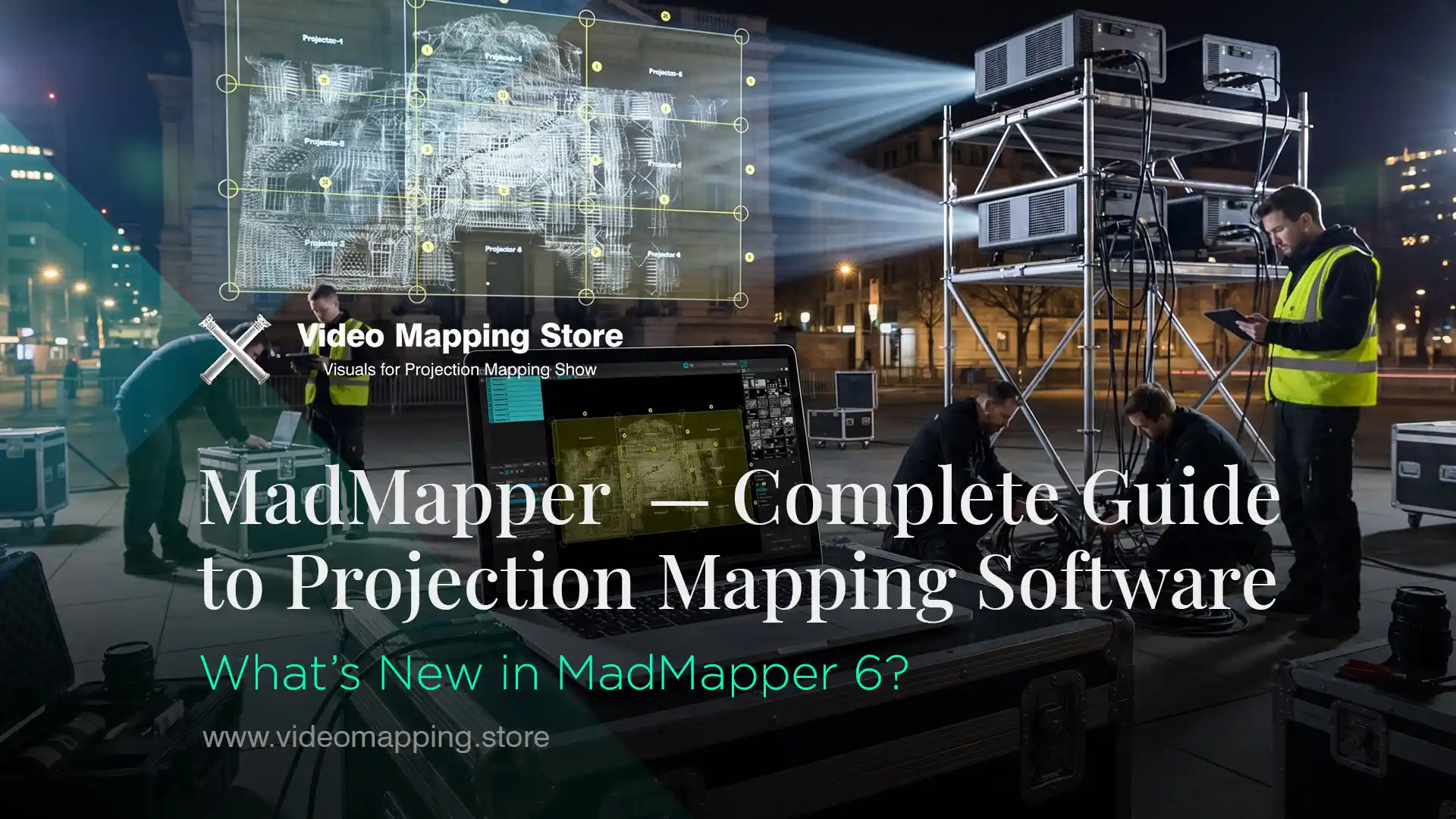
MadMapper — Complete Guide to Projection Mapping Software 2026
MadMapper is a professional projection mapping software developed by 1024 architecture and GarageCube. Current version: MadMapper 6, available for macOS 11+ and Windows 10+. Free version available with watermarked output. Temporary license from €44/month. Perpetual license from €479. Used by visual artists, scenographers, VJ performers, stage designers and installation studios worldwide — from independent artists to Las Vegas productions.
This guide covers MadMapper’s full feature set, the complete product ecosystem including MadAI, MiniMad and MadLaser, pricing and licensing options, how it compares to Resolume Arena, compatible content formats, and learning resources for 2026.
Who Created MadMapper?
MadMapper was created by 1024 architecture and GarageCube in 2010. 1024 architecture is a Paris-based artistic label working at the crossroads of architecture and visual arts. GarageCube is a Geneva-based software company providing the engineering backbone. The collaboration began at an after-party at the Mapping Festival in Geneva, when Frz from 1024 and Boris from GarageCube discussed how to properly map visual content in realtime, in realspace — and together started to imagine the foundation of MadMapper.
The Origins — Art Meets Code in Geneva
MadMapper was born from the encounter between an artistic label — 1024 architecture — and a software development company — GarageCube. The essence of the software comes from this deep relationship between artistic needs and technical solutions. The core idea is to make the technical aspect of a digital installation as easy as possible, in order to focus on the creative matter rather than spend hours on the setup.
1024 architecture is headquartered in Paris, France. GarageCube is based in Geneva, Switzerland. The development team is based in Brussels, Belgium. MadMapper is used worldwide by visual artists, scenographers, stage designers, VJ performers and creative professionals — from independent installations to large-scale shows.
The Mapping Festival was founded in 2005 by Boris Edelstein, creator of the VJing software Modul8. It originated as a platform for advancing the VJ medium — real-time manipulation and projection of images synchronized with electronic music — and has since expanded into a multidisciplinary celebration of digital culture. Held annually in Geneva, the next edition runs May 7–17, 2026. MadMapper grew directly from this community — software shaped by the demands of artists who use it in real shows.

What’s New in MadMapper 6?
MadMapper 6 introduces Timeline — a native show sequencing system with keyframe animation, audio sync, BeatTracking and Export to File. DMX now samples output directly without loopbacks. The interface has been redesigned for a cleaner experience. MadMapper 6 is available for macOS and Windows.
New MadMapper Version in 2026
MadMapper 6 is a landmark update introducing the brand-new Timeline feature — an exciting new way to synchronize and run an entire show. For the first time, users can natively export their mapping work as a video file. DMX tools also receive a major improvement: DMX now samples the output directly, eliminating the need for loopbacks. This version also debuts a refreshed user interface for a cleaner, sharper overall experience.
The Timeline feature is the most significant addition in MadMapper’s history. It allows any parameter animation — sculpt your animation curves in realtime, pick your keyframe interpolation method from Bezier to Flat interpolation, add audio and sync to the music.
The Conductor gives you a bird’s eye view of your entire show and lets you organize the full project in one dedicated view. Montage Tracks work like non-linear editing software — cut, chop, arrange or time-reverse your media, then assign it to the surface of your choice. Animation Clips introduce short, repeatable, loopable segments that can be ghosted and consolidated.
Audio Tracks come with advanced FFT analysis and automated BeatTracking to snapping points, offering powerful new options for audiovisual synchronization — providing a visually stunning and practical way to see audio frequencies, making it easier than ever to snap triggers with precision on the beat.
The Export to File feature is a game-changer: you can now bake your entire mapping, including Laser, DMX, Video and Audio elements, all in one go — whether it’s your entire project or just a loop section.
-
Sale!
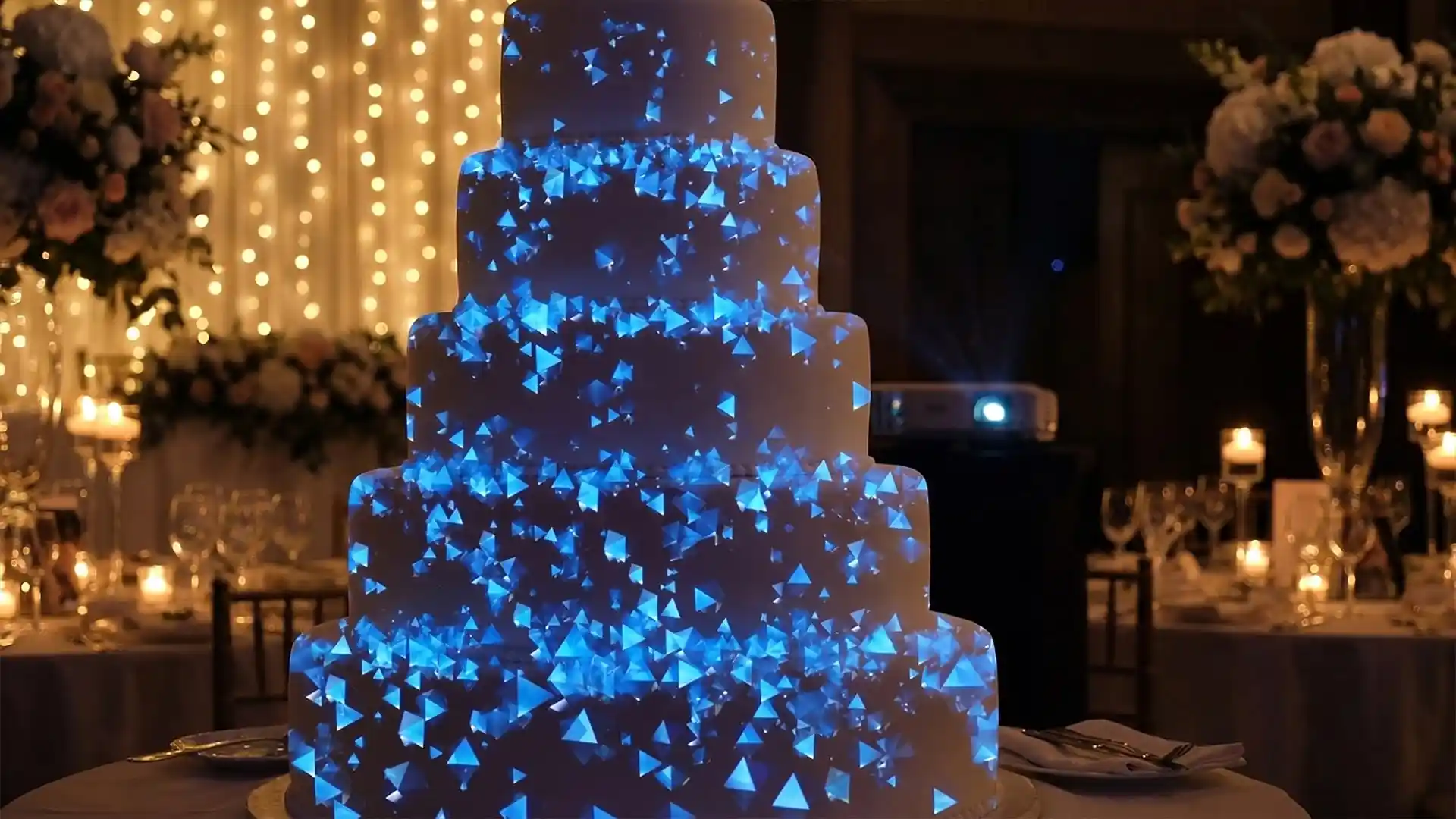
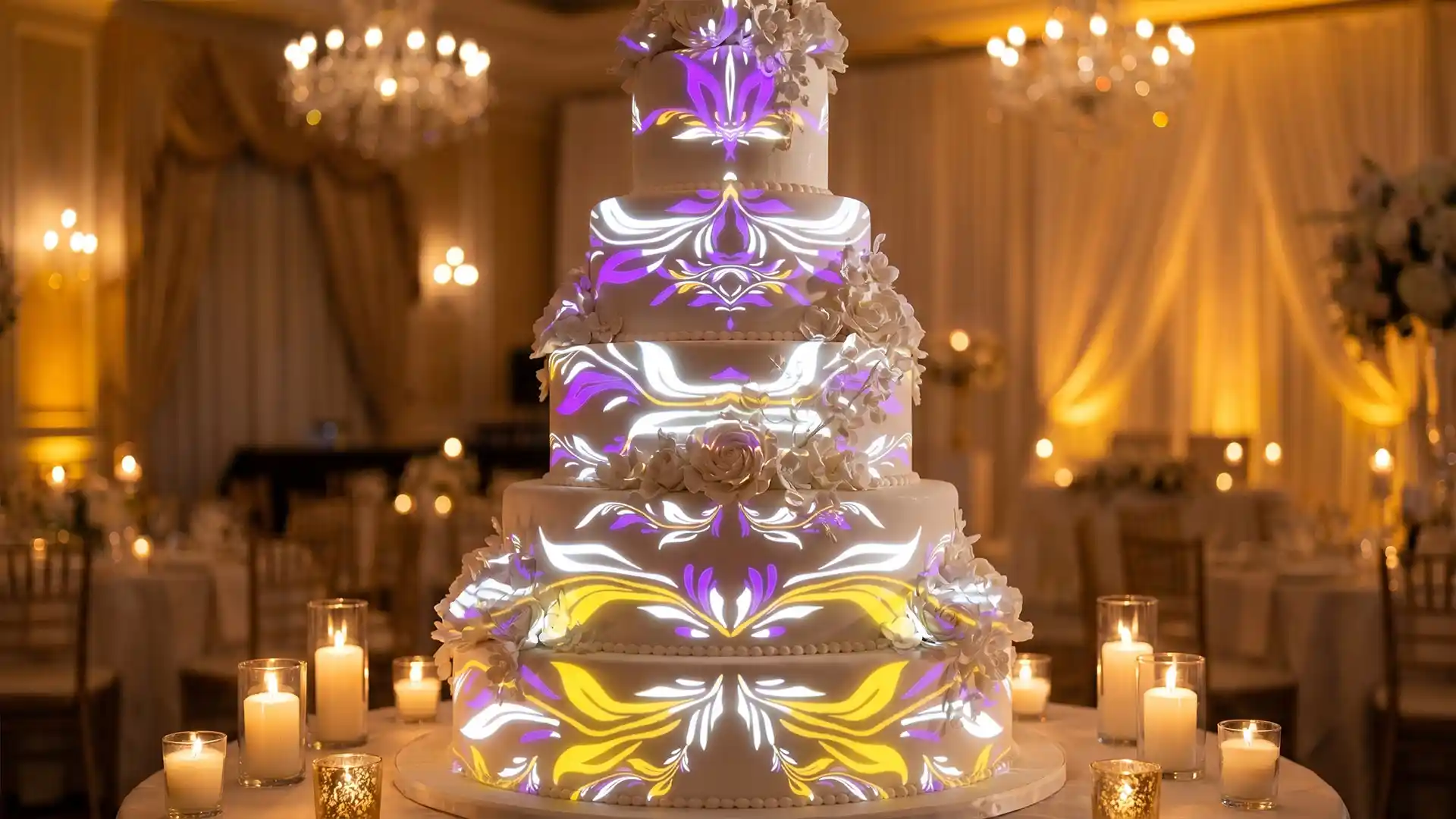
Wedding Cake – Video Mapping Wedding Visuals Vol.1
Original price was: €249.€149Current price is: €149. -
Sale!
Aurora Royale – Projection Mapping Texture Pack Vol.112
Original price was: €49.€39Current price is: €39. -
Sale!
Projection Mapping Starter Pack
Original price was: €649.€249Current price is: €249. -
Sale!
Pink High-Tech – Projection Mapping Texture Pack Vol.73 – UPDATED
Original price was: €49.€39Current price is: €39. -
Sale!
Cyan Futurism – Projection Mapping Textures Pack Vol.57 – UPDATED
Original price was: €49.€39Current price is: €39. -
Sale!
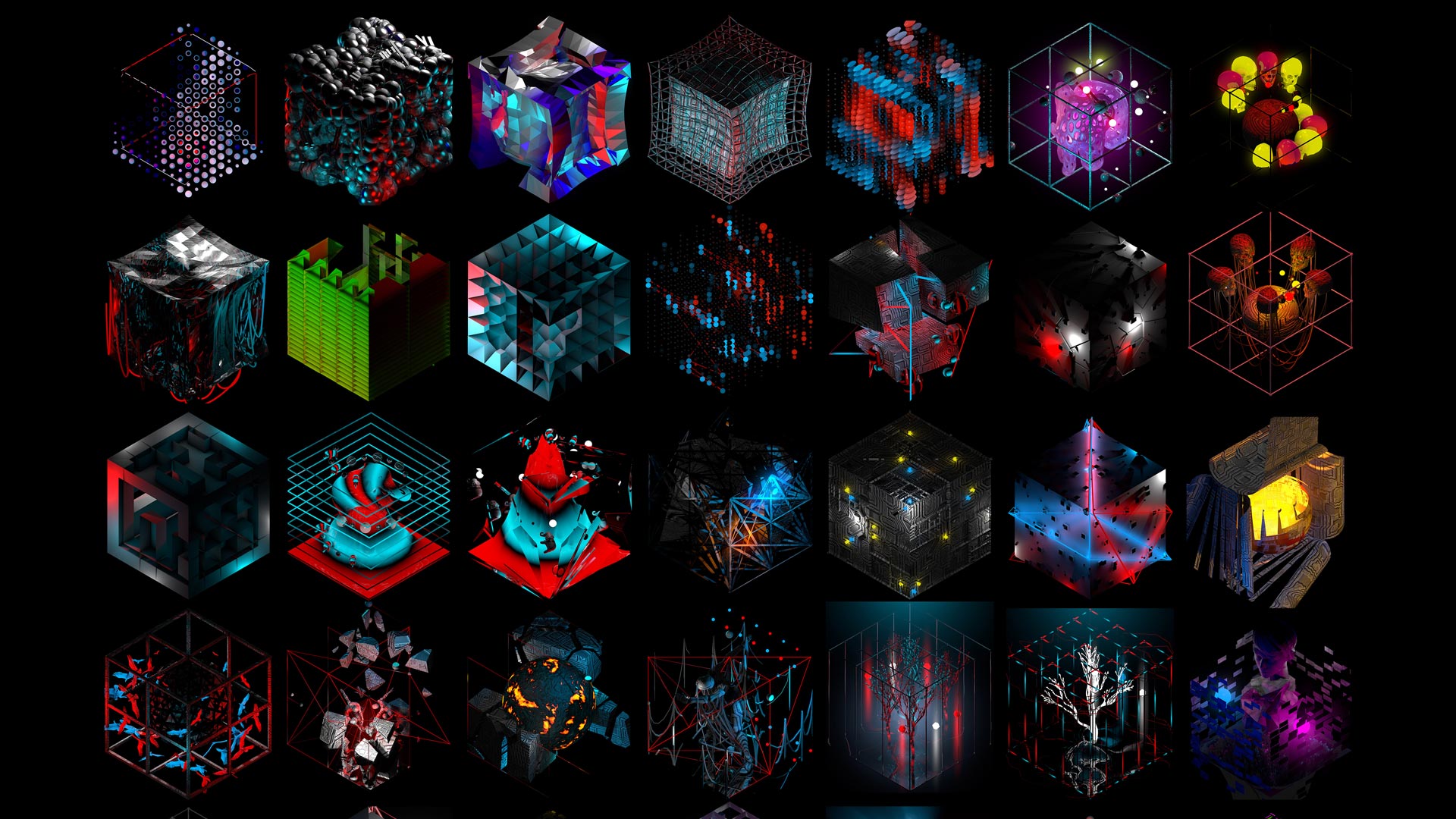
3D Isometric Rave – Cube Projection Mapping Visuals
Original price was: €149.€99Current price is: €99. -
Sale!
Cyber Texture – 3 in 1 Video Mapping Toolkit Vol.32
Original price was: €399.€199Current price is: €199. -
Sale!
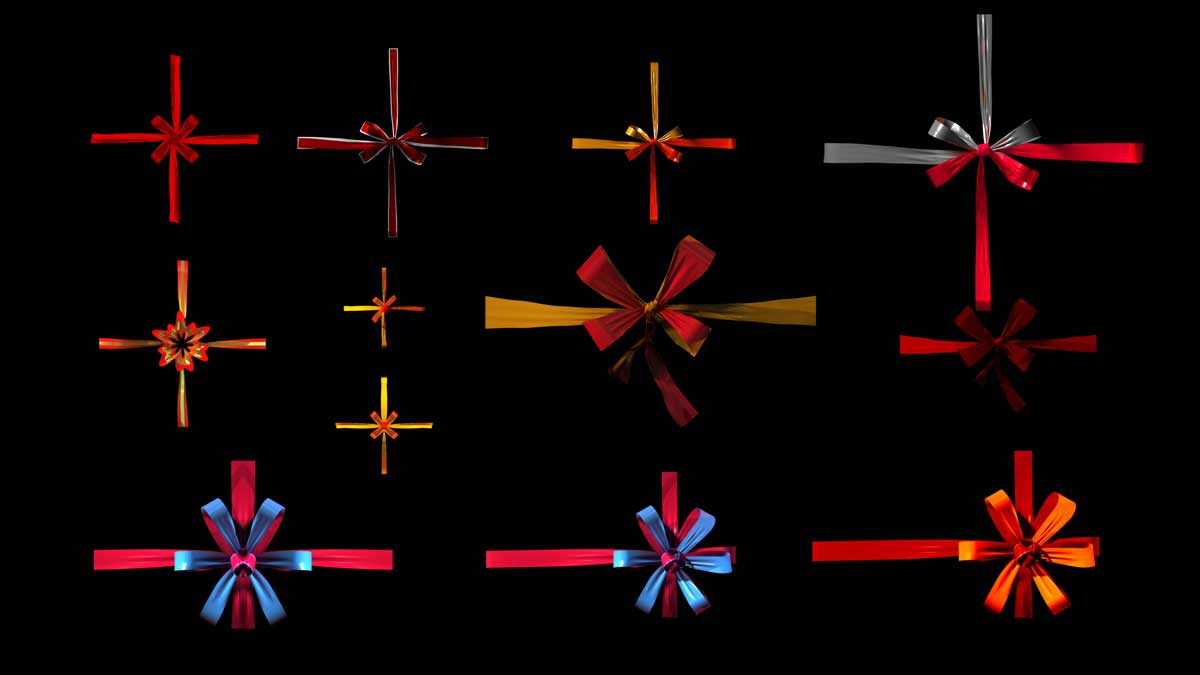
Decor Gifts Ribbons – Video Mapping Elements Pack Vol.4
Original price was: €89.€59Current price is: €59. -
Sale!
Asgard Energy – Video Mapping Toolkit Vol.27
Original price was: €129.€99Current price is: €99. -
Sale!
Fire Dust – Video Mapping Toolkit Vol.24
Original price was: €129.€99Current price is: €99. -
Sale!
Fulldome Video Mapping Loops Bundle Vol.2
Original price was: €599.€299Current price is: €299. -
Folding Backgrounds 4K – Projection Mapping Loops Pack Vol.15
€99 -
Sale!
Video Mapping Toolkit Vol.1 – Green Nature
Original price was: €189.€129Current price is: €129. -
Gold Edition – Projection Mapping Loops Pack Vol.8
€99












Full Access to all Projection Mapping Library
One Year. Unlimited Downloads.

What can MadMapper do?
MadMapper is precision geometric mapping software — it defines surfaces of any shape, assigns content to each surface individually, and outputs a calibrated result across multiple projectors. Supported surface types: quads, triangles, circles, masks, mesh surfaces with freeform warp points, and laser surfaces (since version 5). Runs natively on macOS and Windows. Supports OSC, MIDI and DMX control.
Core Technical Capabilities
MadMapper is built around a fundamentally different philosophy from performance-focused VJ tools. Its primary strength is precision geometric mapping — the ability to define surfaces of any shape, assign content to them individually, and output a perfectly calibrated result across multiple projectors.
The interface divides into a clear left-right split: the media bin on the left where content is managed, and the output preview on the right where surfaces are positioned and warped. Surfaces can be quads (four-corner rectangles), triangles, circles, masks, mesh surfaces with freeform warp points, and since version 5, laser surfaces. Each surface can receive its own content, its own effects, and its own animation — independently from all other surfaces in the composition.
OSC (Open Sound Control) protocol support allows external control from any OSC-compatible device or software — MIDI controllers, mobile apps, custom hardware — making MadMapper highly compatible with complex interactive installation setups.
The software runs natively on both macOS and Windows. In the MadMapper licensing system, computers are referred to as seats. One seat equals one computer, whether Mac or PC. The number of seats determines how many devices can run MadMapper simultaneously.

The MadMapper Ecosystem — Extensions and Hardware
MadMapper is not a standalone application — it is the centre of an expanding ecosystem of extensions and hardware companions that extend its capabilities into lighting, laser, AI and autonomous playback.
MadLaser
MadLaser integrates laser control directly into the MadMapper workflow. Laser surfaces are mapped using the same interface as video surfaces — positioning, warping and animating laser beams using the same logic as video content. This unified approach to mixed-media installations — video and laser controlled from a single interface — is unique among mapping tools.
MadAI
MadAI uses artificial intelligence to help you develop realtime materials, FX and more. It allows users to create parametric realtime visuals, laser materials, or 2D effects surfaces. MadAI can also be used to remix existing content from the Library. All without knowing how to code. Credits are purchased per prompt — 1 credit equals 1 AI generation request, with bulk discounts available.
MadProjectorControl
MadProjectorControl uses the PJLink protocol to remotely control any number of video projectors. Totally cueable, this extension allows you to schedule and automate power and shutter activity directly from within MadMapper. For permanent installations or large-scale multi-projector shows where manual power management is impractical, this extension is essential. Available from €19/month or as a perpetual licence.
MiniMad
MiniMad is a dedicated plug-and-play device designed to work with MadMapper. It hooks up to a projector and plays movie files on surfaces exported from MadMapper. It is based on a Raspberry Pi 2, features 7 physical control buttons, one HDMI output up to 1080p, OSC support, and supports up to 30 units synchronization for multi-projection setups. In lighting mode it outputs DMX/Artnet channel data to light fixtures. Priced at €229, MiniMad makes permanent low-budget installations viable without leaving a full computer running 24 hours a day.

MadMapper vs Resolume Arena — Which should You choose?
MadMapper is optimised for installation and precise geometric mapping — defining surfaces, assigning content to architectural elements, sequencing full shows. Resolume Arena is optimised for live VJ performance — real-time clip mixing, BPM sync, improvisation. MadMapper 6 added Timeline sequencing, closing the gap for show production. Many professionals use both: MadMapper for projection mapping and surface calibration, Resolume for the live content layer.
Compare MadMapper and Resolume Arena
Both tools are industry-standard and both are used by professional projection mapping artists worldwide. The difference is not quality — it is workflow philosophy.
MadMapper was designed from the ground up for installation and precise geometric mapping. Its interface is optimised for defining surfaces, assigning content to specific architectural elements, and building shows that are replayed reliably over extended periods. The addition of the Timeline in version 6 makes it genuinely competitive for full show sequencing — an area where Resolume Arena had a significant advantage.
Resolume Arena was designed for live VJ performance. Its clip-based interface and BPM-synced effects engine make it the faster tool for improvisational live mixing. The DXV codec gives it a significant technical advantage for high-framerate 4K content playback — DXV is hardware-accelerated on GPU and produces smoother playback than the HAP codec that MadMapper uses on Windows, though on macOS the gap has narrowed.
For independent projection mapping artists working on installations, permanent setups and architectural shows, MadMapper’s surface-centric workflow is often more intuitive. For VJs, live performance specialists and event operators who need to improvise and respond in real time, Resolume Arena’s performance-first interface has fewer equals.
In practice, many professionals use both — MadMapper for the mapping and surface calibration, Resolume for the live content layer. The tools are complementary rather than competing in the hands of an experienced practitioner.
Read our complete Resolume Arena guide →
For a full comparison of all projection mapping software options including free and open source tools, see our Full Projection Mapping Software List →

How much does MadMapper cost?
MadMapper offers a free version, temporary licenses and perpetual licenses. The free version includes all features but outputs watermarked video, blacks out DMX channels every 30 seconds, and limits space scanner resolution to 1/4 — sufficient for testing and learning. Temporary license from €44/month. Perpetual license from €479.
Pricing and Licensing
MadMapper offers both temporary and perpetual licenses. Temporary licenses let you select both the number of seats and the duration — starting from a minimum of 1 seat for 1 month. They never renew automatically. Perpetual licenses are lifetime licenses that do not expire, starting with a minimum of 2 seats. Education licenses are available in both temporary and perpetual versions at a discount to support students, teachers and schools.
This licensing model is genuinely flexible for the way projection mapping artists actually work — rent a temporary licence for a specific project, switch to perpetual once MadMapper becomes a regular tool. The seat-based system also makes multi-computer studio setups straightforward to manage.
Content — What Works with MadMapper?
MadMapper accepts all standard video formats — MOV, MP4, HAP, HAP-R on macOS and Windows (HAP-R support on Windows was added in version 5.5). For maximum playback performance, HAP or HAP-R encoded files are recommended.
All Video Mapping Store content — video mapping loops, animated facades, projection mapping textures, stage mapping visuals and themed event packs — is fully compatible with MadMapper. Content is available in MOV ProRes format which loads directly into MadMapper’s media bin without conversion. For MadMapper users on macOS, ProRes playback is natively hardware-accelerated — giving smooth 4K playback without requiring re-encoding to HAP.
Browse all MadMapper – compatible projection mapping content at Video Mapping Store — including video mapping loops, toolkits, projection textures and holographic visuals optimised for MOV ProRes playback.
-
Sale!
All Projection Textures in one Mega Bundle
Original price was: €3,899.€899Current price is: €899. -
Sale!
Wedding Visuals Cake Bundle Vol.1
Original price was: €899.€349Current price is: €349. -
Sale!
Projection Mapping Starter Pack
Original price was: €649.€249Current price is: €249. -
Sale!
HDD Video Mapping Projection Kit Vol.1 – All Video Mapping content on the stock
Original price was: €16,999.€4,999Current price is: €4,999. -
Sale!
Video Mapping Loops Bundle Vol.1
Original price was: €1,299.€499Current price is: €499. -
Sale!
Video Mapping Toolkits Bundle Vol.1
Original price was: €949.€349Current price is: €349. -
Sale!
Christmas Video Mapping Bundle Vol.3
Original price was: €899.€399Current price is: €399. -
Sale!
Halloween Video Mapping Bundle Vol.4
Original price was: €1,049.€449Current price is: €449. -
Sale!
Ultrawide Video Mapping Loops Bundle Vol.3
Original price was: €449.€249Current price is: €249. -
Sale!
All Video Mapping Loops Packs in one Mega Bundle
Original price was: €2,899.€899Current price is: €899. -
Sale!
All Video Mapping Toolkits in one Mega Bundle
Original price was: €3,899.€899Current price is: €899. -
Sale!
Visual Effects Video Mapping Toolkits Bundle Vol.4
Original price was: €749.€249Current price is: €249. -
Sale!
Projection Textures Bundle Vol.1
Original price was: €349.€199Current price is: €199. -
Sale!
Wedding Video Mapping Toolkits Bundle Vol.2
Original price was: €1,289.€389Current price is: €389. -
Sale!
Video Mapping Audio Bundle Vol.1
Original price was: €489.€189Current price is: €189. -
Sale!
Fulldome Video Mapping Loops Bundle Vol.2
Original price was: €599.€299Current price is: €299.














Learning Resources and Community
Official training and tutorials
MadMapper’s YouTube channel provides official tutorials covering the core workflow from getting started to advanced features in version 6. The channel is regularly updated with new technique videos — a reliable first reference for any specific feature question.
The official documentation at docs.madmapper.com covers the complete interface, all extensions, licensing, troubleshooting and release notes. It is comprehensive and well-organised — use it as your primary technical reference. Certified training is available through the MadMapper learning programme at madmapper.com/learning/certified-training — structured courses from certified instructors for artists who want a guided learning path beyond self-directed tutorials.
For projection mapping education covering the full production workflow — content creation, software setup, live performance — Frontskill offers structured online courses specifically for visual artists and projection mapping practitioners.
Community
The MadMapper Users Meetup takes place in Brussels, LaVallée, on August 28–29, 2026. The event brings together the MadMapper community for an immersive experience blending creativity, technology and human connection — masterclasses, lectures, live performances, an art exhibition and a pop-up store showcasing tools and creations from the community.
MadMapper Compendium book.
The MadMapper Compendium Book is a printed publication showcasing 200 artists and creators who use MadMapper. The open call for participation is open to the first 200 registered users with a valid licence, with a deadline of June 26, 2026. The final printed book will be published in September 2026.
The GarageCube forum at forum.garagecube.com remains the most complete archive of technical questions and solutions — years of accumulated community knowledge covering edge cases, hardware compatibility and workflow tips that no official documentation fully covers.
From the Perspective of a Projection Mapping Artist
By Alexander Kuiava, media artist and founder of Video Mapping Store.
MadMapper occupies a specific and valuable position in the projection mapping toolkit. Its surface-first approach forces you to think architecturally from the moment you open a project — you define where the content goes before you decide what the content is. For installation work and architectural shows where the building is the brief, this is the right way to think.
The addition of Timeline in version 6 removes what was, for me, the main reason to reach for Resolume for show sequencing. MadMapper can now sequence a complete show, synchronise to audio, and export to file — all within the same interface where the mapping was built. That is a significant reduction in the number of tools a production needs.
For anyone working with Video Mapping Store content specifically — the ProRes files load directly into MadMapper without any conversion step, and the alpha channel support for projection textures and holographic content works exactly as expected. MadMapper’s handling of transparency in composited surface stacks is clean and predictable in a way that saves real production time. And saving time in our dynamic world is a very, very important aspect.
Full Access to all Projection Mapping Library
One Year. Unlimited Downloads.
-
Sale!
Projection Mapping Starter Pack
Original price was: €649.€249Current price is: €249. -
Japan Vibe – Projection Mapping Texture Pack Vol.74
€29 -
Sale!
Video Mapping Toolkits Bundle Vol.1
Original price was: €949.€349Current price is: €349. -
Alien Bronze – Projection Mapping Textures Pack Vol.68
€29 -
Sale!
Cold Autumn – Video Mapping Audio Loops Pack Vol.5
Original price was: €49.€24Current price is: €24. -
Halloween Insects – Projection Mapping Textures Pack Vol.63
€29 -
Architecture Vienna House 3D Model
€59 -
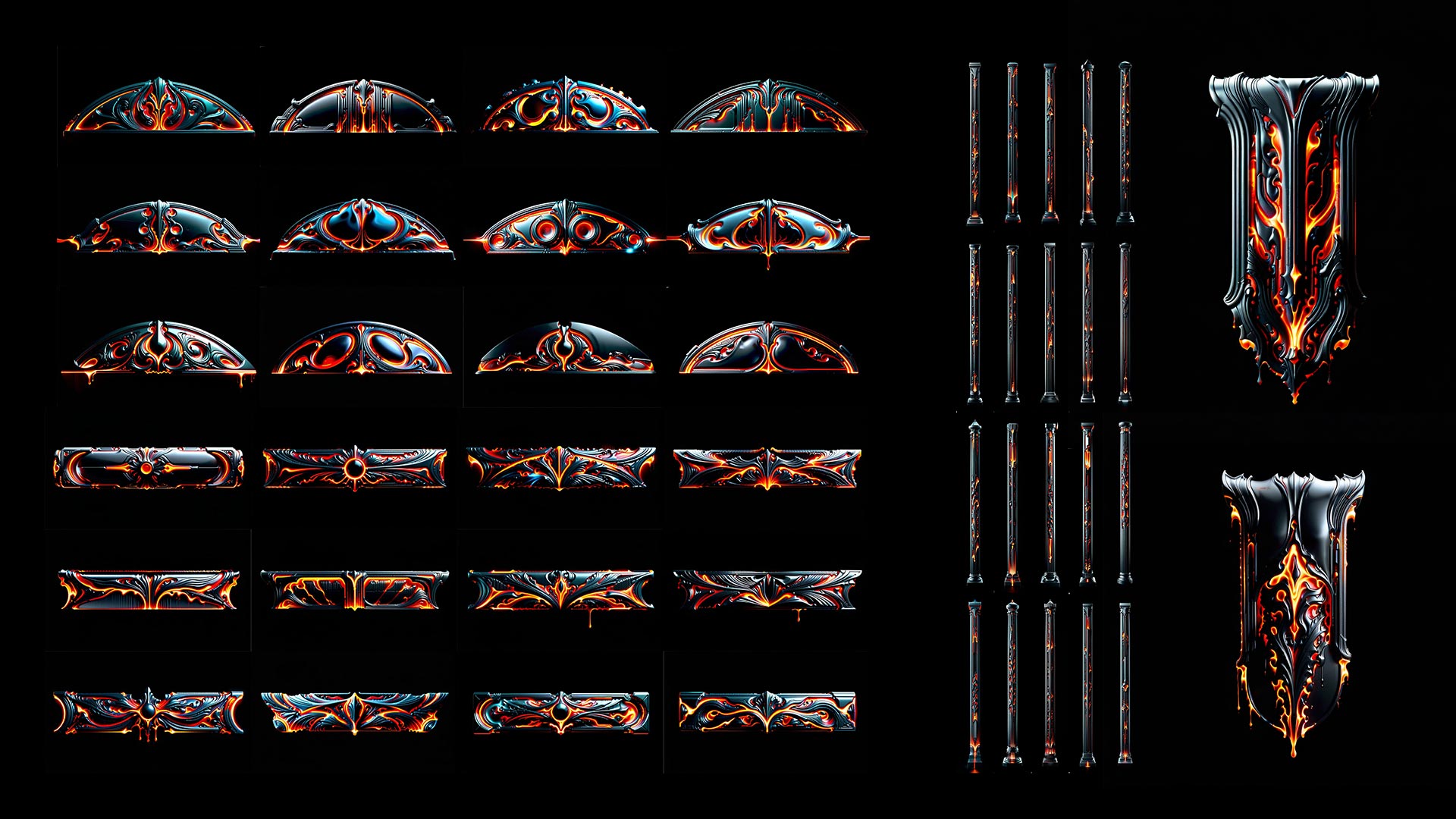
Lava Inferno – Projection Mapping Textures Pack Vol.18
€29 -
Sale!
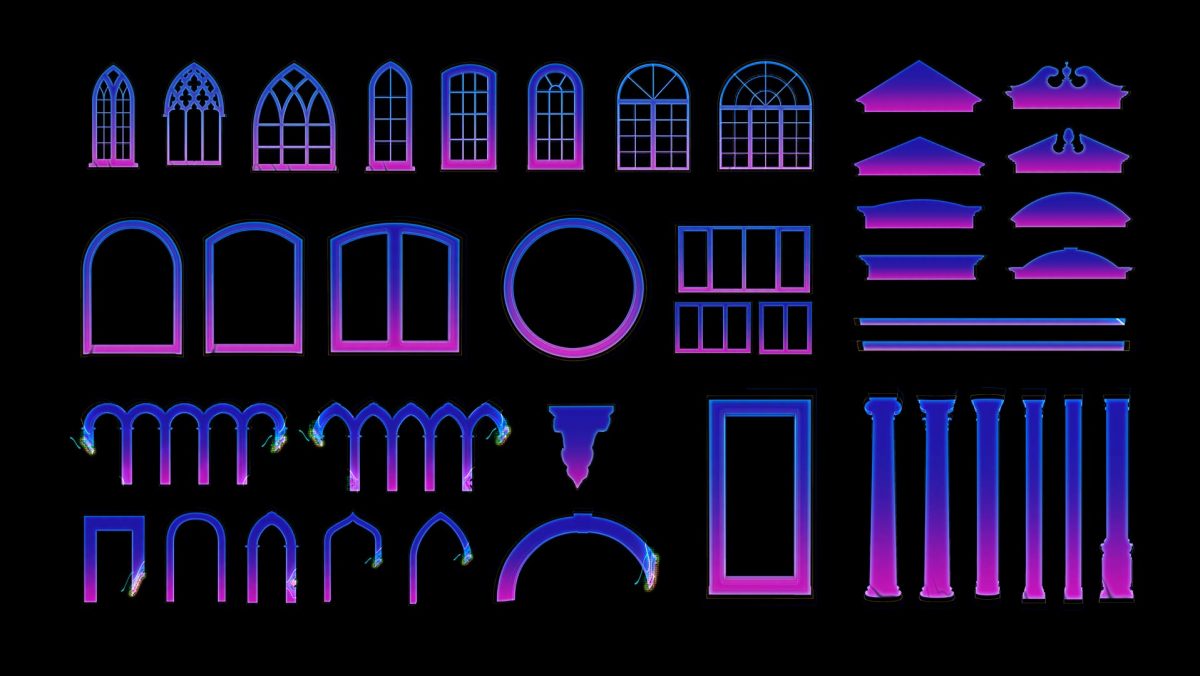
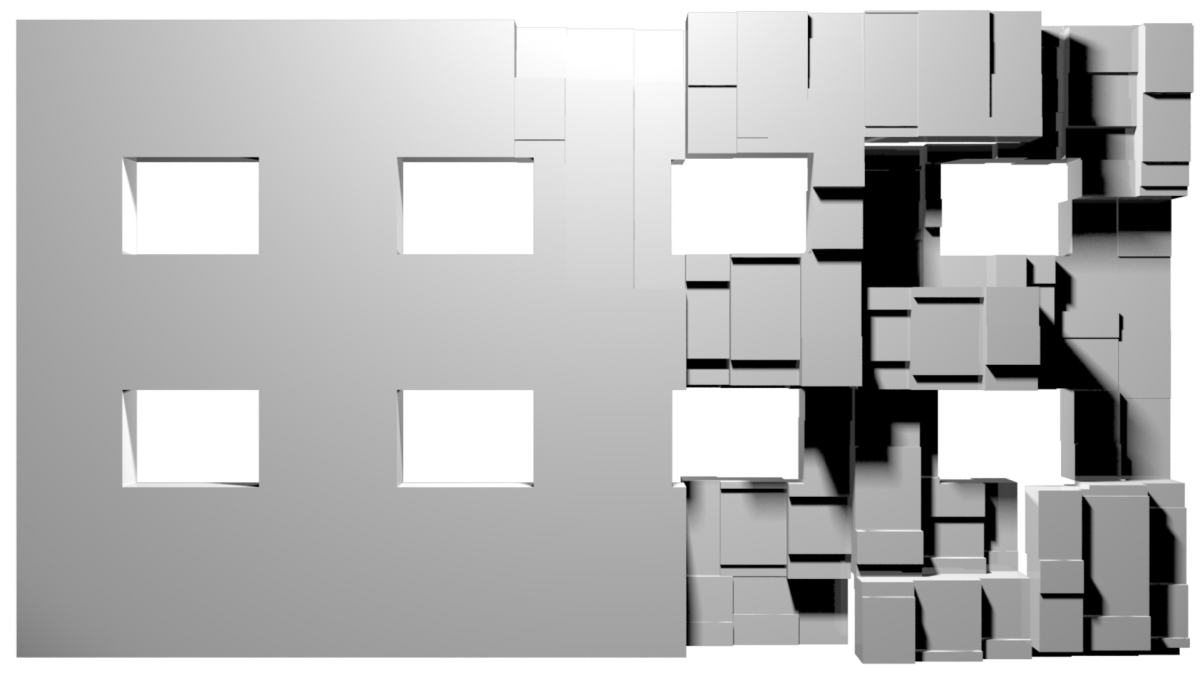
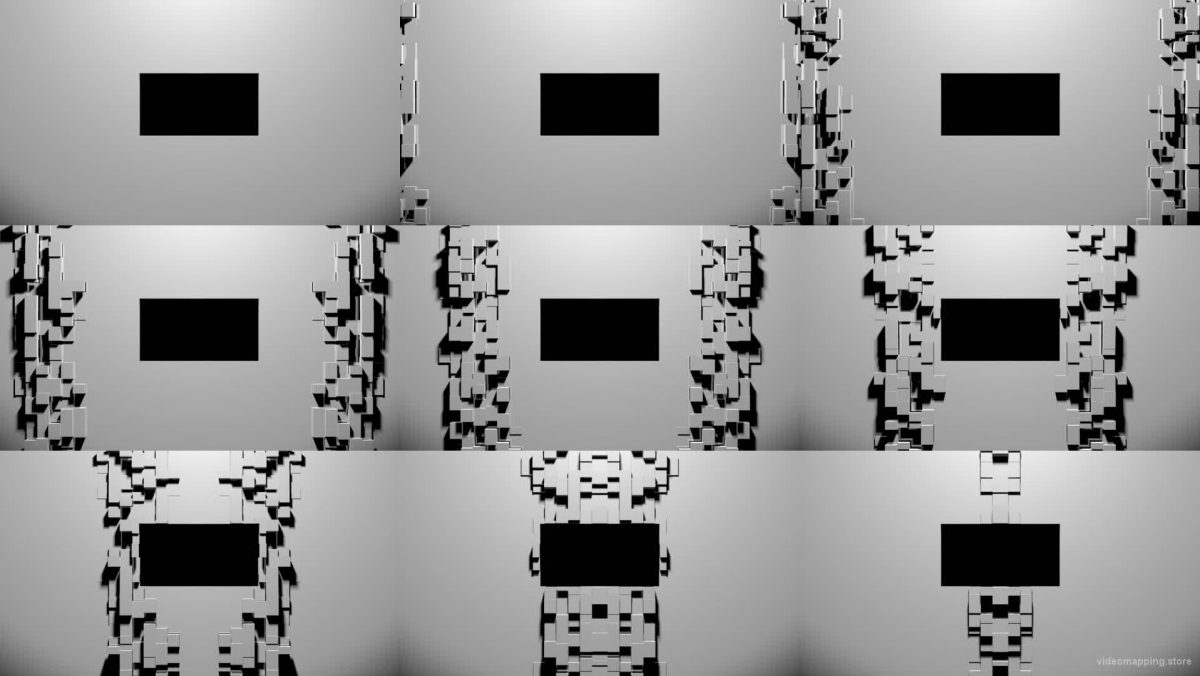
Party Extrude 8 Windows – Video Mapping Facade 3D Animation
Original price was: €24.€19Current price is: €19. -
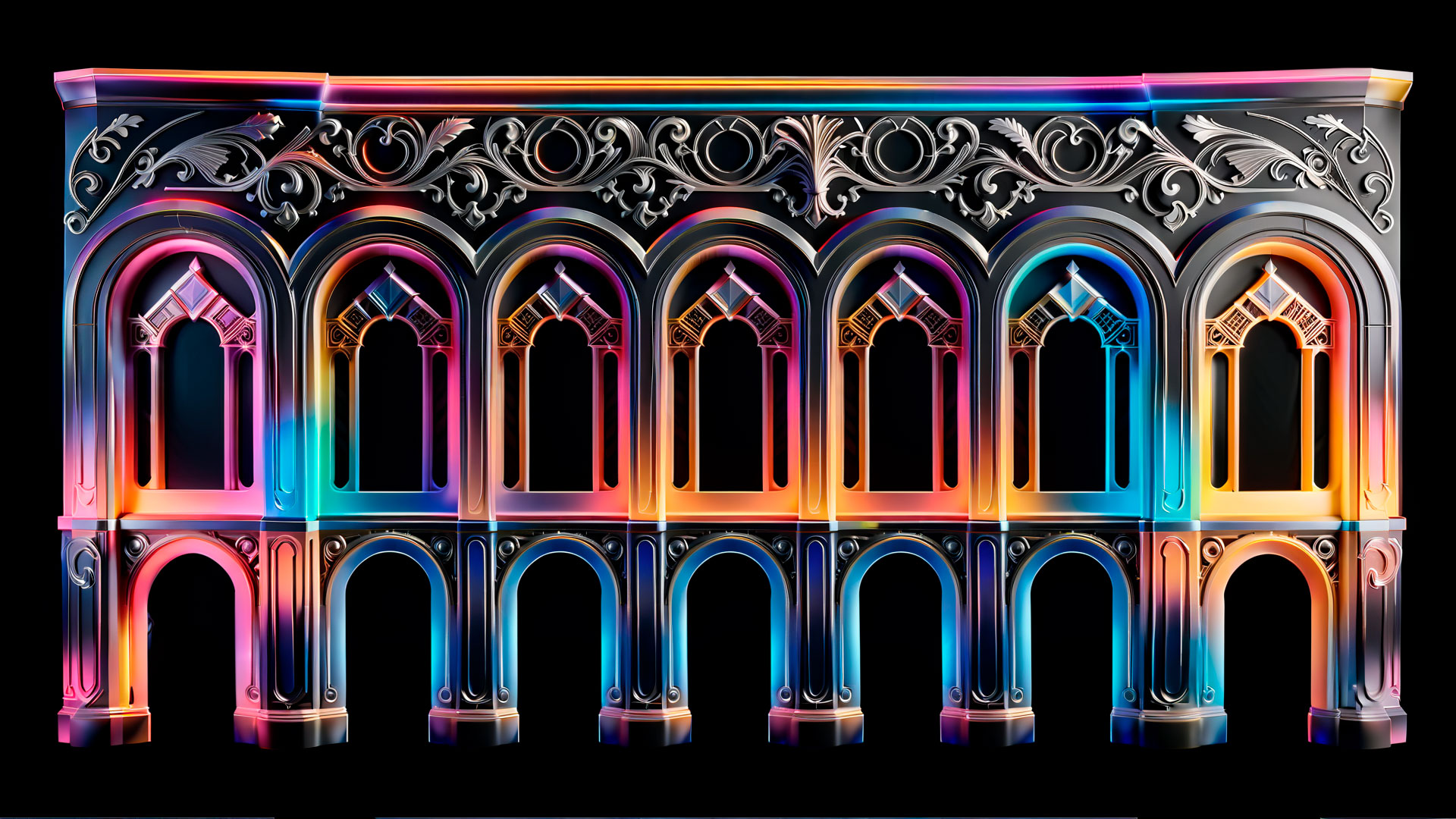
Spectrum Structures – Projection Mapping Texture Pack Vol.87
€29 -
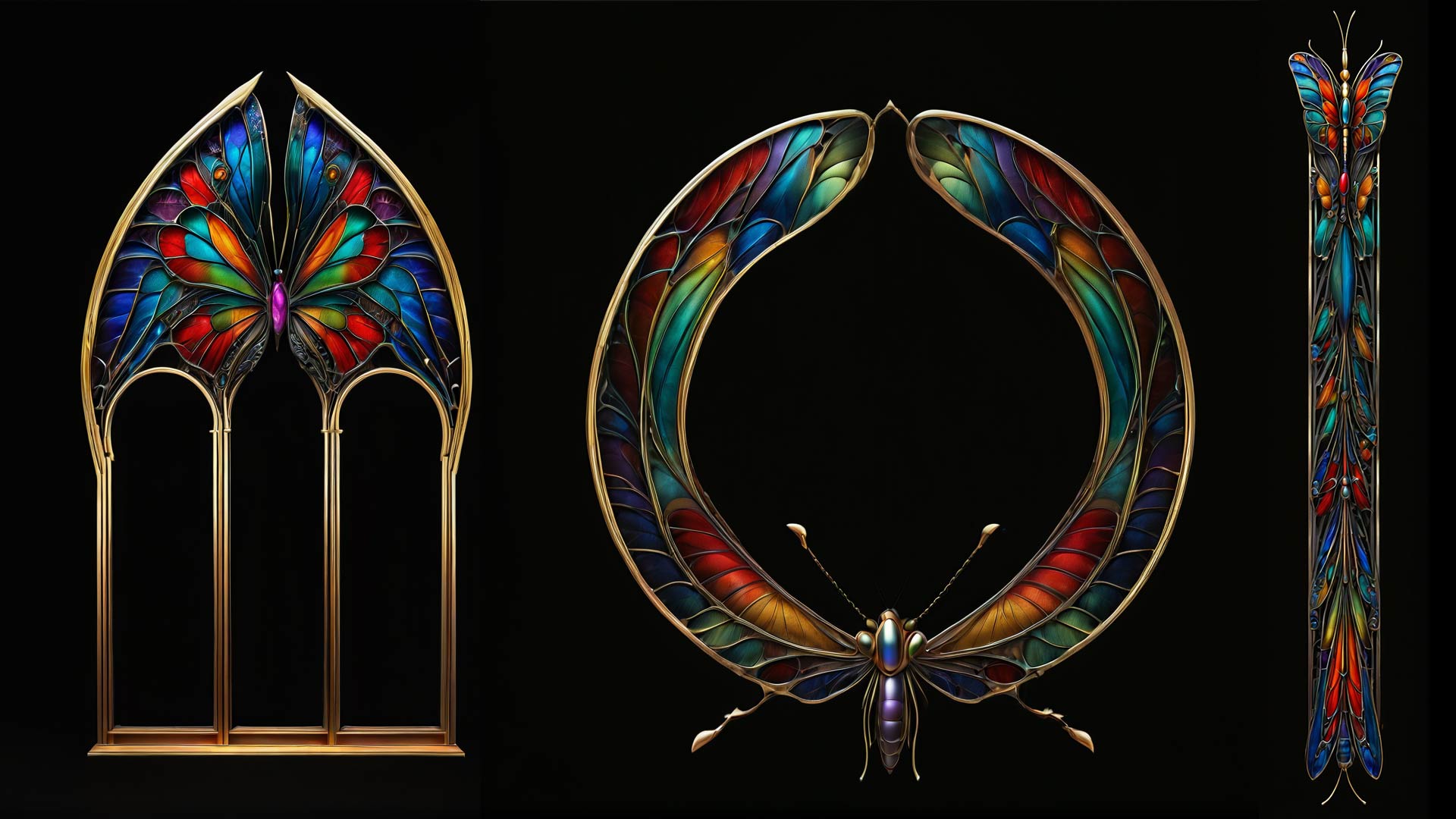
Vibrant Butterfly – Projection Mapping Textures Pack Vol.65
€29 -
Simple Ornament – Projection Mapping Textures Pack Vol.2
€29 -
Sale!
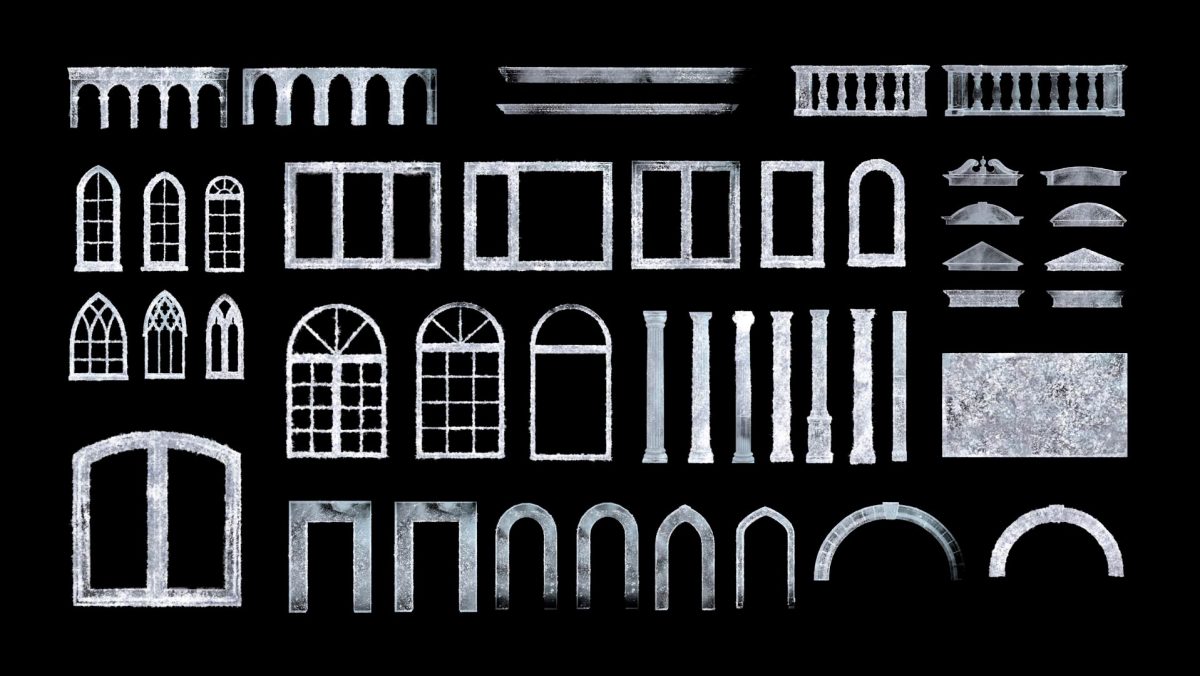
Ice Palace – Video Mapping Toolkit Vol.17
Original price was: €129.€99Current price is: €99. -
Sale!
Asgard Energy – Video Mapping Toolkit Vol.27
Original price was: €129.€99Current price is: €99. -
Pink Love – Video Mapping Wedding Cake Visuals Vol.2
€149 -
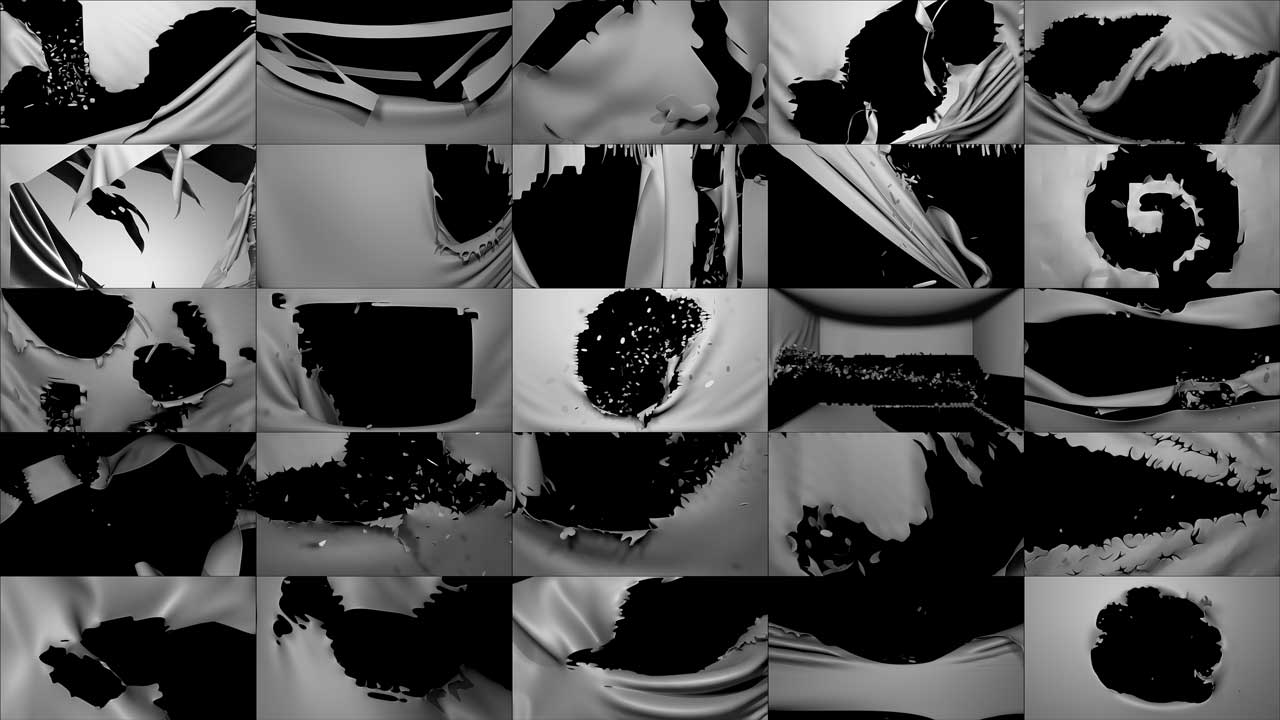
Blowing Curtain – Projection Mapping Loops Pack Vol.29
€99 -
Sale!
Mirror Stage Extrude – Projection Mapping Stage Visuals
Original price was: €24.€19Current price is: €19. -
White Future – Projection Mapping Textures Pack Vol.33
€29 -
Amber Arcs – Projection Mapping Texture Pack Vol.105
€29 -
White Ink Stains – Video Mapping Toolkit Vol.30
€99

















Sources & References
- MadMapper Documentation — About MadMapper. docs.madmapper.com, 2026.
- MadMapper Documentation — MadMapper History. docs.madmapper.com, 2026.
- MadMapper Documentation — MadMapper v6 New Features. docs.madmapper.com, 2026.
- MadMapper Documentation — Licensing Options. docs.madmapper.com, 2026.
- 1024 Architecture — Studio Overview. 1024architecture.net, 2026.
- GarageCube — About GarageCube. garagecube.com, 2026.
- Wikipedia — Mapping Festival. en.wikipedia.org, April 2025.
- Grokipedia — Mapping Festival — History and Cultural Impact. grokipedia.com, 2025.
- Switzerland Tourism — Mapping Festival 2025 & 2026. myswitzerland.com, 2025–2026.
- MadMapper — MadAI Extension. madmapper.com, 2026.
- MadMapper — MiniMad Hardware Companion. madmapper.com, 2026.
- MadMapper — MadProjectorControl Extension. madmapper.com, 2026.
- MadMapper — Users Meetup Brussels 2026. madmapper.com, 2026.
- MadMapper — MadMapper Compendium Book. madmapper.com, 2026.