
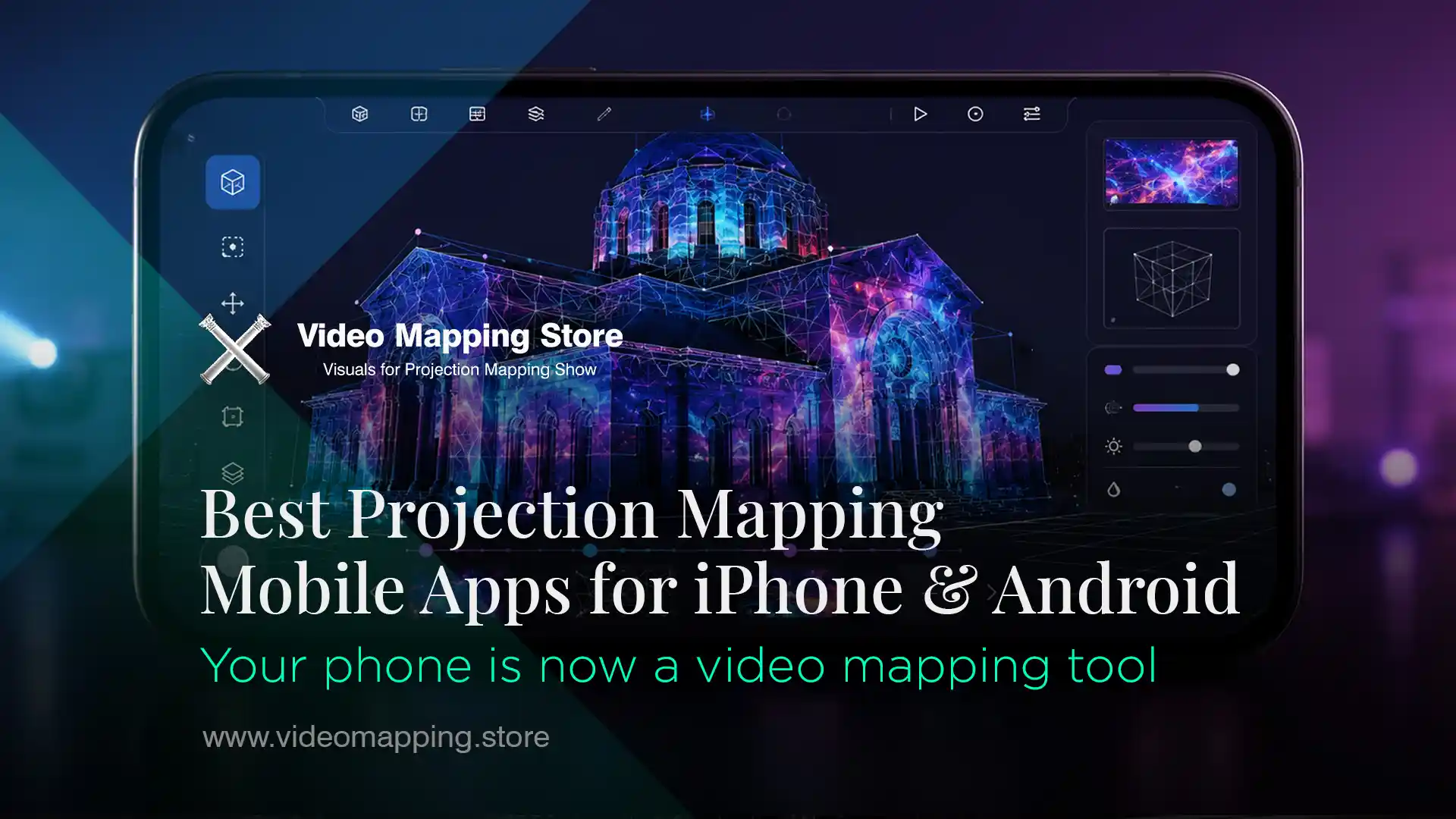
Best Projection Mapping Apps for iPhone, iPad and Android in 2026
You can really do projection mapping from your phone or tablet now. It is a thing and it is getting better. The new processors from Apple like the A19 and M4 and the Snapdragon 8 Gen 5 from Qualcomm make your mobile device good enough to be a media server for projection mapping, video mapping and live art.
This is a list of all the projection mapping apps you can get on your mobile device in 2026. We will tell you what each Projection Mapping App does, who it is, for, how much it costs and what it can not do. We are only talking about Projection Mapping Apps that you can put on your phone or tablet not computer software.
Who Mobile Projection Mapping is for
Mobile projection mapping apps are built for a specific type of user and use case. Understanding this upfront saves time.
Mobile apps are ideal for:
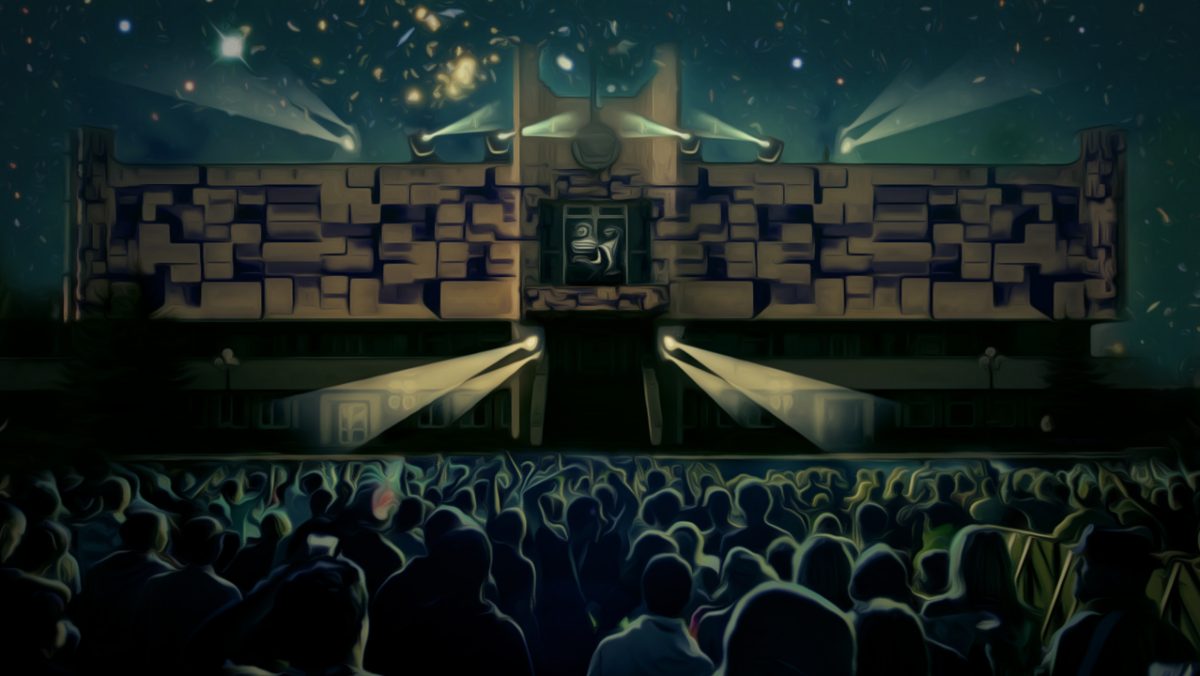
- Home entertainment — projecting visuals at a backyard party, Halloween decoration, Christmas show on your house facade
- Small creative events — intimate art installations, popup shows, cafe or bar ambience
- Experimentation and learning — getting familiar with projection mapping concepts before investing in professional equipment and software
- Artists who want to sketch and paint with light on walls and surfaces
- Event decorators who need a fast, portable setup without a laptop
Mobile apps are not suitable for:
- Multi-projector shows on large building facades
- Events requiring edge blending across multiple projectors
- Professional VJ performances at clubs or festivals where stability and DXV codec performance matter
- Any installation requiring precise geometric calibration across a complex 3D surface at scale
If you need a professional show — see our complete guide to projection mapping software used by industry professionals, including Resolume Arena, MadMapper, Dataton WATCHOUT and Disguise.
What You need before you start
A projector — any projector with HDMI input works. For indoor home use, 3,000–5,000 lumens is sufficient. For outdoor backyard shows, 5,000+ lumens recommended. Portable projectors starting at $150–$300 work for basic setups.
Connection to projector — three options:
- Wired: USB-C to HDMI adapter or Lightning to HDMI adapter (most reliable, zero latency)
- Wireless AirPlay (iPhone/iPad → Apple TV or AirPlay-compatible projector) — convenient but adds 1–3 seconds of latency
- Wireless screen mirroring (Android → Miracast or Chromecast-enabled projector)
Content — your own videos, images, or built-in app visuals. For projection mapping specifically, content designed for the format produces significantly better results than generic video files. More on this below.
-
Sale!
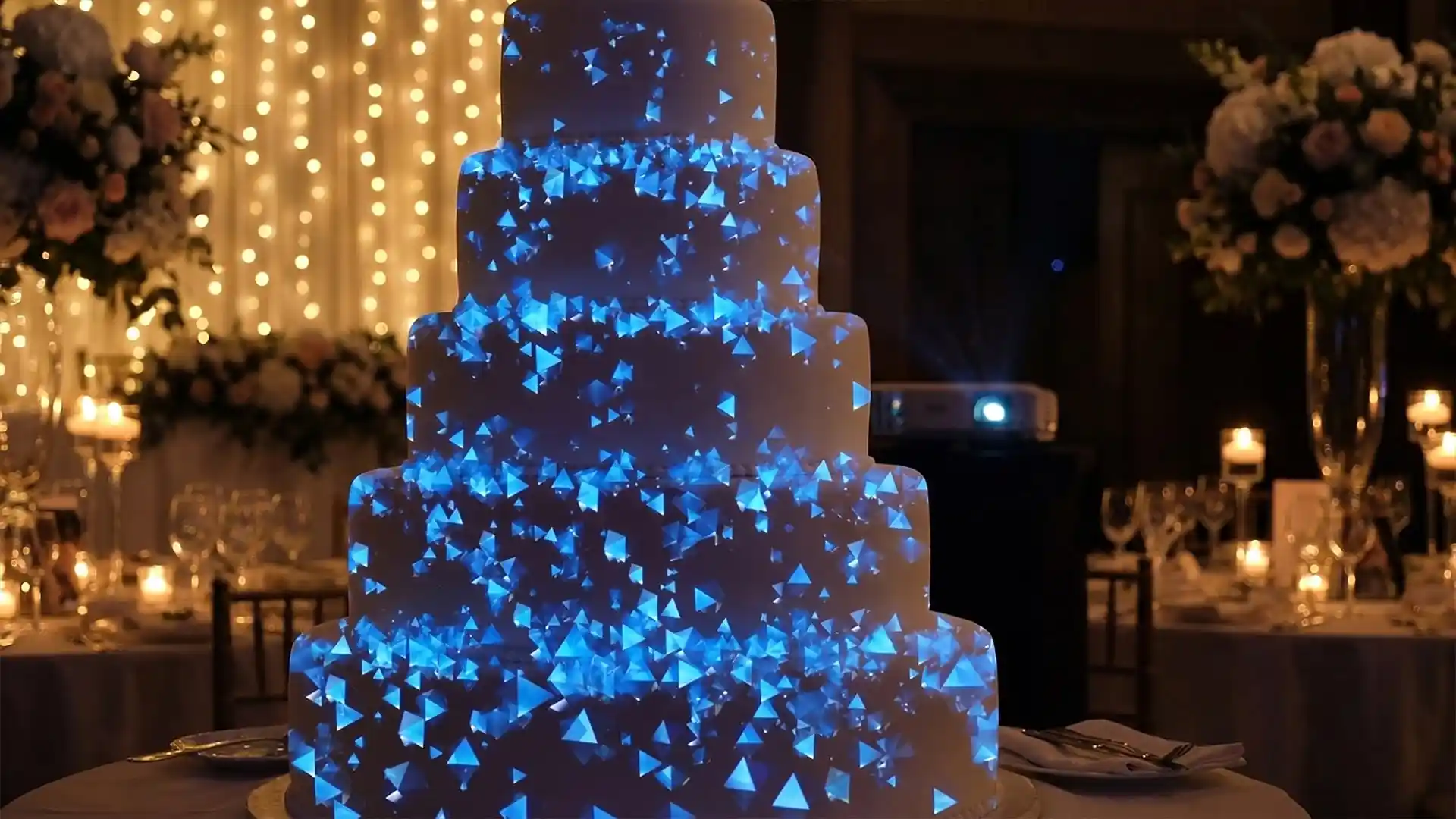
Wedding Cake – Video Mapping Wedding Visuals Vol.1
Original price was: €249.€149Current price is: €149. -
Sale!
Aurora Royale – Projection Mapping Texture Pack Vol.112
Original price was: €49.€39Current price is: €39. -
Sale!
Projection Mapping Starter Pack
Original price was: €649.€249Current price is: €249. -
Sale!
Pink High-Tech – Projection Mapping Texture Pack Vol.73 – UPDATED
Original price was: €49.€39Current price is: €39. -
Sale!
Cyan Futurism – Projection Mapping Textures Pack Vol.57 – UPDATED
Original price was: €49.€39Current price is: €39. -
Sale!
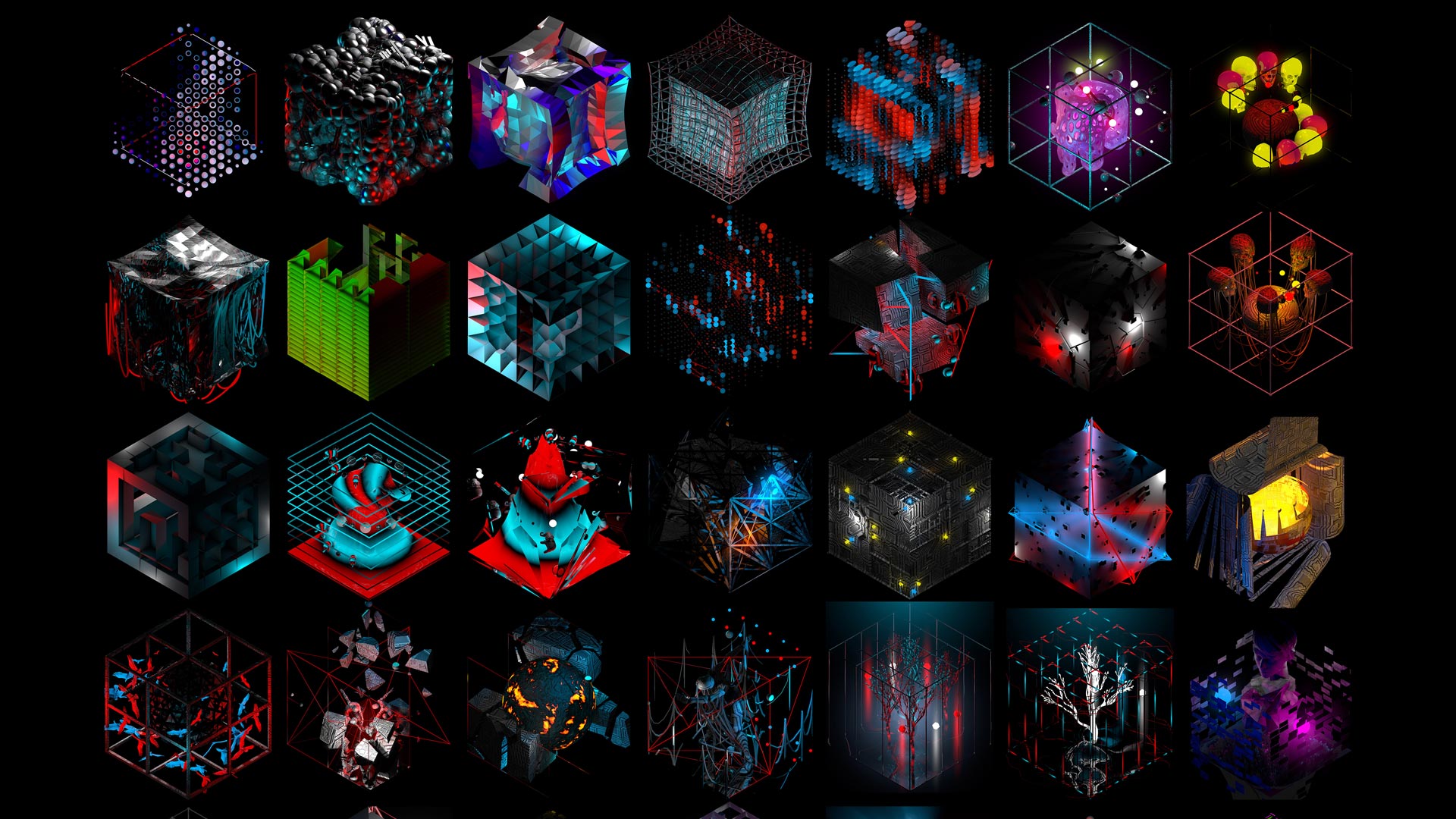
3D Isometric Rave – Cube Projection Mapping Visuals
Original price was: €149.€99Current price is: €99. -
Sale!
Cyber Texture – 3 in 1 Video Mapping Toolkit Vol.32
Original price was: €399.€199Current price is: €199. -
Sale!
Decor Gifts Ribbons – Video Mapping Elements Pack Vol.4
Original price was: €89.€59Current price is: €59. -
Sale!
Asgard Energy – Video Mapping Toolkit Vol.27
Original price was: €129.€99Current price is: €99. -
Sale!
Fire Dust – Video Mapping Toolkit Vol.24
Original price was: €129.€99Current price is: €99. -
Sale!
Fulldome Video Mapping Loops Bundle Vol.2
Original price was: €599.€299Current price is: €299. -
Folding Backgrounds 4K – Projection Mapping Loops Pack Vol.15
€99 -
Sale!
Video Mapping Toolkit Vol.1 – Green Nature
Original price was: €189.€129Current price is: €129. -
Gold Edition – Projection Mapping Loops Pack Vol.8
€99












Best Projection Mapping Apps in 2026
1. SurfaBeam Pro — Best Overall
Platform: iOS and Android
Price: Free trial / Pro subscription
SurfaBeam is the most balanced tool on the market — the only app that successfully bridges the gap between professional utility (mesh warping) and consumer ease-of-use. Cross-platform parity means Android is just as powerful as iOS — start on an iPad and finish on a Galaxy Tab. videomapping
Key features: mesh warping for curved and irregular surfaces, Snap-to-Grid for precise alignment, multi-surface projects, touch-native interface. Advanced features like Map Export for After Effects are in the Pro tier.
Best for: anyone who wants real geometric mapping capability on mobile — not just simple rectangular warping. The closest thing to desktop-grade mapping on a phone.
Limitation: Pro subscription required for full feature access.

2. Lazy Lighting — Best for Creative Artistic Use
Platform: iOS only (iPhone and iPad)
Price: Paid, one-time purchase with subscription updates
Lazy Lighting makes projection mapping simple, affordable and accessible. No computer, no expensive software — just your iPhone or iPad and any projector. Connect directly with HDMI, USB-C or Lightning, or go completely wireless using AirPlay. Map walls, stages, sculptures or any surface in minutes with an intuitive, touch-based interface. videomapping
What makes Lazy Lighting different from utility-focused mappers is its creative approach — it lets users sketch and draw with light directly onto surfaces, creating organic, generative effects. It is designed for artists and illustrators who want to paint with projection rather than simply play back video content. Mtprojection
Version 3 added built-in visuals, video cropping and save/export tools. Real-time rendering means no two performances are identical.
Best for: artists, musicians, home experimenters, creative installations. Not for precise geometric mapping of complex surfaces.
Limitation: iOS only — no Android version exists as of 2026. There is no Android version, no Windows version and no macOS desktop version.

3. ProMapper — Best for Artists on iPhone and iPad
Platform: iOS only
Price: Subscription with free trial
ProMapper brings professional projection mapping to your iPhone and iPad — design, map and project visuals onto any surface, no computer required. Map videos, photos and visuals directly onto walls, stages, objects and custom surfaces. With a touch-based interface, you can align content perfectly in minutes and preview everything in real time. Built-in content includes grid patterns, solid colours, gradients and a built-in visualiser. Supports external display output to projectors via cable or wireless.
Best for: artists and designers who want a clean, focused app for single-surface or multi-surface static mapping on iPhone or iPad.
Limitation: iOS only, subscription model.

4. Reality Augmenter — Best for Video Playback Mapping
Platform: iOS only
Price: Paid one-time purchase
Reality Augmenter is a flexible video and projection mapping tool for iOS. It allows you to projection map text, webpages or photos and videos from your camera roll straight on your iPhone or iPad. Easy to use and configure, it can be set up in minutes, with eye-catching results. Supports AirPlay and Google Cast, Dropbox support for downloading videos directly, texture cropping for spanning textures across multiple surfaces, and a precise quad geometry editor with pan and zoom. One of the oldest and most established mobile mapping apps — proven, stable, and specifically designed for video content playback mapped onto surfaces.
Best for: users who want to map their own video files — including content downloaded from Video Mapping Store — onto walls, objects and surfaces from an iPhone or iPad.
Limitation: older engine, occasional stability issues on newer iOS versions reported by users.

5. TouchViZ — Best for Live VJ Mixing on iPad
Platform: iOS only
Price: Paid
TouchViZ is legendary among VJs. It’s effectively a 2-channel video mixer for your iPad — built for performance and jamming with video. Live performance features include crossfaders, effect pads and a performance-first interface. The weakness: great for playback and mixing, but lacks serious geometric correction for 3D shapes. Btw, you can find VJ Loops for for 2–3 years of performances — featuring enough content for 100+ unique sets without repetition while saving you 300+ hours of production time.
Best for: VJs who want to mix and perform with video content live from an iPad. Not a geometric mapping tool — more of a live mixer.
Limitation: no mesh warping or 3D surface mapping.

6. VLC Media Player — Simple Content Looping Only
Platform: iOS and Android
Price: Free
No mapping tools whatsoever — VLC on mobile simply plays video files. VLC is useful for simple content looping when you just need to send a video signal to a projector without any warping, masking or geometric adjustment.
Best for: the absolute simplest use case — loop a video file on a projector connected to your phone. No mapping.
Comparison Table
| App | Platform | Mesh Warping | Video Playback | Standalone | Price |
|---|---|---|---|---|---|
| SurfaBeam Pro | iOS + Android | ✓ | ✓ | ✓ | Subscription |
| Lazy Lighting | iOS only | Basic | ✓ | ✓ | One-time |
| ProMapper | iOS only | Basic | ✓ | ✓ | Subscription |
| Reality Augmenter | iOS only | Quad only | ✓ | ✓ | One-time |
| TouchViZ | iOS only | ✗ | ✓ | ✓ | Paid |
| VLC | iOS + Android | ✗ | ✓ | ✓ | Free |
What Content to Use with Mobile Mapping Apps
This is where most beginners make a mistake — they install the app, connect the projector and then play back a random video from their camera roll. The result is underwhelming because generic video is not designed for projection mapping.
Projection mapping content is created specifically for the format — with depth effects, looping geometry and proportions that make the visual respond to the surface rather than fight against it.
For the best results with any mobile mapping app, use content from Video Mapping Store — exclusive royalty-free assets designed specifically for projection mapping:
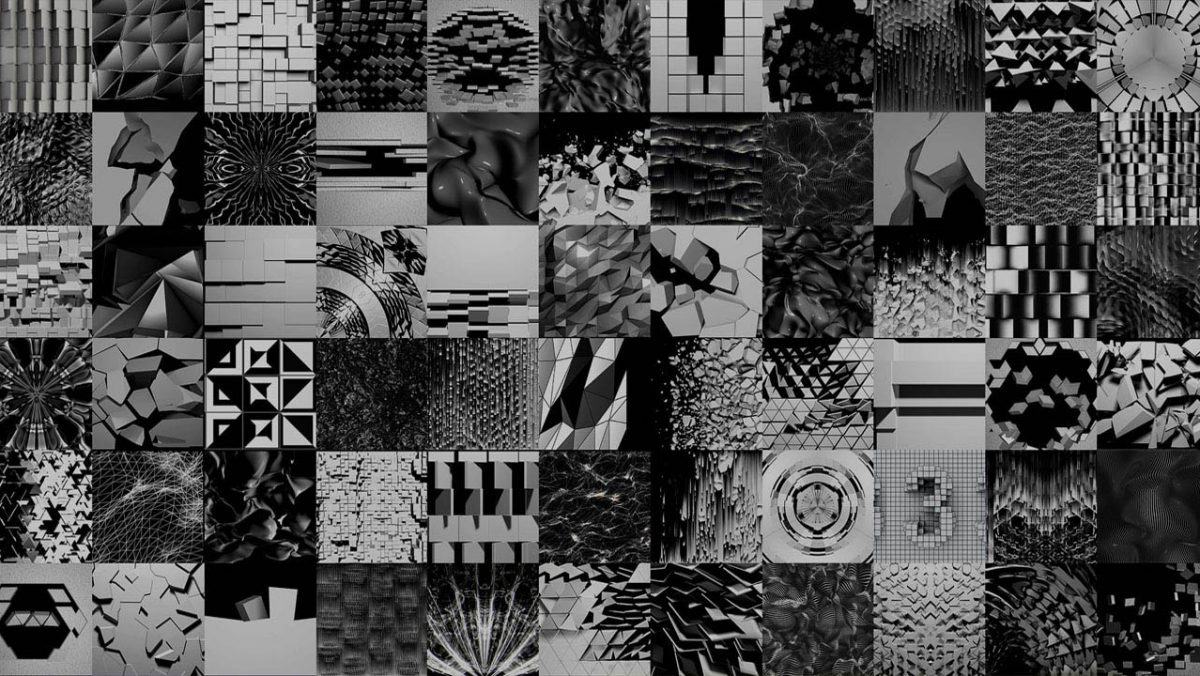
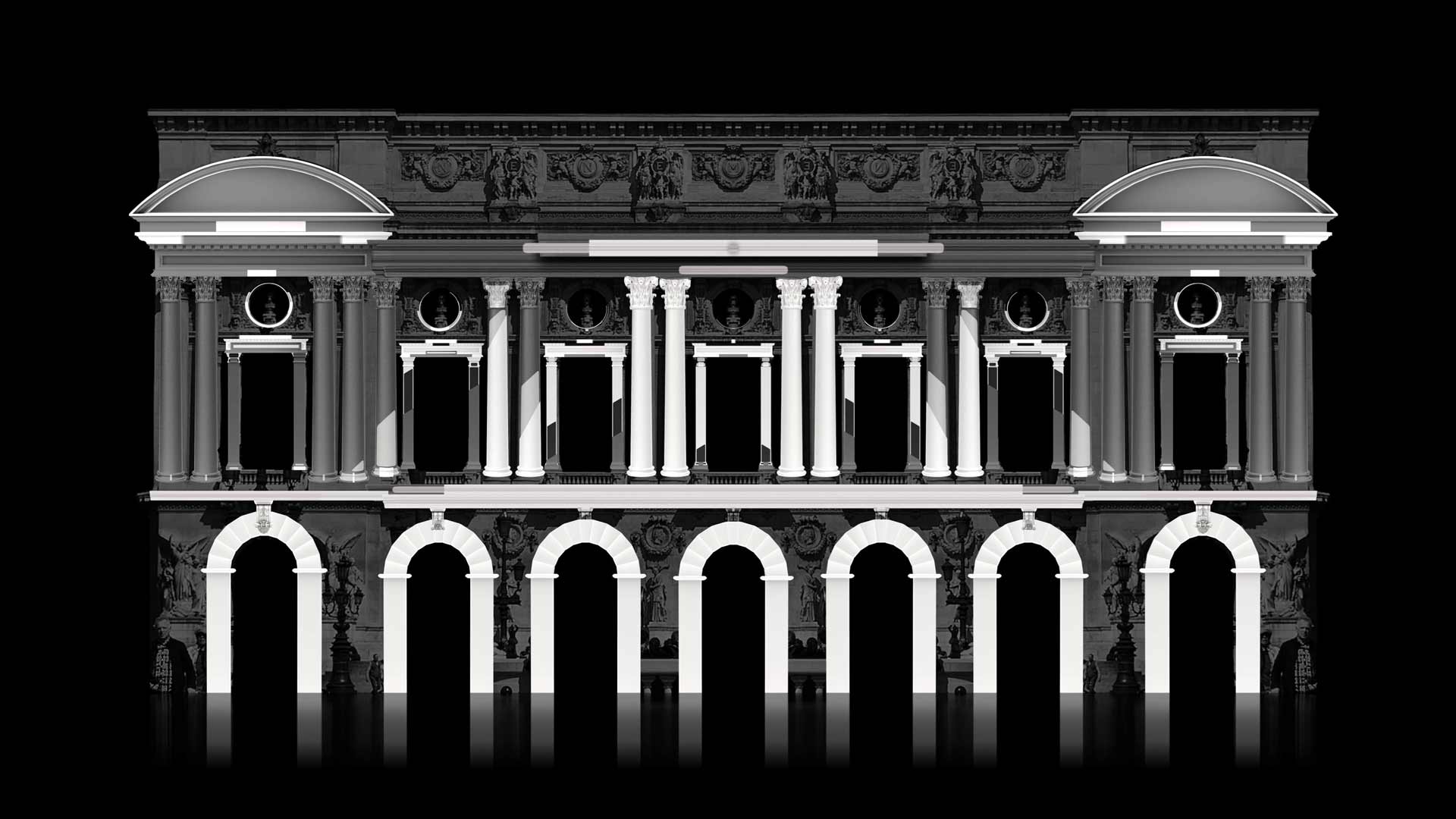
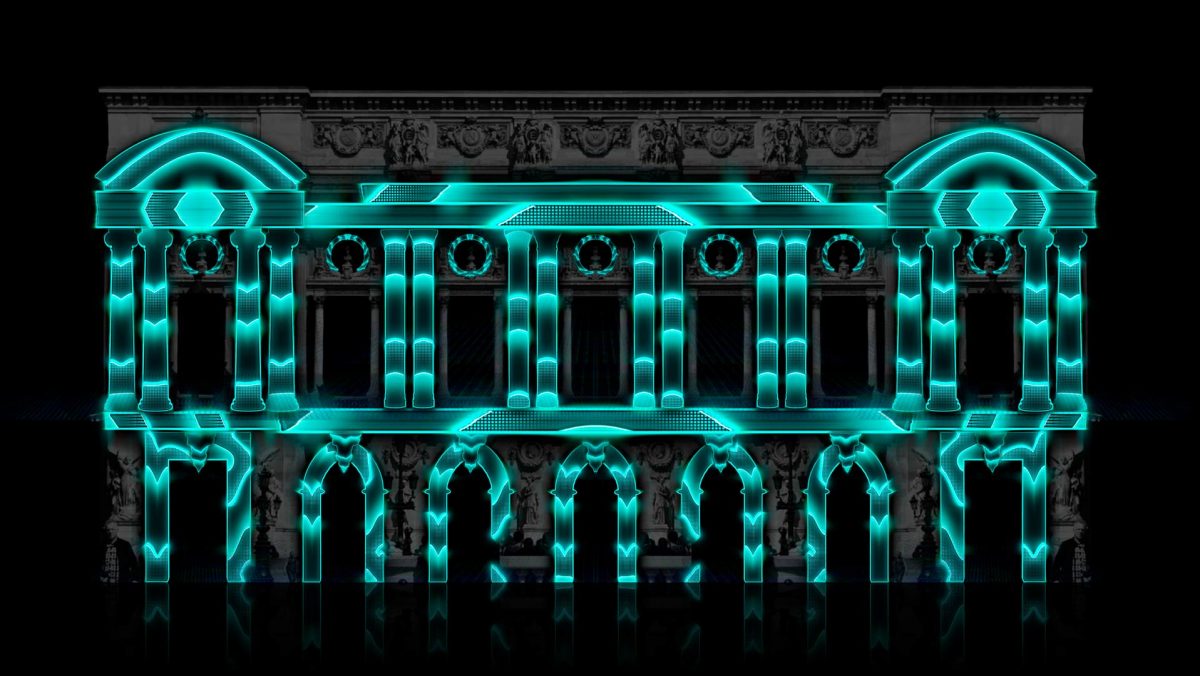
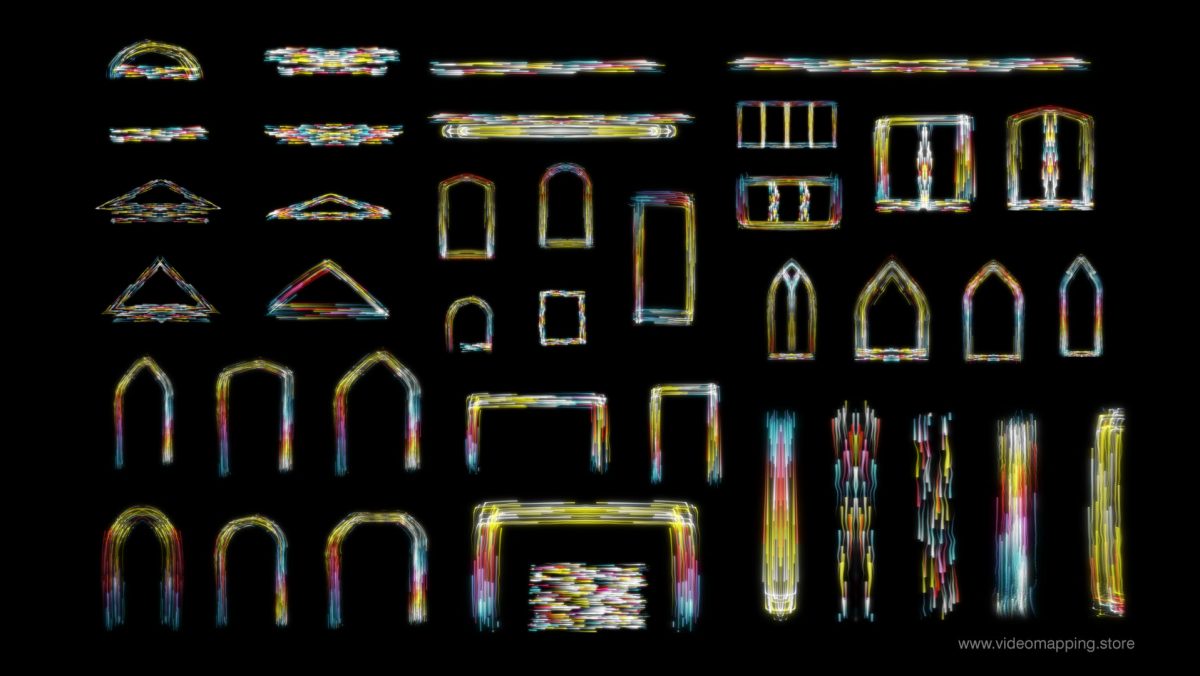
- Video Mapping Loops — 3D depth effect loops for any surface — walls, ceilings, facades, floors. The most versatile content type for both indoor and outdoor projection.
- Box & Object Mapping — content designed specifically for objects, structures and statues — cubes, columns, sculptures and architectural elements.
- Holographic Content — visuals optimised for projection onto transparent screens, tulle curtains and semi-transparent surfaces. Creates a floating, ethereal effect with no physical screen visible to the audience.
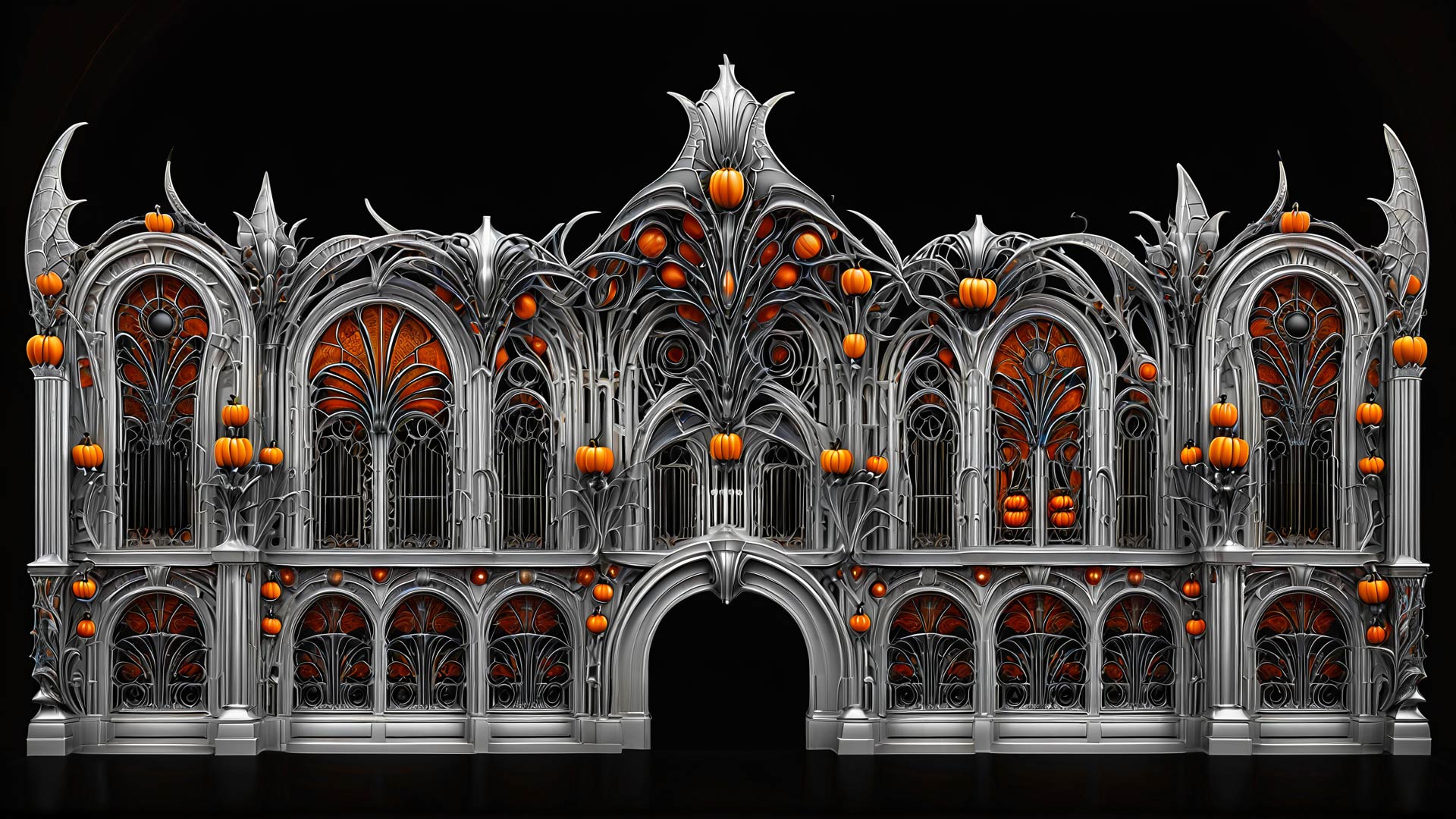
- Halloween, Christmas and Wedding themed packs — ready-to-use content for the most common home and event mapping scenarios — no editing required, instant download and play.
All content is available as instant digital download in MOV format, compatible with iOS and Android video players and all mobile mapping apps listed above.
Realistic Expectations — What Mobile Video Mapping can and cannot do
What works well:
- Single projector indoor shows on walls, ceilings and objects
- Backyard Halloween or Christmas house decoration
- Small art installations in controlled environments
- Learning the fundamentals of geometric mapping and content design
- Quick creative experiments and social media content
What doesn’t work:
- Multi-projector edge blending — no mobile app handles this
- 4K high-framerate content playback — mobile hardware limits smooth playback of high-bitrate files
- Complex architectural facades with multiple planes — precision suffers at scale
- Professional live events where reliability is non-negotiable
The honest summary: for a backyard show, a home Halloween projection mapping, a creative experiment or a small art installation — mobile projection mapping apps are genuinely capable and surprisingly fun.
For anything you’re charging a client for, use professional desktop software.
When to Move to Professional Software
If you’ve used mobile apps and want to take projection mapping seriously, the next step is Resolume Arena — the industry standard for projection mapping artists and VJs. At €749 for a perpetual license, it replaces the mobile workflow entirely with multi-projector support, DXV optimised playback, real-time compositing and professional edge blending. For a complete overview of all professional options, read our Full List of Projection Mapping Software →
-
Sale!
All Projection Textures in one Mega Bundle
Original price was: €3,899.€899Current price is: €899. -
Sale!
Wedding Visuals Cake Bundle Vol.1
Original price was: €899.€349Current price is: €349. -
Sale!
Projection Mapping Starter Pack
Original price was: €649.€249Current price is: €249. -
Sale!
HDD Video Mapping Projection Kit Vol.1 – All Video Mapping content on the stock
Original price was: €16,999.€4,999Current price is: €4,999. -
Sale!
Video Mapping Loops Bundle Vol.1
Original price was: €1,299.€499Current price is: €499. -
Sale!
Video Mapping Toolkits Bundle Vol.1
Original price was: €949.€349Current price is: €349. -
Sale!
Christmas Video Mapping Bundle Vol.3
Original price was: €899.€399Current price is: €399. -
Sale!
Halloween Video Mapping Bundle Vol.4
Original price was: €1,049.€449Current price is: €449. -
Sale!
Ultrawide Video Mapping Loops Bundle Vol.3
Original price was: €449.€249Current price is: €249. -
Sale!
All Video Mapping Loops Packs in one Mega Bundle
Original price was: €2,899.€899Current price is: €899. -
Sale!
All Video Mapping Toolkits in one Mega Bundle
Original price was: €3,899.€899Current price is: €899. -
Sale!
Visual Effects Video Mapping Toolkits Bundle Vol.4
Original price was: €749.€249Current price is: €249. -
Sale!
Projection Textures Bundle Vol.1
Original price was: €349.€199Current price is: €199. -
Sale!
Wedding Video Mapping Toolkits Bundle Vol.2
Original price was: €1,289.€389Current price is: €389. -
Sale!
Video Mapping Audio Bundle Vol.1
Original price was: €489.€189Current price is: €189. -
Sale!
Fulldome Video Mapping Loops Bundle Vol.2
Original price was: €599.€299Current price is: €299.













Sources & References:
- SurfaBeam Pro — The 7 Best Projection Mapping Apps for iOS & Android in 2026. surfabeam.com, February–May 2026.
- SurfaBeam Pro — Projection Mapping FAQ — 50+ Questions Answered (2026). surfabeam.com, 2026.
- Apple App Store — Lazy Lighting by Lazy Lighting. apps.apple.com, accessed May 2026.
- Apple App Store — Pro Mapper — Projection Mapping. apps.apple.com, accessed May 2026.
- Apple App Store — Reality Augmenter. apps.apple.com, accessed May 2026.
- Projection Mapping Central — The Reality Augmenter. projection-mapping.org, accessed May 2026.
- Microns.io — Projection Mapping iOS & macOS App For Sale. microns.io, April 2026.