
Top 8 Plugins in 3dsMax for Video Mapping Show Animation
Hi everyone, my name is Alexander Kuiava, I’m a new media artist and video projection mapping expert. In this article, I’ll go over a list of excellent, effective plugins for 3ds Max for creating 3D animation and motion graphics that work great for video projection shows. Some of these plugins are also available for Cinema 4D, but since our company more often uses 3ds Max for both modeling and animation, the list will focus primarily on 3ds Max.
1. Turbo Splines — Spline Animations in 3ds Max
TurboSplines is a 3ds Max plugin that dramatically speeds up the creation of spline-based animations (path deform). It comes from Spline Dynamics, a company that has been producing high-quality plugins for 3ds Max for many years. The plugin automatically assigns modifiers, lets you quickly generate and control animations through a simple interface, and is perfect for cables, wires, ribbons, tentacles, and other dynamic forms that can be seamlessly integrated onto your building’s facade.
For example, you can create 3D lines that pass in and out through windows across different sections of the facade.
The tool lets you create and animate multiple objects along splines in just a few clicks: work with ready-made or custom meshes, control parameters (shape, scale, movement, twist), copy settings, and add variations for realism. Multiple animation types are supported (movement, growth, reveal), along with additional features like taper, slice, and spiral path creation. The plugin requires no dependencies, is compatible with major renderers, and is designed for CG, motion graphics, and VFX.
2. SuperHelix
SuperHelix is another plugin from Spline Dynamics that pairs beautifully with TurboSplines. It’s a professional tool for creating complex helical splines in 3ds Max, suitable for modeling, animation, and VFX. It lets you quickly generate shapes like DNA strands, ropes, springs, tornadoes, or tangled cables, and create custom deformed paths for animating objects, characters, and particles. The tool is aimed at a wide range of professionals — from motion designers to architects.
The plugin offers precise control over the shape and behavior of spirals: an editable gizmo, section settings, flow and rotation control, spiral generation along arbitrary paths, and the ability to create multiple splines at once. It includes built-in growth animation, ready-made presets, and flexible deformation parameters. The output is a standard editable spline that can be freely modified without limitations.
3. Spline Offset
SplineOffset is a 3ds Max modifier that procedurally clones splines and manages their offset, transformation, and rotation with gradually changing parameters. It’s fully parametric — you can change the number of spline copies, their distribution, and offset amount at any time. Its standout feature is the automatic “stitching” of intersecting splines into a single continuous path, something standard Max tools can’t do.
This makes it possible to create a wireframe structure of a facade using lines, and multiplying those lines produces a tunnel-depth effect — one of the trending styles in video mapping show design.
The plugin allows you to create complex shapes and patterns: set Material IDs, choose cap types (Butt, Square, Round, etc.) and bevel types (Square, Chamfer, Round), and combine multiple modifiers for nested effects. This makes it a flexible tool for procedural modeling and animation in 3ds Max.
4. FoldMeshFX from Bodyul CG
FoldMeshFX is a 3ds Max plugin that creates “unfolding” animations from selected polygons. It gives full control over the timing, direction, and sequence of the unfolding, and lets you fine-tune the geometry and add natural oscillations for more realistic movement. This plugin is ideal for creating video transitions and 3D facade structure animations. The tool also includes handy production features for managing names, groupings, and materials.
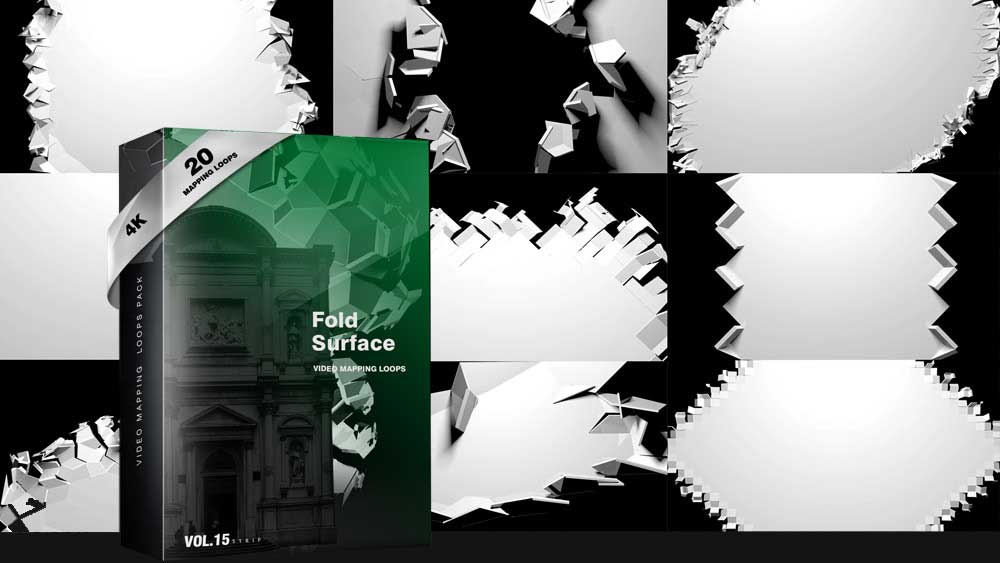
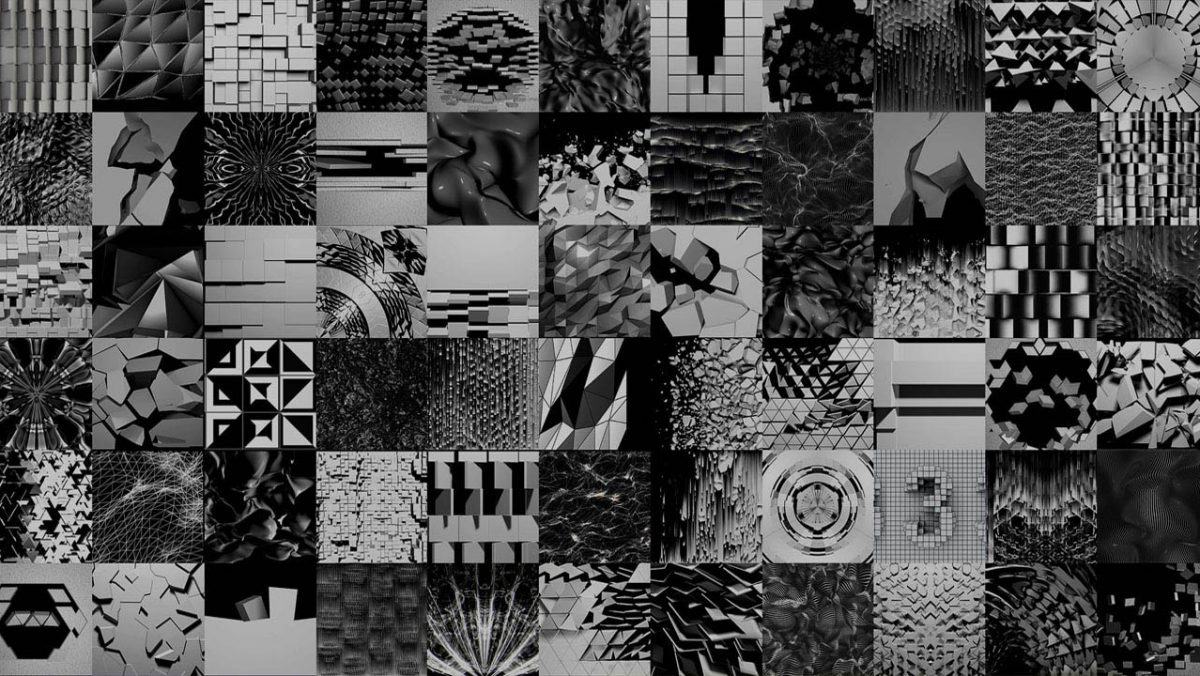
By the way, this plugin is what we used to create our video mapping loops pack — Folding Backgrounds.
5. PolyFX (from Bodyul CG)
PolyFX is a 3ds Max plugin designed for creating destruction animations and working with fragments. It lets you break objects into pieces and animate them with high precision, controlling the position, rotation, and scale of individual elements or groups. The plugin works as a standalone modifier, offering a flexible and procedural approach without being tied to the standard animation system.
It includes advanced capabilities: a built-in curve editor for precise movement control, multiple animation modes (Key, Controller, Particle), texture-driven effect control, and a variety of fragmentation methods. There’s also the ability to “bake” procedural animation into regular keyframes, making the result compatible and easy to refine further in production. With this modifier, you can tear apart your facade’s structure, breaking it into independent polygons that can be animated separately without creating multiple additional layers.
6. Smart Extrude
Smart Extrude is a 3ds Max modifier that provides predictable extrusion of complex multi-spline shapes regardless of their spatial orientation. It solves the common problem of unstable extrusion on tilted or offset-plane shapes, making the result controlled and repeatable. The tool also lets you precisely set the extrusion angle and extrude from the center in both directions, simplifying the creation of volumetric shapes and adding depth to splines.
In your 3D scene, you can convert your 3D model into a polygon mesh and animate it, creating a beautiful 3D extrusion effect directly on your facade.
https://3d-kstudio.com/product/smart-extrude-3ds-max-modifier-plugin/
7. Key Mover Script
Key Mover is a 3ds Max script for bulk management of animation keyframes across one or multiple objects simultaneously. It simplifies working with timing and key values, letting you quickly shift, align, and edit animations without having to work with each object or curve individually. The tool also supports key randomization — time-offset and value changes for position, rotation, or scale — as well as interval adjustment between keys. All of this can be done directly, without opening the Curve Editor, which speeds up the process and makes animation setup more flexible and convenient.
Download Free KeyMover Script. Don’t forget to Donate Author
8. Animators Toolkit
Animators Toolkit is a compact set of modular tools for rigging, copying, and managing animation in 3ds Max, with no plugin dependencies. It’s built on Max’s native capabilities, so it integrates easily into any production pipeline without requiring additional licenses.
Its key strength lies in flexibility and automation: a built-in macro sequencer lets you combine dozens of tools, while the parametric Prism system gives precise control over timing, weights, and transformations at the individual object level. You can save presets, instance tools, and manage distribution via curves or automatic methods (by distance, volume, or hierarchy) — significantly speeding up animation workflows.
In other words, you get versatile capabilities for animating the elements of your facade or the polygons of your 3D model. A very handy toolkit!
Create Projection Mapping 90% faster
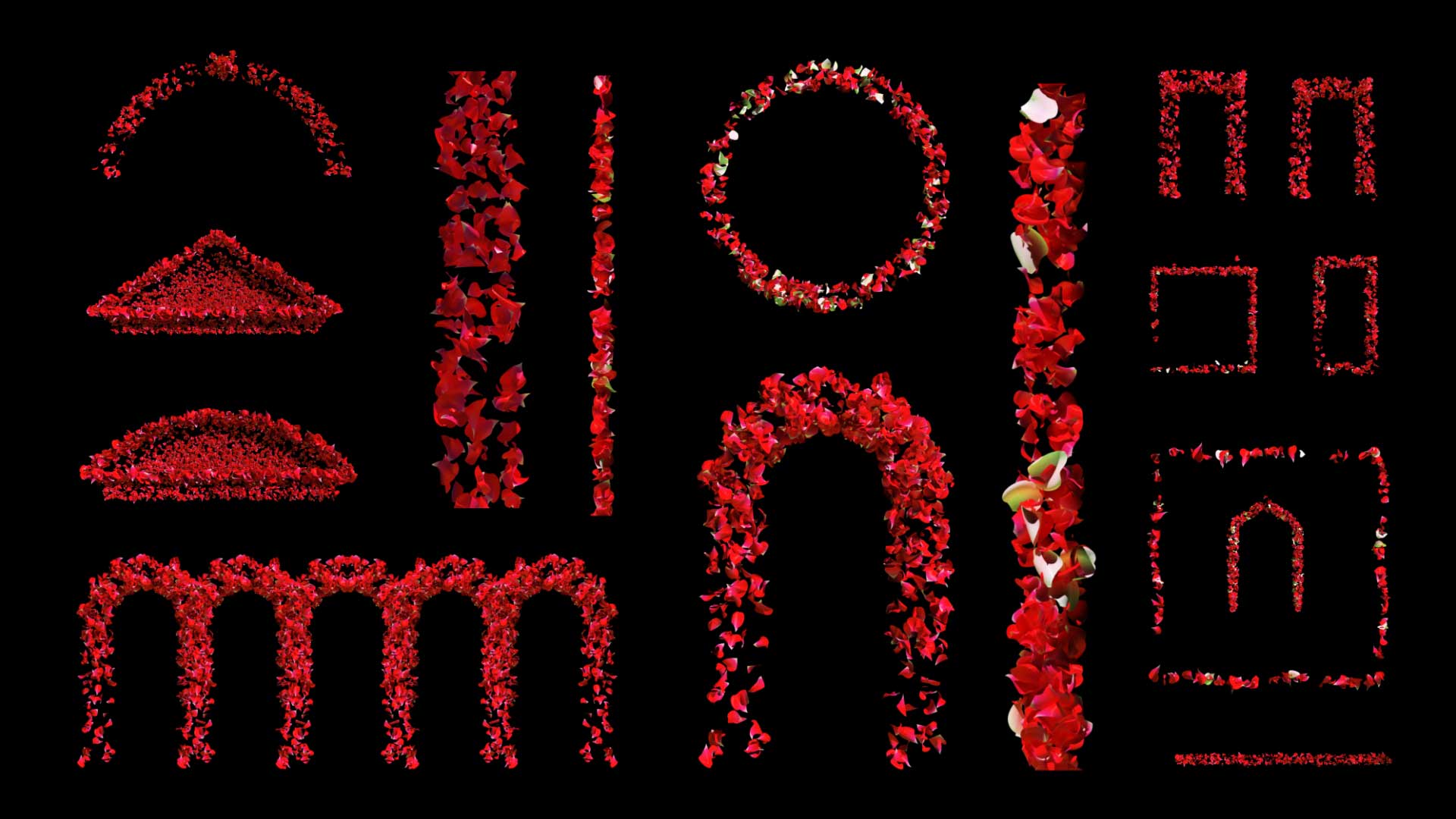
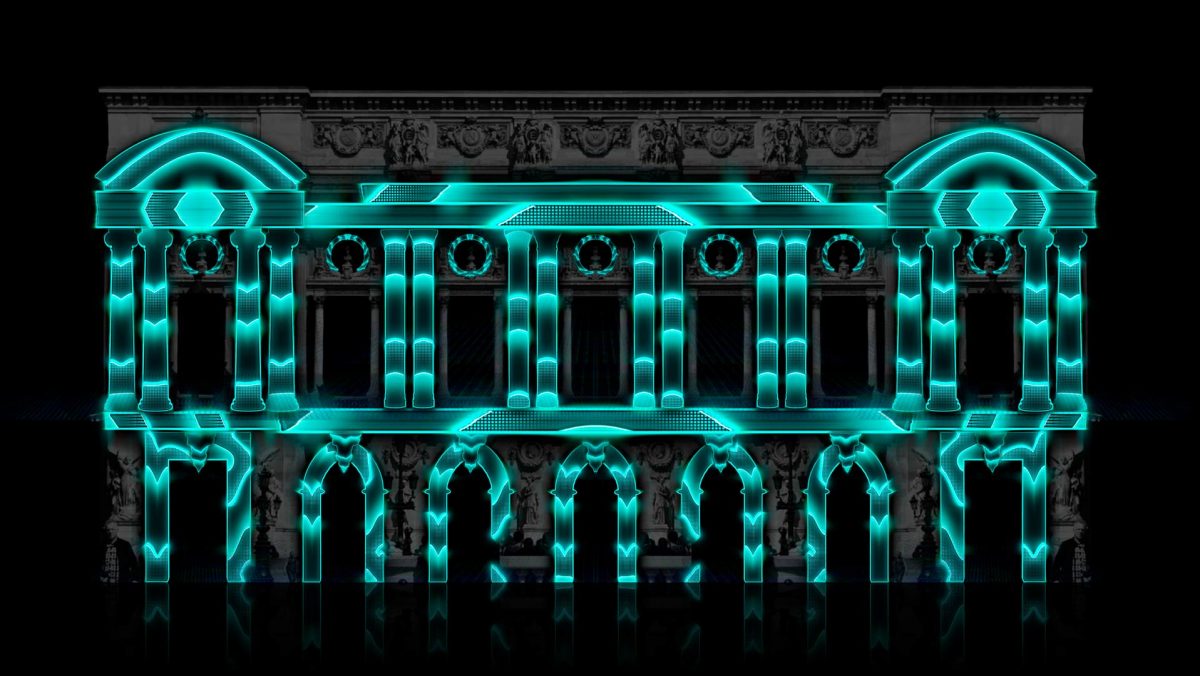
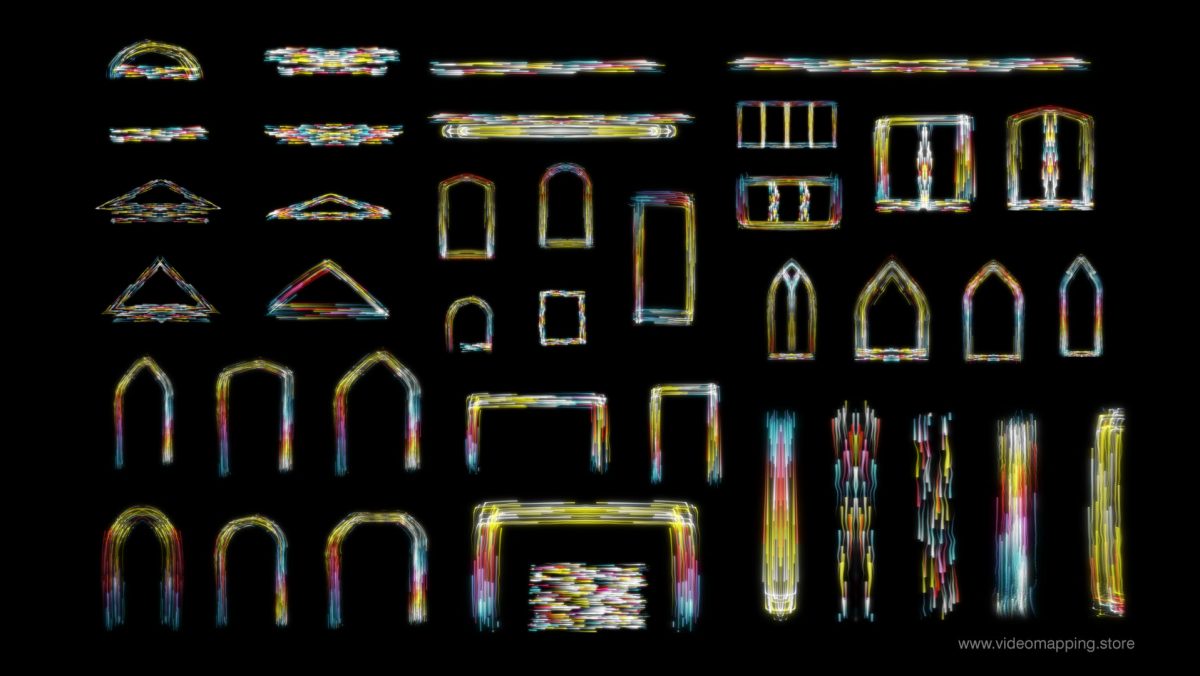
Friends, a reminder that if working in 3D editors feels complex or time-consuming to learn, you can use our ready-made materials to speed up video content creation for your architecture by up to 90%. Video mapping loops will completely transform your facade’s geometry and create a 3D depth effect. Video mapping toolkits can highlight specific decorative elements of your facade — columns, arches, cornices, windows, and more. And projection textures will define the entire visual style and theme of your video mapping show.
All of these products are available in the Video Mapping Store categories.
Latest Video Mapping Bundles
-
Sale!
Fulldome Video Mapping Loops Bundle Vol.2
Original price was: €599.€299Current price is: €299. -
Sale!
Projection Mapping Starter Pack
Original price was: €649.€249Current price is: €249. -
Sale!
Video Mapping Loops Bundle Vol.1
Original price was: €1,299.€499Current price is: €499. -
Sale!
Wedding Video Mapping Toolkits Bundle Vol.2
Original price was: €1,289.€389Current price is: €389. -
Sale!
All Video Mapping Toolkits in one Mega Bundle
Original price was: €3,899.€899Current price is: €899. -
Sale!
All Video Mapping Loops Packs in one Mega Bundle
Original price was: €2,899.€899Current price is: €899. -
Sale!
Visual Effects Video Mapping Toolkits Bundle Vol.4
Original price was: €749.€249Current price is: €249. -
Sale!
All Projection Textures in one Mega Bundle
Original price was: €3,899.€899Current price is: €899. -
Sale!
Christmas Video Mapping Bundle Vol.3
Original price was: €899.€399Current price is: €399. -
Sale!
Halloween Video Mapping Bundle Vol.4
Original price was: €1,049.€449Current price is: €449.