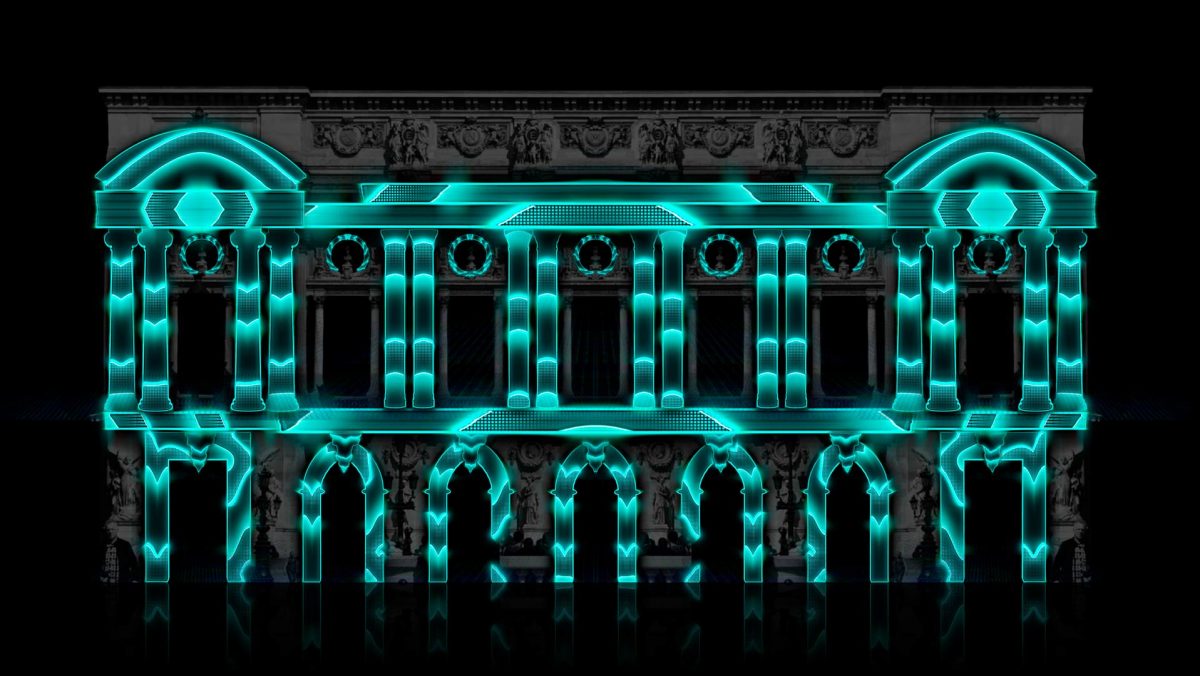

Man, I’ve been knee-deep in event planning for what feels like forever—weddings that sparkle, corporate bashes that wow the suits, and festivals where the lights steal the show. And let me tell you, nothing amps up the vibe like solid projection mapping. You know, that trick where you splash videos and animations onto walls, stages, or even cakes to make everything feel alive?
But here’s the kicker: it all falls flat without the right projector. I’ve learned the hard way, after a few disastrous setups and nightmares. So, if you’re gearing up for your next gig, let’s break down how to snag a projector that’ll make your mapping magic shine without breaking the bank or your back. I’ll keep it real, drawing on my own trial-and-error adventures, as well as some fresh insights from exploring the latest tech trends.
Start with the Basics: Brightness That Cuts Through the Chaos
First off, brightness is your best buddy in event land. It’s not just about raw lumens—though those are key—but how they play with your setup. Measured in ANSI lumens (the gold standard for accuracy, not some arbitrary marketing number), this determines whether your projections pop or fade.
For indoor spaces with some lighting on—such as a conference room or reception hall—aim for at least 3,000 to 5,000 ANSI lumens. Outdoors or in big venues with spotlights? Crank it up to 5,000+ or you’ll be fighting ambient light like a boxer in the wrong weight class. But here’s the real talk: brightness depends on more than just the spec sheet. The type of surface you’re mapping onto (smooth white vs. textured brick), wall colors (darker colors absorb more light), projection distance, and the subtle ambient glow from windows or chandeliers all affect how bright it actually looks.
I once cheaped out on a 2,500-lumen model for a garden party at dusk, and the images looked like ghosts—faint and forgettable. Lesson learned: test in similar conditions if you can, or read reviews from folks who’ve used it in real-world setups. Brands like Epson or BenQ often nail this without breaking the bank.
Resolution: Sharp Edges or Blurry Mess?
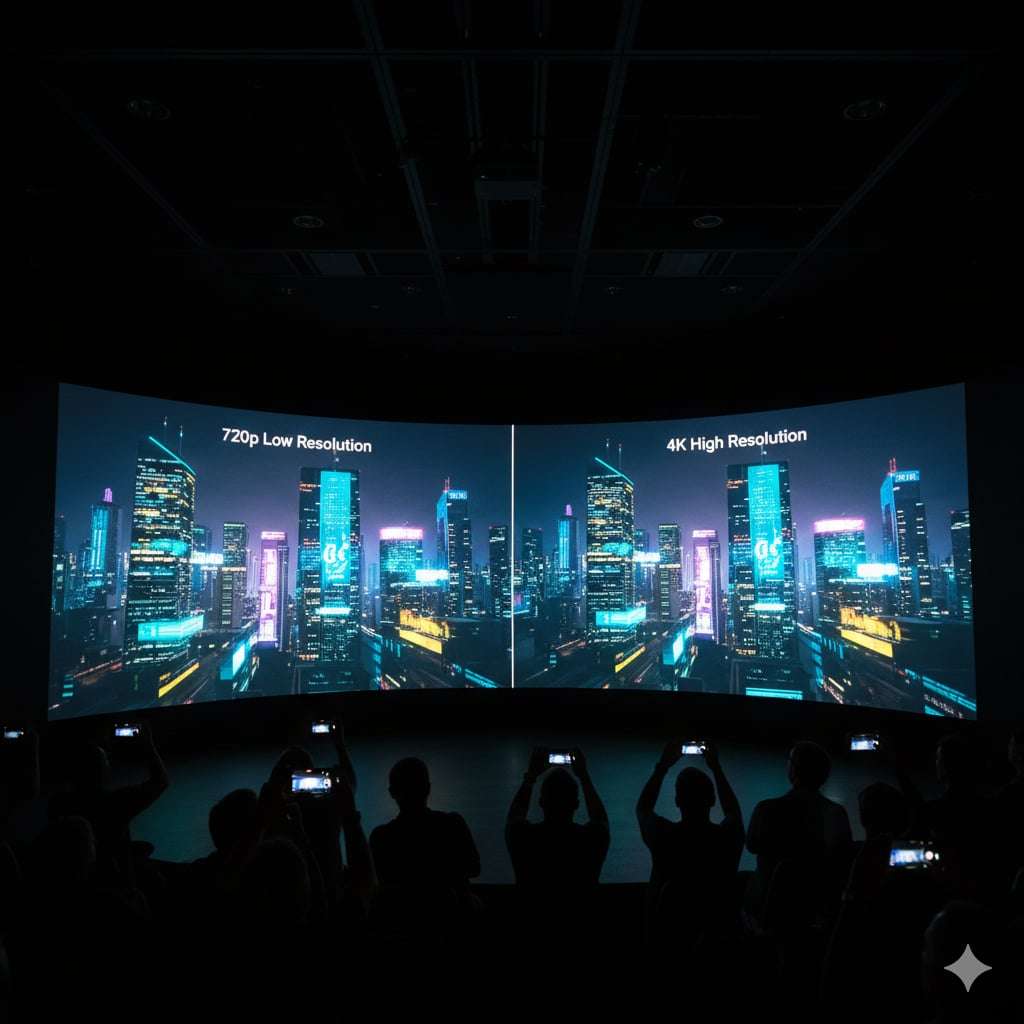
Next up, resolution—think of it as the clarity that keeps your visuals crisp, especially when mapping onto funky shapes like curved walls or 3D objects. Opt for at least Full HD (1080p). Still, if your budget allows, 4K is the ideal choice for capturing intricate details in animations or logos.
That said, 4K isn’t all sunshine; it requires a powerful content source, such as a high-end laptop or media player, to handle the data load. You may encounter latency issues when processing large files during live events—such as a split-second delay that disrupts synchronized performances.
I’ve seen 720p projectors muddle fine text during a product launch, turning a sleek demo into a squint-fest. For events, higher resolution means your mappings hold up from a distance, which is crucial in crowded rooms. Pro tip: pair it with good software like MadMapper or Resolume to really exploit that sharpness.
Don’t overlook aspect ratio either—16:9 is standard, but check if your content needs something else. And while we’re on quality, consider HDR compatibility too—it amps up contrast and color depth for more vivid mappings, making shadows deeper and highlights pop without washing out.
Throw Ratio and Flexibility: Fitting into Tight Spots
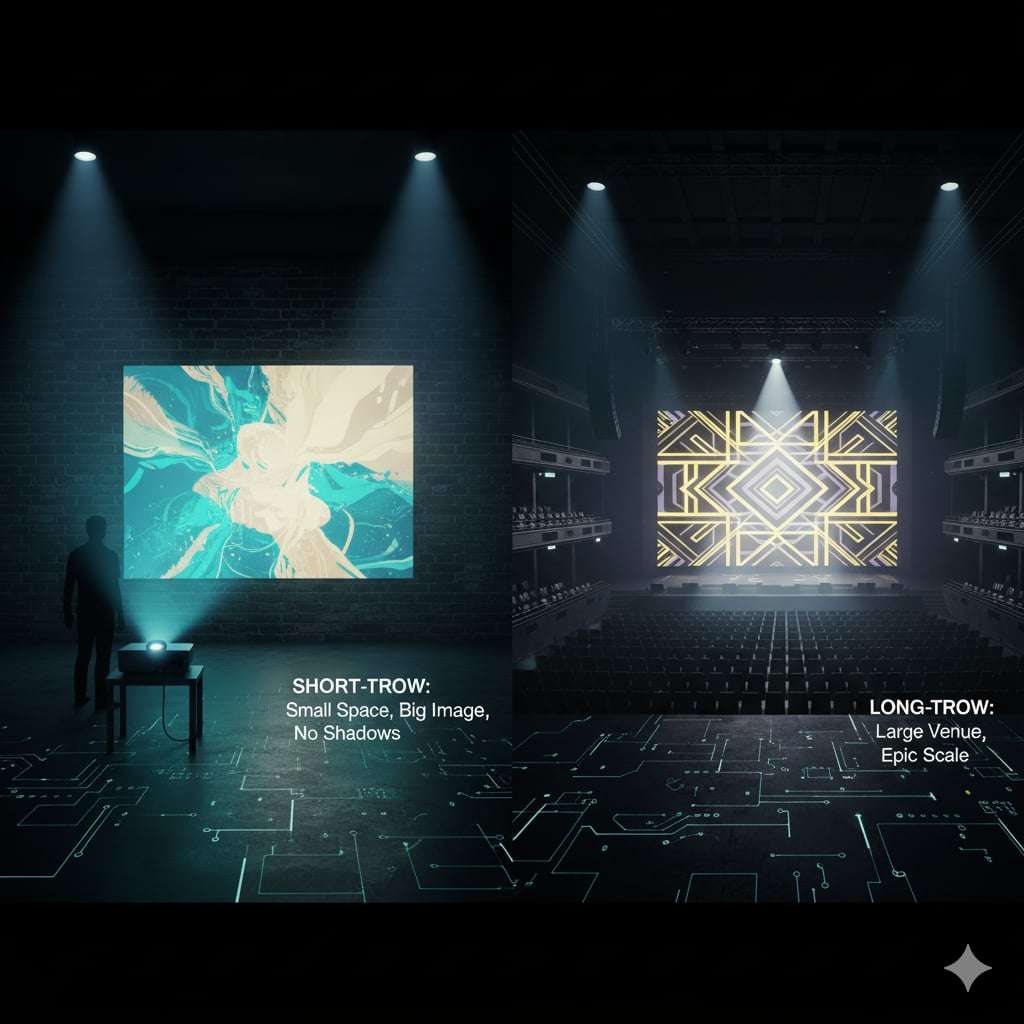
Ah, throw ratio—the unsung hero that dictates how far back your projector needs to sit to fill the surface. A short-throw (under 1.0) is gold for cramped venues, letting you project big from up close without shadows from wandering guests. Long-throw works well for massive halls but consumes a lot of space. And don’t sleep on ultra-short throw (UST) models—they beam from less than 30 cm away, making them perfect for interactive installations where guests are right up in the mix, such as touch-reactive floors or tabletop mappings.
I remember scrambling at a theater event because our standard-throw unit couldn’t handle the balcony setup, leading to a last-minute rental scramble. Look for models with lens shift and keystone correction as well—these let you tweak the image without moving the entire rig, saving your sanity during installations.
Optoma and ViewSonic have some forgiving options here that won’t leave you cursing under your breath. Additionally, when working with large stages or expansive venues, consider factors such as matrix types, including DLP vs. LCD. DLP often delivers killer contrast and black levels with stable images over time, while LCD excels in color accuracy but may fade faster in heat-intensive setups—pick based on whether your event requires punchy shadows or vibrant hues.
Connectivity and Ease of Use: Plug and Play, Please
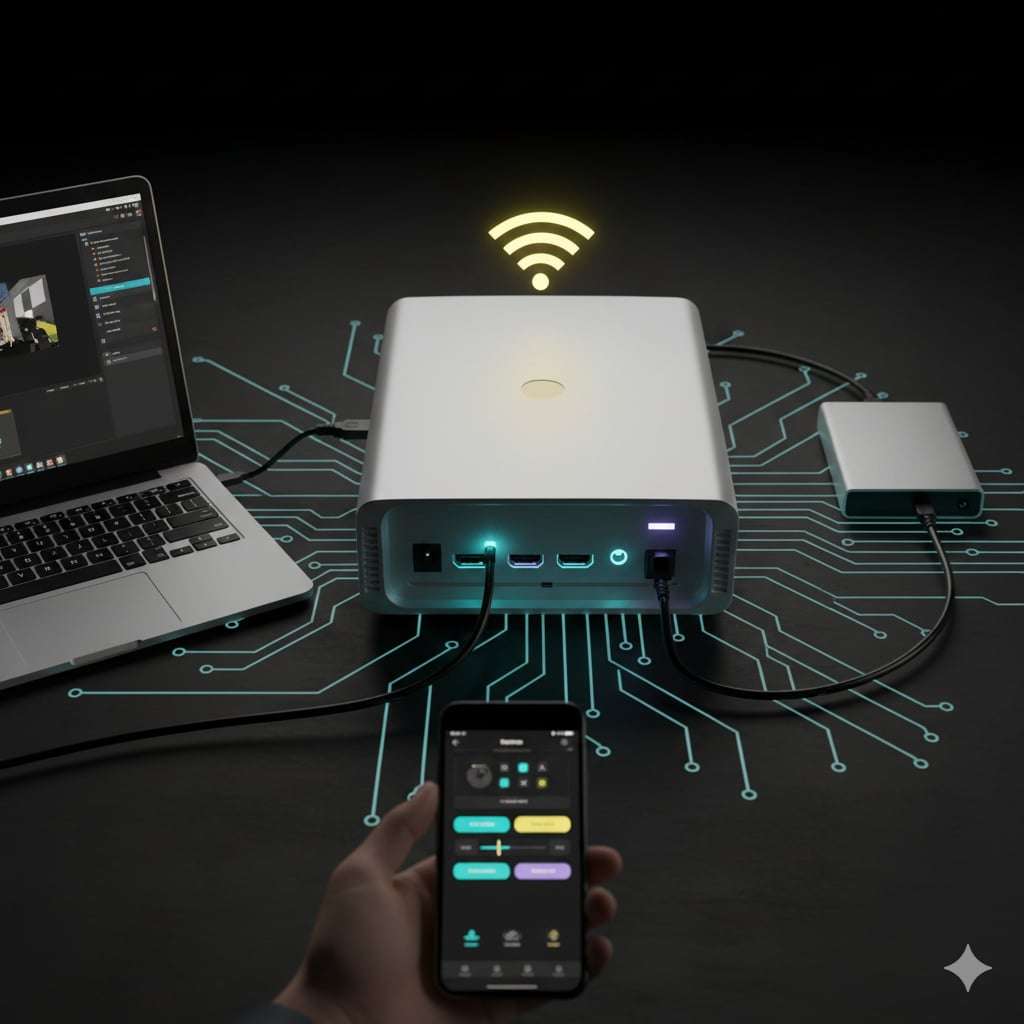
Nobody wants a projector that’s a puzzle to hook up, especially when the clock’s ticking before showtime. HDMI is a must for video mapping, but snag one with multiple ports—such as USB, wireless, or even Bluetooth—for seamless connections to laptops or media players. Wi-Fi-enabled ones let you stream content without cables snaking everywhere, which is a lifesaver at pop-up events.
For long-haul transmissions in sprawling event spaces, consider HDBaseT support—it sends uncompressed video, audio, and even power over a single Cat6 cable up to 100 meters without quality dips, making it ideal for stage setups where HDMI cables may not be sufficient.
I’ve bonded with a Sony model that had app control via phone; adjusting settings mid-event felt like cheating. Also, consider input lag if you’re syncing with live performances—low lag keeps everything tight. And hey, if you’re teaming it with other tech like sound systems, ensure compatibility to avoid tech tantrums. Dive deeper into content formats too: video mapping thrives on projectors that handle specific codecs (such as H.264 or HEVC), high frame rates for smooth motion, and even LUT correction for spot-on color grading—mismatch these, and your animations could stutter or appear off.
Finally, think ecosystem: your projector should vibe with media servers like Resolume Arena or TouchDesigner for advanced mapping; check for robust HDMI/NDI support to avoid workflow headaches.
Portability, Durability, and the Little Things That Matter
Events mean hauling gear, so weight and size count. Under 10 pounds is ideal for solo setups, complete with a carry case. Durability-wise, laser projectors outperform lamp-based ones in terms of longer life (20,000+ hours vs. 5,000) and reduced maintenance—no bulb swaps are required during mid-tour. They’re pricier upfront but pay off in the long run. Noise level? Keep it under 30dB so it doesn’t drown out speeches or tunes; I’ve had fans roar like a jet during quiet moments, killing the mood. Heat management is key, too—overheating can cause your show to crash.
Budget? Entry-level starts at $500, but for pro mapping, $1,000–$3,000 gets you reliability. Always factor in warranties and user forums for real talk on longevity. Wrapping this up, choosing a video mapping projector isn’t rocket science, but skimping on the details can turn your event from epic to meh. Consider your venue’s unique characteristics, the expected crowd size, and the mappings you’ll be running—then match the specifications. There are events, there are ideas behind this article—but content is always the game-changer. That’s why we invite you to visit our website, where you’ll find a treasure trove of creative concepts for projection shows across formats, styles, and adaptive scenarios. Let your next event start with inspiration. I’ve gone from fumbling with budget beaters to loving setups that just work, and trust me, the oohs and aahs from guests make it worth the hunt. Hit up stores for demos, scour online deals, and maybe even rent first to test-drive. What’s your next event looking like? Drop a line if you need more pointers—I could talk projectors all day!
-
Sale!
Wedding Video Mapping Toolkits Bundle Vol.2
Original price was: €1,289.€389Current price is: €389. -
Sale!
Video Mapping Loops Bundle Vol.1
Original price was: €1,299.€499Current price is: €499. -
Sale!
Fulldome Video Mapping Loops Bundle Vol.2
Original price was: €599.€299Current price is: €299. -
Sale!
Visual Effects Video Mapping Toolkits Bundle Vol.4
Original price was: €749.€249Current price is: €249. -
Sale!
Christmas Video Mapping Bundle Vol.3
Original price was: €899.€399Current price is: €399. -
Sale!
Video Mapping Toolkits Bundle Vol.1
Original price was: €949.€349Current price is: €349. -
Sale!
Video Mapping Audio Bundle Vol.1
Original price was: €489.€189Current price is: €189. -
Sale!
Projection Textures Bundle Vol.1
Original price was: €349.€199Current price is: €199. -
Sale!
All Projection Textures in one Mega Bundle
Original price was: €3,899.€899Current price is: €899. -
Sale!
All Video Mapping Loops Packs in one Mega Bundle
Original price was: €2,899.€899Current price is: €899. -
Sale!
Wedding Visuals Cake Bundle Vol.1
Original price was: €899.€349Current price is: €349. -
Sale!
All Video Mapping Toolkits in one Mega Bundle
Original price was: €3,899.€899Current price is: €899.