
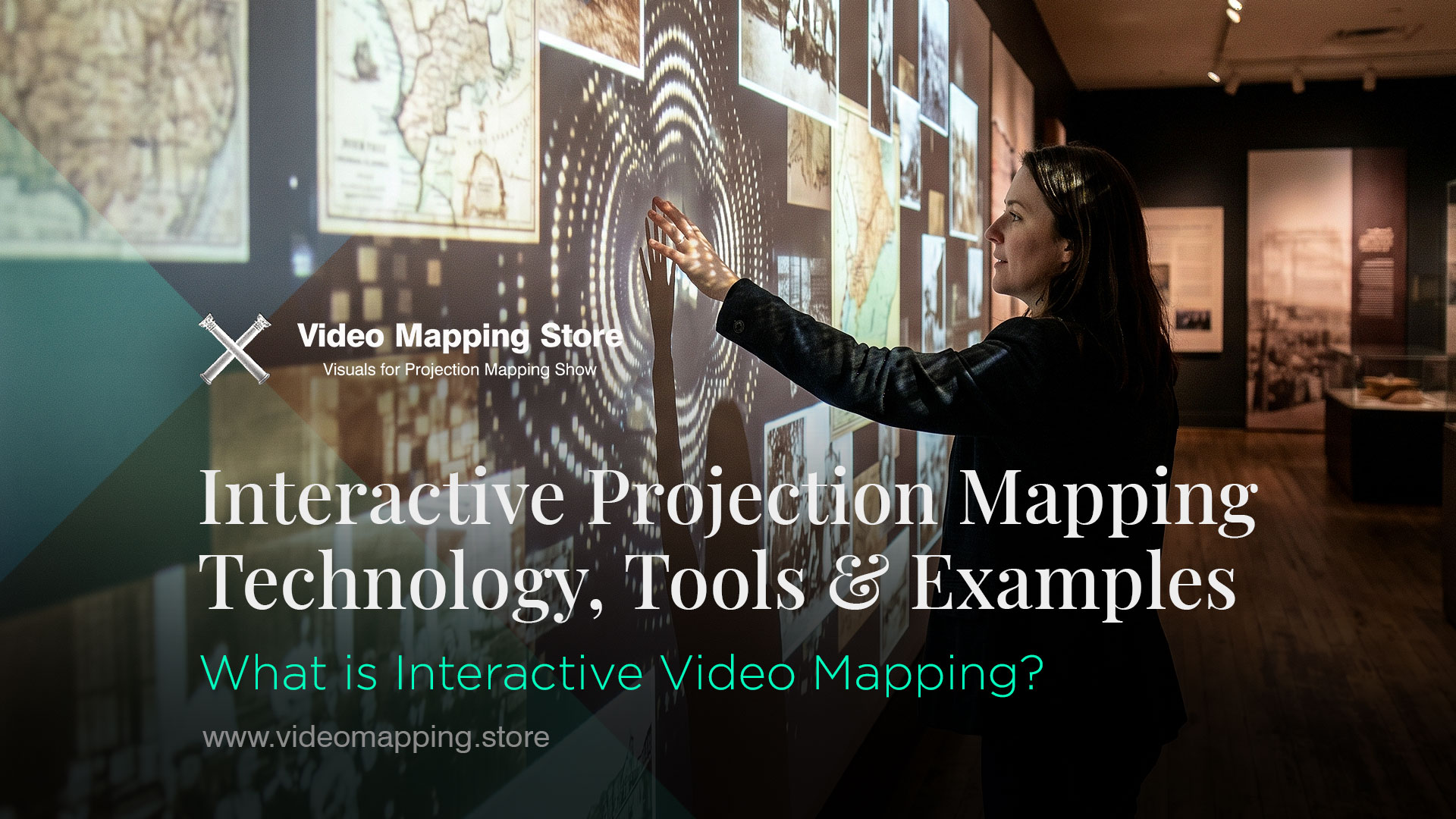
Projection mapping began as a one-directional medium: an artist creates content, a projector displays it, an audience watches. Interactive projection mapping breaks this model entirely. The audience becomes a participant — their movement, voice, touch, device or presence directly shapes what appears on the surface in real time. The projection responds, reacts and adapts. The spectator is no longer watching a show — they are inside one.
This shift from passive viewing to active participation is not a cosmetic feature. Interactive art is a dynamic art form that reacts to its environment. The work produced creates a link between the environment — including humans or nature — and the other elements that compose it. In interactive installations, participants interact through sensors to produce a unique result generated live.
This guide covers the full technical and creative landscape of interactive projection mapping in 2026 — the input methods, the software tools, the real-world use cases, and the direction the field is moving.
What is Interactive Projection Mapping?
Interactive projection mapping is a real-time display technique where audience input — movement, sound, touch, or mobile devices — directly modifies projected visuals on a surface.
The core distinction is the input loop. In standard projection mapping, the content flow is linear: content creation → playback → display. In interactive projection mapping, the loop closes: display → audience input → real-time content modification → display. The audience’s action changes what is shown, and that change is visible immediately — creating a feedback loop that transforms a visual show into a dialogue between the space and the people inside it.
The value of this loop is engagement depth. Research consistently shows that participatory experiences create stronger memory formation and emotional attachment than passive viewing. When a visitor’s movement causes a wall to respond, when a musician’s instrument shapes the visual world around them, when a crowd’s voice changes the colour of a building — the experience becomes genuinely theirs.
The fusion of multiplayer gaming and motion projection mapping creates collaborative experiences that transcend traditional entertainment boundaries — from team-building exercises in corporate settings to public events that bring communities together, multiplayer motion projection mapping experiences redefine how people interact with each other and their surroundings.
How Audiences Interact with the Projection — Input Methods
Mobile Devices and Web Browsers
The smartphone is now the most accessible interactive input device for public projection mapping. No special hardware is required — any visitor with a phone can participate the moment the experience is designed around mobile input.
The most common mobile interaction formats are SMS and web-based text submission — a visitor sends a message from their phone, and it appears immediately on the projected surface. This format has been used at weddings, conferences, public art events and architectural projections: the facade becomes a live message board, updating in real time as attendees contribute.
Beyond text, mobile web interfaces allow visitors to trigger pre-programmed visual states — changing colour schemes, switching between visual modes, triggering particle effects or selecting from a menu of visual environments. The visitor does not need to understand anything about projection mapping to participate — they simply tap a button on a webpage and the projection responds.
Future trends point toward interactive installations where viewers can influence visuals in real-time using their smartphones — allowing passersby to temporarily change building facades, participate in city-wide art projects, or even play massive multiplayer games projected onto skyscrapers.
The technical implementation typically uses OSC (Open Sound Control) protocol as the communication layer between the mobile interface and the mapping software — TouchDesigner, Resolume Arena, MadMapper and most professional mapping tools support OSC natively. A web server running on the same local network receives the mobile input and routes it as OSC messages to the mapping software in real time.
At corporate events, web-based input is used for audience participation moments — “vote for your favourite colour”, “send your greeting”, “choose the next visual scene”. For weddings and private events, guests submit messages that are projected during the reception. For public art installations, the web interface makes participation entirely barrier-free — no app download required, just a QR code and a browser.
Audio Reactivity
Audio reactivity in projection mapping operates on two fundamentally different principles, and understanding the distinction is essential for designing the right system.
Model 1 — Audience voice as input
In this model, the audience’s collective or individual sound production directly modifies the projection. A microphone captures the ambient sound level or specific frequency patterns from the audience, and the projection responds — growing brighter, more complex or more dynamic as the crowd becomes louder and more engaged.
A landmark early example of this approach was an architectural projection mapping show in France in the early 2010s where the projection on a building facade responded to the volume and frequency signature of the crowd assembled in front of it — the building appeared to wake up, breathe and animate in direct response to collective audience sound. When the crowd was silent, the projection dimmed. When they shouted, the visual exploded in complexity. The experience was a direct translation of collective human energy into architectural light. The Seraph installation by Jesse combined projection mapping, motion capture and sound design for an immersive interactive experience.
Model 2 — Performer audio as the generative source
This is the model used in professional live performance and orchestral contexts. Individual audio signals — from instruments, microphones or audio channels — drive specific visual parameters in the projection. Each musician in an orchestra can have their instrument’s audio feed routed to a corresponding visual element — the cellos generate one visual layer, the brass another, the percussion a third. When the orchestra plays, the visual world is literally built from the music, instrument by instrument.
This approach is used in classical music performance in concert halls, where the projection mapping covers the walls and ceiling of the venue. The visual design is pre-authored as a system of parameters rather than a fixed animation — the specific note patterns, tempo and dynamics of the performance determine the visual output in real time. No two performances produce identical visuals.
Resolume Arena supports audio input natively — the Audio Analysis module allows any audio signal to drive visual parameters including opacity, scale, colour, speed and effects intensity. For artists who want to build audio-reactive projection mapping workflows, our complete Resolume Arena guide → covers the audio input configuration in detail. All Video Mapping Store content is compatible with Resolume’s audio analysis system — any loop or visual can be set to respond to audio input without any content modification.
Motion Tracking — Body, Hand and Presence Detection
Motion-based interaction is the most visually dramatic and technically complex interactive projection method. The human body becomes a controller — movement triggers, shapes and transforms the visual environment.
A challenge for projection mapping in performing interactive arts is dynamic body movements. Accuracy and speed are key components for an immersive application of body projection mapping, dependent on scanning and processing time. Real-time body projection mapping utilises body tracking devices — such as the Microsoft Azure Kinect DK — creating a silhouette and mapping textures and animations to it before projecting it back onto the user. Gesture detection provides interaction between the user and the projected images.
Motion Tracking Technologies in 2026
Depth cameras (LiDAR and structured light) — Microsoft Azure Kinect, Intel RealSense, and dedicated LiDAR sensors provide real-time depth mapping of the space, detecting the position, orientation and movement of bodies without requiring the subjects to wear any markers. The depth data is processed by the mapping software to generate responsive visuals.
Computer vision (camera-based tracking) — Standard RGB cameras combined with machine learning body tracking models (MediaPipe, OpenPose, YOLOv8 pose estimation) provide body joint tracking from a single camera feed. This approach is increasingly viable in 2025–2026 as real-time ML inference has become fast enough for low-latency interactive use on standard hardware.
Leap Motion / Ultraleap — Dedicated hand tracking sensors that provide sub-centimetre precision for hand and finger position tracking. Used in interactive art installations where fine gesture control is the intended interaction model.
Programs like MadMapper, TouchDesigner, and Resolume allow artists to create and manipulate visual content that fits precisely onto the body’s curves and movements. These tools allow for real-time adjustments, so as the body moves, the projection responds — making the performer’s body itself the canvas.
Motion tracking has two distinct deployment models in projection mapping:
In performance-integrated tracking, the system follows a specific performer — a dancer, musician or actor — and projects content that is anchored to their body, moves with them, and responds to their gestures. The performer and the projection are a unified artistic unit. Interactive 3D projection mapping is a fantastic tool to incorporate into artistic performances such as dancing, where the artists are able to interact with the 3D images and animations. At the opening of the Paradise Center Mall in Sofia, SEG created an interactive 3D projection mapping project for a dance show — the seamless interaction between the dancers and the projection mapping was the centrepiece of the event.
In ambient presence tracking, the system detects the positions of multiple people moving through an immersive space and uses their collective movement to drive visual changes in the environment. No one is performing — simply being in the space and moving through it changes what the walls, floor and ceiling show. This is the standard model for immersive experience venues, interactive museum installations and public art activations.
Joysticks, Controllers and Physical Input Devices
Physical game controllers — joysticks, gamepads, custom arcade hardware — create a direct physical metaphor for the interaction with projected content. The controller interface is immediately understood by any player, and the mapping from physical input to visual output can be calibrated to any level of sensitivity and complexity.
In a projection mapping game, the physical world is the level. A player might jump over virtual lava projected onto a real gymnasium floor or tap a physical button that triggers a digital explosion on a building facade. The key components always involve a light source (projectors), a brain (computer/software), and a nervous system (interactive sensors).
Building facade games using joystick input have been deployed at festivals, public events and urban art installations across Europe and Asia. The most common format is a single or dual-player game where the projected content on a building facade is a game environment — blocks, characters, obstacles — controlled by players standing in front of the building with physical controllers. The building becomes a game screen at urban scale. Lumen and Forge hold the record for the world’s largest video game screen, built using the facade of the Tropicana casino.
MIDI controllers provide a musician-familiar physical interface for interactive visual control — faders, buttons, knobs and pads map directly to visual parameters, making them the standard physical interface for VJ performance and live audio-visual performance contexts.
Touch surfaces — custom multi-touch tables and interactive floors — allow multiple simultaneous participants to interact with the same projected space through physical touch, creating shared and collaborative interaction models.
What software is used for Interactive Projection Mapping?
The most widely used software tools for interactive projection mapping are TouchDesigner, Resolume Arena, Notch VFX, vvvv, MadMapper, Unreal Engine, and Unity. TouchDesigner is the industry standard for sensor-driven and generative interactive work; Resolume Arena is the go-to for audio-reactive and live performance setups; Notch excels in high-quality real-time rendering for concerts and large events. All support MIDI, OSC, and motion tracking inputs out of the box.
TouchDesigner
TouchDesigner combines built-in 3D to simulate real-world objects, multi-projector outputs, and an ultra-resolution video engine, making it ready for any projection mapping project. For interactive work specifically, TouchDesigner is the industry’s most capable platform — it handles sensor input, real-time generative content, multi-channel audio analysis, network communication and video output simultaneously, in a node-based visual programming environment that does not require conventional coding.
TouchDesigner connects to virtually every interactive input source: Kinect and depth cameras via dedicated plugins, MIDI via native MIDI In components, OSC from mobile devices and web interfaces, serial data from Arduino and custom hardware, and external tracking systems via NDI and network protocols. Real-time particle systems, fluid simulations, generative geometry and shader-based visual effects respond to these inputs at frame rate — typically 60fps on modern hardware.
For teams combining TouchDesigner with AI content generation, real-time video models (ComfyUI, Wan2.1 real-time variants) can be integrated into the TouchDesigner workflow via Python subprocess calls and NDI video routing — generating AI visuals that respond to sensor input in near-real-time. This represents the current leading edge of interactive projection mapping production.
Notch VFX
Notch combines a modern node graph interface with a real-time rendering viewport, timeline editing and advanced functionality, enabling an efficient workflow for professionals.
Notch’s procedural approach allows artists to create procedural geometry, materials and fields without baking — connecting them together to create never-before-seen visuals. In interactive contexts, Notch’s key advantage is the quality of its real-time renderer — particle systems, volumetric effects, physically-based materials and complex lighting all render at production quality in real time, not just in offline render preview. This makes Notch the preferred tool for large-scale concert and live event productions where visual quality must match broadcast standards.
Notch integrates with media servers — particularly disguise (d3) — and receives OSC and MIDI input for interactive parameter control. For touring productions and large venue installations, the Notch-disguise pipeline is a professional standard combination.
VVVV
vvvv is a visual-first live programming environment for the .NET ecosystem. Its language VL combines metaphors known from dataflow, functional and object-oriented programming — there is no need to write any code, unless you really want to. vvvv programs are compiled and run on the .NET virtual machine, making them as fast as C#.
vvvv has a strong tradition in European new media art and interactive installation — it has been the tool of choice for artists building complex interactive systems since the early 2000s. Its strength is the combination of visual programming ease with the raw performance of compiled .NET code — generative systems that would be sluggish in interpreted environments run at full speed in vvvv.
For interactive projection mapping specifically, vvvv handles sensor integration, real-time graphics generation and multi-channel output in a single environment. Its Stride 3D engine integration (since version gamma) adds a professional 3D rendering pipeline to the interactive programming model.
This video showcases our Video Mapping Loops being used as video textures in an interactive immersive environment.
Unreal Engine
Unreal Engine’s nDisplay system enables large-scale multi-projector output from Unreal’s real-time 3D rendering engine — making it the tool of choice for LED volume and dome projection environments, and increasingly for interactive architectural projection mapping where photorealistic real-time rendering is required.
For interactive use, Unreal Engine’s Blueprint visual scripting and Sequencer timeline tools allow non-programmers to build interactive logic — sensor inputs, trigger conditions, parameter animations and state machines — without C++ code. The engine’s native support for Kinect, Vive Tracker, OptiTrack and other tracking systems makes it a viable platform for body-interactive projection environments.
The trade-off is complexity: Unreal Engine is a full game engine with a corresponding learning curve. For artists whose primary background is visual production rather than game development, the initial setup time is significantly longer than TouchDesigner or vvvv.
Unity
Unity’s HDRP (High Definition Render Pipeline) and its native support for AR and mixed reality make it an interesting platform for interactive projection mapping in contexts where physical and projected space are integrated. Unity’s asset store provides a large library of ready-made interactive components, and its C# scripting is more accessible than Unreal’s C++ for artists with some programming background.
Unity’s strength in interactive projection mapping is specifically in game-format interactive experiences — arcade games projected onto floors or facades, educational interactive systems for museums, and experiences that borrow directly from game design patterns.

Resolume Arena
For audio-reactive interactive work specifically, Resolume Arena remains the most accessible professional tool. Its built-in audio analysis module, BPM sync system and MIDI/OSC input layer allow performers to build audio-reactive and performance-controlled projection mapping setups without the node-graph complexity of TouchDesigner or vvvv. For full Resolume Arena Guidance → and compatible visual content, see our complete store library →.
Full Access to all Projection Mapping Library
One Year. Unlimited Downloads.

Use Cases — Where Interactive Video Mapping is applied
Museums — Participatory History and Science
Museums have adopted interactive projection mapping as the primary tool for transforming passive exhibition viewing into active learning experiences. The Mori Building Digital Art Museum (teamLab Planets, Tokyo) is recognized as the world’s first digital art museum — the exhibit combines projection mapping, LED lights, sensors, and sound to engage multiple senses, creating a fully interactive digital environment.
The specific educational application of interactive projection mapping in history museums uses audience movement and choice to navigate through projected narrative content — visitors approach a wall and the historical content responds to their proximity, a touch surface allows selection of different historical periods, or a gesture system lets visitors “open” projected documents and photographs. The physical act of reaching toward the content creates a qualitatively different engagement than reading a label.
Science centres have used interactive floor projection extensively — the Da Vinci Science Center in Allentown, Pennsylvania installed a 60-foot tall interactive projection wall controlled by touch tables, allowing visitors to engage with the exhibit through physical interaction at monumental scale. videomapping

Facade Games — Urban Interactive Entertainment
One innovative use by the Lumen and Forge team was breaking the record for the world’s largest video game screen using the facade of the Tropicana casino — demonstrating that buildings can function as game screens at architectural scale. Controller-based facade games have been deployed at festivals across Europe, creating public interactive entertainment that draws crowds and extends dwell time in urban spaces. Map
The format is simple: a building facade is mapped as a game environment, physical controllers placed in the plaza in front of it allow 1–4 players to interact simultaneously, and the crowd that gathers to watch is itself part of the social experience. The game can be any genre — puzzle, arcade, competitive — adapted to the building’s architectural geometry.

Immersive Floor and Room Experiences
At Sonar+D Festival 2019, Digital Essence presented DesigualinBeta — an interactive installation where projections played a huge role. They projected an interactive visual on a large canvas that reflected the audience’s actions and movements, generating light, colour and sound through the movements, behaviour and interactions between the participants.
Interactive floor projection in immersive venues uses LiDAR or depth camera overhead tracking to detect visitor positions and movement. The floor surface responds — rippling, fragmenting, growing patterns — in direct response to where people walk and how they move. The experience is simultaneously individual (each person triggers responses specific to their position) and collective (the full room’s pattern emerges from the combined movement of all visitors).

Dancers and Performers — Body as Canvas
Projection mapping on the body is a powerful technique that pushes the boundaries of creativity, transforming the human body into a dynamic canvas for art and storytelling. With the right combination of technology, motion graphics, and performance, artists can create captivating immersive experiences that blend the digital and physical worlds — used in live performances, fashion shows, music videos, and art installations.
In dance performance specifically, the body-tracking projection system follows the dancer’s position in real time and projects content that is geometrically anchored to their form. As the dancer moves, the projected content moves with them — flowing patterns across their costume, visual elements that extend from their body into the surrounding space, or reactive effects triggered by specific choreographic gestures.

Orchestras and Concerts — Multi-Channel Audio Reactivity
A concert hall with projection mapping covering walls and ceiling, where each instrument section’s audio feed drives a corresponding visual layer — this is the most sophisticated application of audio-reactive interactive projection mapping in 2026. Each musician contributes not only to the musical performance but to the visual world that envelops the audience.
The system is designed as a visual score parallel to the musical score: just as the conductor coordinates the musicians, the visual system coordinates the projected layers — each responding to its assigned audio input in real time, creating a unified audio-visual composition that is live and unrepeatable.

Urban Environments — Responsive Public Space
Interactive city guides use projections and AR to lead tourists through historical narratives projected onto actual locations. Visitors use their phones to unlock additional layers of projected content, revealing hidden stories or information about buildings and landmarks.
Urban interactive projection installations on a more permanent basis have been deployed in smart city contexts — crosswalk projections that respond to pedestrian presence, public art installations on city walls that react to the passing of residents, and information display systems that project contextual local data (weather, transit, community events) in response to presence detection.

Children’s Games and Education
Interactive projection mapping in children’s educational settings — classrooms, activity rooms, children’s museums — uses simple motion tracking and touch input to create learning games projected onto floors and walls. Children play with projected objects, solve puzzles, interact with characters and navigate learning content through physical movement rather than device screens. The multi-sensory engagement creates stronger knowledge retention than screen-based equivalents, particularly for young learners.
Parks, festivals and public spaces become dynamic playgrounds where individuals can actively participate in large-scale multiplayer games projected onto surfaces — encouraging social interaction and turning outdoor spaces into hubs of community engagement.
What equipment is needed for interactive projection mapping?
The core setup requires a projector (minimum 5,000 lumens for most installations), a computer running mapping software, and an input device matched to the interaction type — a depth camera (Azure Kinect, Intel RealSense) for motion tracking, a microphone for audio reactivity, a MIDI controller for live performance, or a Wi-Fi router for mobile/web-based input. For body tracking, a mount or rigging for the depth sensor is needed. Edge blending and geometric correction are handled in software, not hardware.
What is the difference between standard and interactive projection mapping?
Standard projection mapping plays pre-rendered content on a fixed loop — the audience watches. Interactive projection mapping closes the feedback loop: audience movement, sound, touch, or device input modifies the visuals in real time. The content is not a file being played back — it is a system responding to live data. The key technical difference is the addition of a sensor input layer and real-time content generation between the audience and the projector.
Which software is best for interactive projection mapping beginners?
Resolume Arena is the most accessible entry point — it has a visual interface, built-in audio analysis, and native MIDI/OSC support without any coding. For beginners who want to go further into sensor-driven interactivity, TouchDesigner has a steeper learning curve but is the industry standard and has the largest community of tutorials and free learning resources. MadMapper is a good middle ground for spatial mapping with basic interactivity.
Can interactive projection mapping work outdoors?
Yes, with the right projector brightness. Outdoor interactive projection mapping requires a minimum of 20,000 lumens at night; daytime outdoor use is generally not viable regardless of brightness. Weather protection for the projector (IP-rated housing or projection booth) is mandatory. Depth cameras and LiDAR sensors function outdoors but require calibration adjustments for ambient IR interference. Mobile/web-based input (OSC over Wi-Fi) works outdoors with a dedicated local network — no internet required.
How does motion tracking work in projection mapping?
A depth camera (such as Microsoft Azure Kinect) or computer vision model continuously scans the space and outputs position data — body joints, silhouettes, or movement vectors — at 30–60fps. The mapping software (TouchDesigner, MadMapper, vvvv) receives this data and uses it to modify visual parameters in real time: particle systems follow a hand, textures warp around a body, or ambient visuals react to crowd density. The latency of a well-configured system is under 100ms — imperceptible to the audience.
What is the cost of an interactive projection mapping installation?
Costs vary widely by scale. A basic single-projector interactive setup (projector + depth camera + laptop + software) starts at €5,000–€15,000 in hardware. A professional event installation with multiple projectors, custom software development, and on-site operation runs €30,000–€150,000+. Permanent museum or public art installations with custom hardware engineering typically start at €80,000. The largest variable is software development time — a custom real-time interactive system can take 2–8 weeks of specialist work. Off-the-shelf tools (TouchDesigner, Resolume) reduce this cost significantly.
Future Insights by New Media Artist & Video Mapping Expert — Alexander Kuiava
As a projection mapping artist and educator, I see the field moving toward a specific convergence of three elements that will define interactive projection mapping in the near future.
The first is simplified workflow — the barrier to setting up an interactive projection mapping system must come down dramatically. Today, building a responsive body-tracking installation requires significant technical knowledge across multiple tools. The next generation of mapping software will abstract this complexity, allowing artists to connect sensors and define interaction rules without engineering expertise.
The second is faster real-time rendering. The visual quality gap between pre-rendered content and real-time generative content is closing rapidly — Notch, Unreal Engine and GPU-accelerated generative systems are reaching a quality level where the audience cannot distinguish real-time from pre-rendered. When that gap closes completely, interactive systems can match the visual quality of produced shows.
The third — and the most transformative — is AI-generated visual content integrated directly into the interactive workflow.
This is not a future concept: workflows connecting TouchDesigner to real-time AI video generation models already exist. An interactive installation where a visitor’s movement generates a unique AI visual in response, projected in real time, at production quality — this is technically achievable today, at the cost of significant compute resources. As inference hardware becomes cheaper and models become faster, this becomes the default architecture for interactive projection mapping.
The convergence of simple workflow, fast rendering and AI-generative visual response creates a new category of interactive experience: one that is genuinely unique for each visitor, impossible to predict, and impossible to pre-produce. The projection does not play back content — it creates it, in response to the person in front of it.
If you want to build the skills to work in this field — from projection mapping fundamentals to professional live production — my course Happy Mapping is the structured starting point. And for all pre-produced and royalty-free projection mapping content compatible with every interactive platform discussed in this guide, see Video Mapping Store →.
-
Sale!
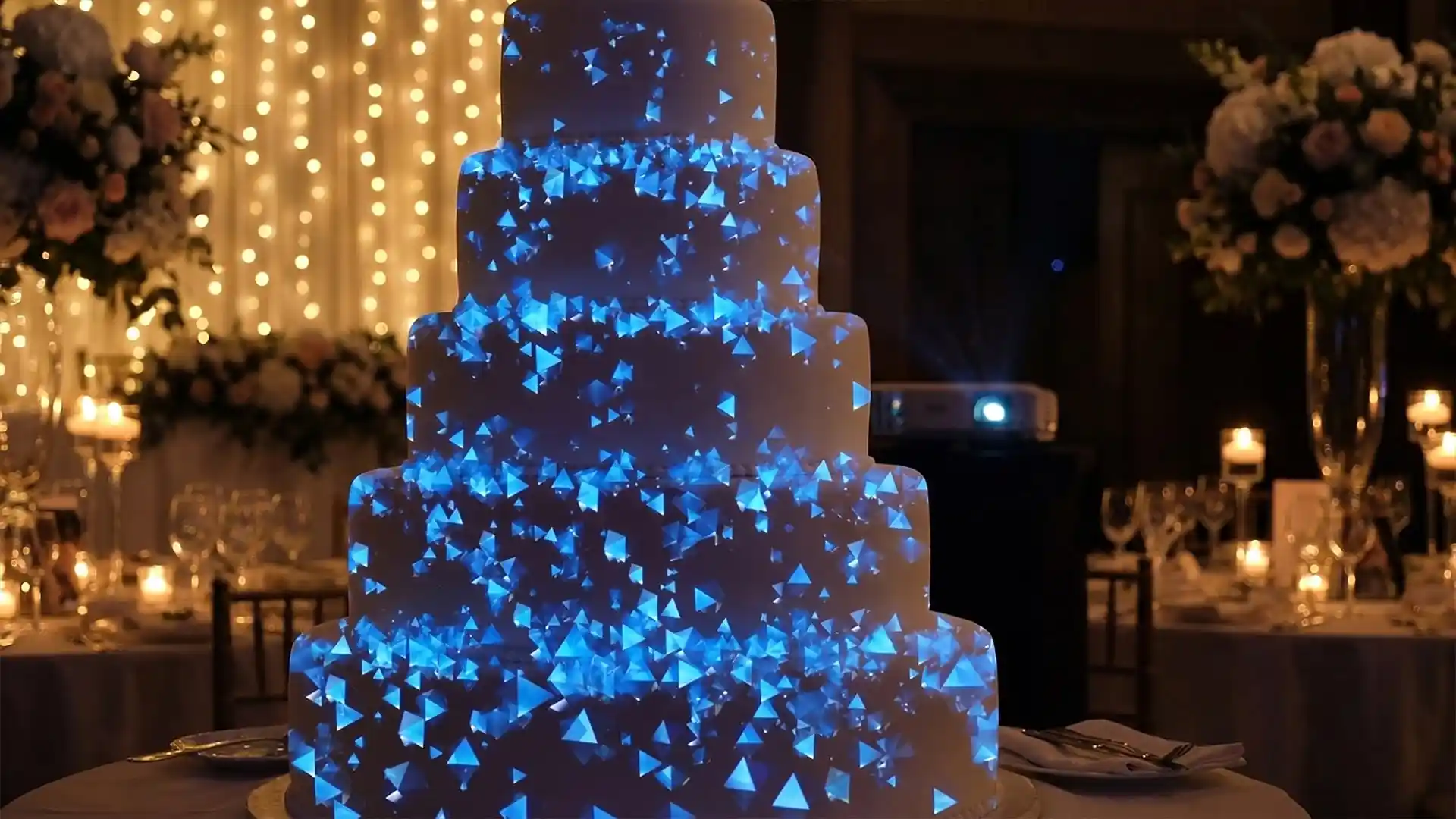
Wedding Cake – Video Mapping Wedding Visuals Vol.1
Original price was: €249.€149Current price is: €149. -
Sale!
Aurora Royale – Projection Mapping Texture Pack Vol.112
Original price was: €49.€39Current price is: €39. -
Sale!
Projection Mapping Starter Pack
Original price was: €649.€249Current price is: €249. -
Sale!
Pink High-Tech – Projection Mapping Texture Pack Vol.73 – UPDATED
Original price was: €49.€39Current price is: €39. -
Sale!
Cyan Futurism – Projection Mapping Textures Pack Vol.57 – UPDATED
Original price was: €49.€39Current price is: €39. -
Sale!
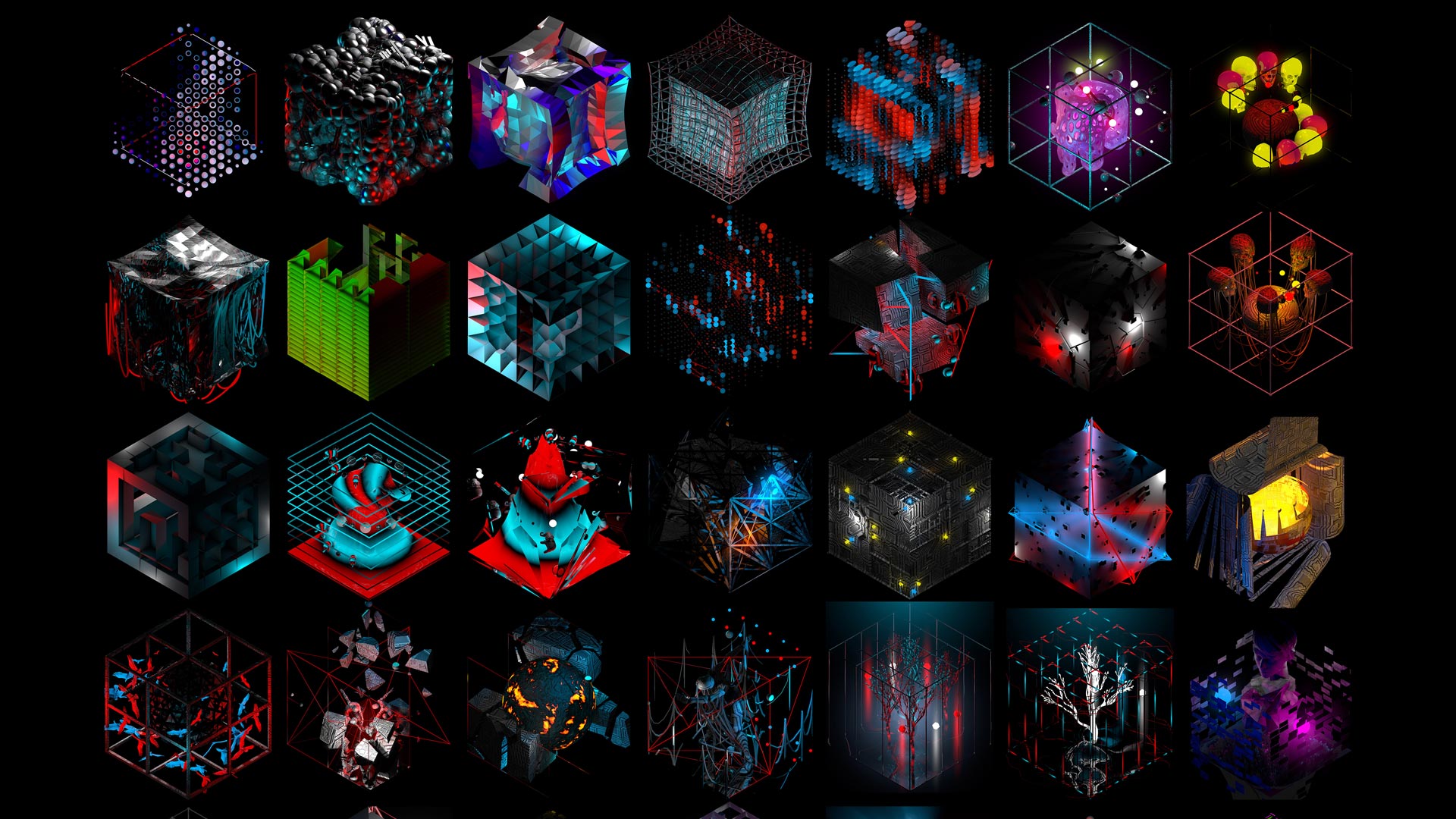
3D Isometric Rave – Cube Projection Mapping Visuals
Original price was: €149.€99Current price is: €99. -
Sale!
Cyber Texture – 3 in 1 Video Mapping Toolkit Vol.32
Original price was: €399.€199Current price is: €199. -
Sale!
Decor Gifts Ribbons – Video Mapping Elements Pack Vol.4
Original price was: €89.€59Current price is: €59. -
Sale!
Asgard Energy – Video Mapping Toolkit Vol.27
Original price was: €129.€99Current price is: €99. -
Sale!
Fire Dust – Video Mapping Toolkit Vol.24
Original price was: €129.€99Current price is: €99. -
Sale!
Fulldome Video Mapping Loops Bundle Vol.2
Original price was: €599.€299Current price is: €299. -
Folding Backgrounds 4K – Projection Mapping Loops Pack Vol.15
€99 -
Sale!
Video Mapping Toolkit Vol.1 – Green Nature
Original price was: €189.€129Current price is: €129. -
Gold Edition – Projection Mapping Loops Pack Vol.8
€99











Sources & References
- Sydney Baroya, Cal Poly — Real-Time Body Tracking and Projection Mapping in the Interactive Arts. digitalcommons.calpoly.edu, 2022.
- ResearchGate — Real-time Body Tracking and Projection Mapping in the Interactive Arts. researchgate.net, December 2022.
- buffpattynyc.com — Projection Map on Body Parts Mograph: Applications and Trends. buffpattynyc.com, December 2024.
- OneCrazeMedia — Step into the Future: Immersive Projection Mapping Games in 2024. onecrazemedia.com, December 2023.
- mtprojection.com — Projection Mapping Games: The Ultimate Guide to Immersive Play 2026. mtprojection.com, December 2025.
- Onionlab — Interactive Projection Mapping. onionlab.com, March 2024.
- Lumen and Forge — Projection Mapping in NYC — Urban Visual Storytelling. lumenandforge.com, 2025.
- AV Alliance — 25+ Stunning Projection Mapping Examples. avalliance.com, June 2024.
- Parametric Architecture — 10 Immersive Examples of Projection Mapping. parametric-architecture.com, September 2024.
- Derivative — TouchDesigner: Projection Mapping Features. derivative.ca, December 2024.
- Notch — Working in Notch. notch.one, 2026.
- Notch — Procedural Everything. notch.one, 2026.
- vvvv — Features: Visual Live-Programming. vvvv.org, 2026.
- Sixteen-nine.net — Da Vinci Science Center Interactive Projection Wall. sixteen-nine.net, July 2024.