
 Projection mapping has long since moved from the arsenal of avant-garde artists to the toolkit of professional event planners. Today, it’s not just a striking visual trick – it’s a full-fledged tool for storytelling, branding, and audience engagement. Here are ten ways to put it to work at your events.
1. Transforming Venue Architecture
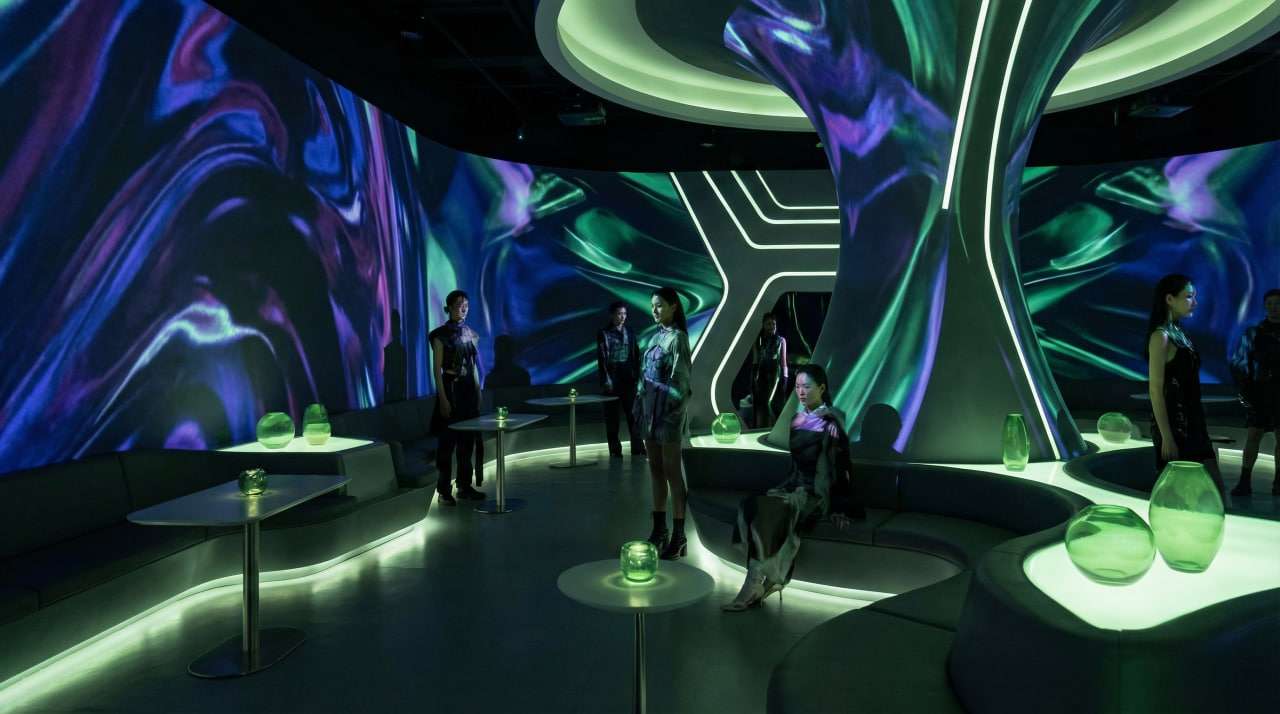
Projection mapping lets you completely reimagine a physical space – turn an industrial loft into a Gothic cathedral, or a glass office building into a jungle. Walls, columns, and ceilings become part of the scenography without a single nail or meter of fabric.
Case Study: This is the technique used by the organizers of the Salesforce Dreamforce global summit: neutral conference rooms were transformed into themed spaces for each program section by changing projections between sessions.
Implementation Tips
Conduct a technical survey of the location in advance and create an accurate 3D model of the surfaces.
Consider background lighting – the darker the room, the higher the contrast in the projection.
Allow at least 2-3 days for a technical run-through and calibration.
2. Live branding on three-dimensional surfaces
A logo on a flat banner is outdated. Mapping brings a brand to life by applying dynamic identity to unusual objects – cars, products, sculptures, bespoke installations.
Case study: BMW regularly uses mapping directly on the body of its new model at closed presentations: the car “undresses” and “dresses” in different colors and patterns right before the audience’s eyes, creating the effect of a live demonstration.
Implementation tips
The object should be matte or low-gloss – glossy surfaces create glare. For round or non-flat objects, use software that supports mesh warping (such as Resolume or Disguise).
Sync the projection with live sound or music to greatly enhance the effect.
3. Interactive mapping with audience participation
The projection responds to guests’ movements, touches, or actions in real time. Participants become co-creators of the visual content – not just spectators – which makes for a far more memorable experience.
Case study: At a Spotify corporate party, guests drew “sound waves” with their hands in the air. Motion sensors transmitted data to the system, which projected their drawings onto the room’s walls in real time.
Implementation tips
For interactivity, use a combination of sensors (Kinect, LiDAR) and media servers (TouchDesigner, vvvv).
Create a “guide” for guests: the interaction zone should be intuitive. Conduct a stress test with a large number of participants – interactive systems are sensitive to load.
 4. Storytelling at a Product Launch
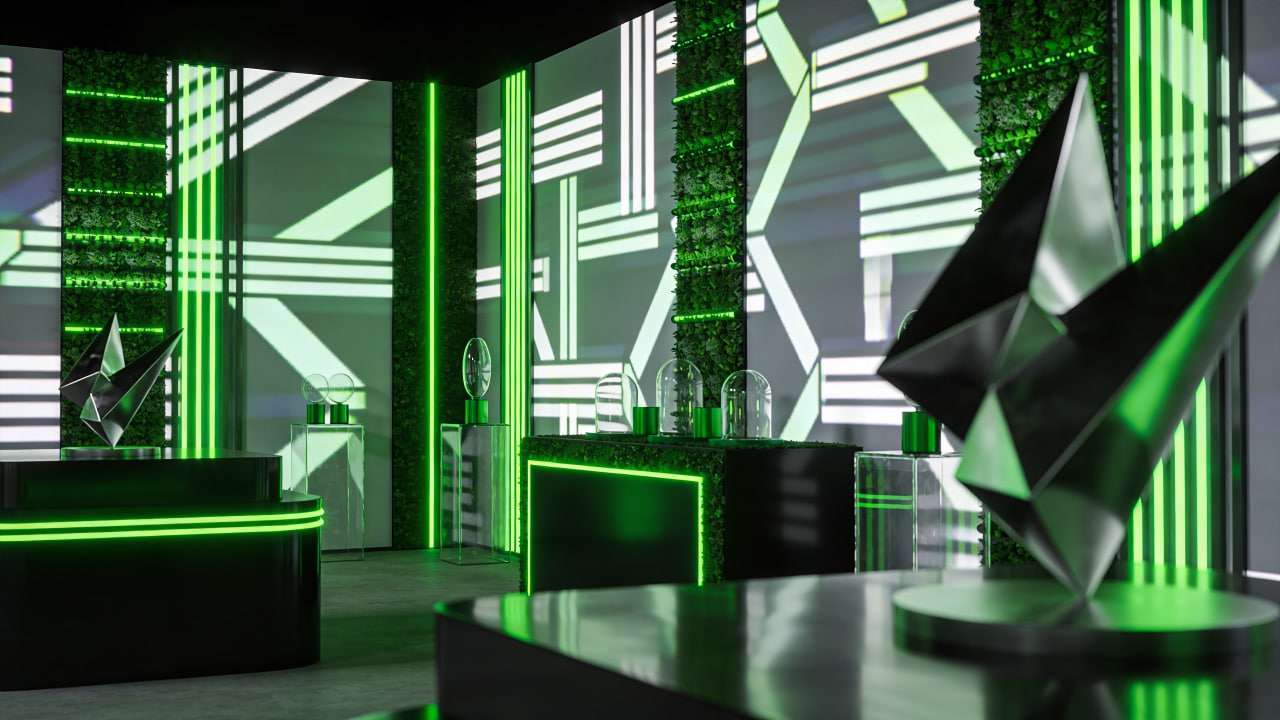
A product launch is the ideal context for narrative mapping. Instead of presentation slides, the product story unfolds across three-dimensional sets – from concept and production through to the finished product. Viewers experience the brand story rather than simply read it.
Case Study: Apple uses projection-based narratives at closed partner events to immerse viewers in the product ecosystem: the space literally “gathers” around the new device as the story unfolds.
Implementation Tips
Divide the narrative into distinct acts (3-5 semantic blocks) with visual transitions between them.
Synchronize the projection with the live speaker using well-timed triggers – either an operator or timecode automation.
Keep each “chapter” no longer than 90 seconds to maintain attention.
5. Immersive banquet areas
Mapping on tables, tablecloths, and centerpieces transforms the dining area into an art object in its own right. Guests dine inside the visual installation – an effect that tends to stay with people long after the event.
Case Study: Sublimotion restaurant in Ibiza incorporated tabletop projections into a culinary performance: the visual image changed synchronously with each course, creating a unified narrative of the dinner.
Implementation Tips
Place the tabletop projector overhead, avoiding shadows from guests and tableware.
Use neutral white or light gray tablecloths – they act as a canvas.
Leave 20–30% of the surface clear – the projection should not interfere with service.
6. Projection onto natural and unusual objects
Trees, rocks, waterfalls, and the facades of historic buildings – natural and architectural objects make for compelling media platforms. This approach works especially well at outdoor events, festivals, and large-scale urban activations.
Case study: The Fête des Lumières festival in Lyon annually transforms the entire historic city center into a mapping gallery, with artists working on church facades, trees, and river surfaces.
Implementation tips
For outdoor mapping, use projectors with a minimum output of 20,000 lumens.
Consider weather conditions: fog enhances the effect, and rain can interfere.
Obtain permission to use facades and installations. Obtain advance approval from city authorities.
 7. Ceremonial mapping at conferences and awards shows
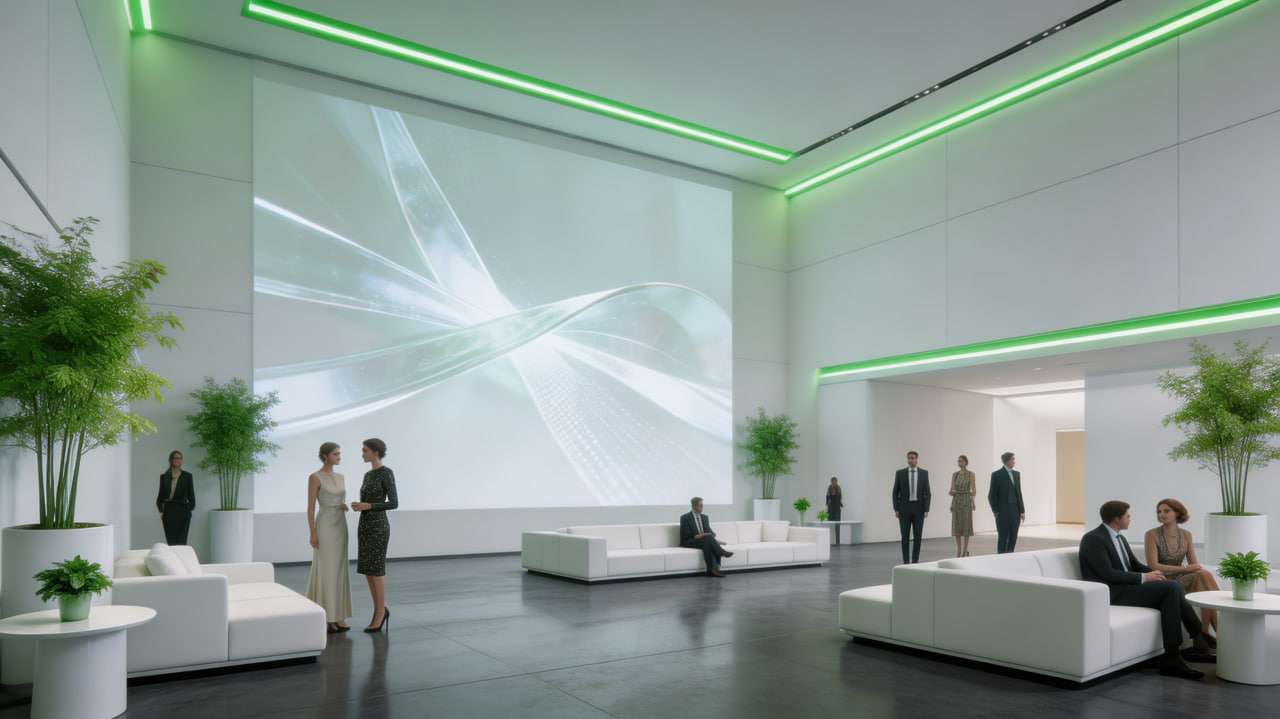
The announcement of winners, the opening of a conference, the closing moment of a gala dinner – all of these peak moments land harder with projection behind them. The winner’s name breaks across the stage, confetti flies from the walls, the company logo erupts with light.
Case study: At the Cannes Lions ceremony, the stage and side screens operate as a single projection system: each category victory is accompanied by a unique visual “explosion” branded to the year’s theme.
Implementation tips
Prepare unique “peak” scenes for each key moment in the program.
Coordinate the mapping with the sound designer: audio and video must be synchronized frame-by-frame.
Always have a backup scenario in case of technical failure – a static background instead of animation.
8. Mapping as a navigation tool
At large forums and exhibitions, projection mapping replaces static signs and maps – walls direct visitors to the right hall, floors illuminate routes, and interactive points field guests’ questions.
Case Study: At CES in Las Vegas, individual pavilions use floor mapping to orient visitors – especially effective in areas with complex layouts.
Implementation Tips
Floor projection requires specialized projectors with a short throw and an anti-glare floor covering.
Update navigation in real time when the program changes.
Test visibility at full capacity – traffic will partially obscure floor projections.
9. Live User-Generated Content
Guest posts from social media, a hashtag wall, and photo booth shots are aggregated and projected onto the event walls in real time. Guests see themselves as part of the live visual feed, which noticeably drives up their engagement with online activity throughout the event.
Case study: On Microsoft corporate forums, participants publish posts with the official hashtag. The content is automatically moderated and appears on the projection wall after 30-60 seconds, creating a sense of live participation.
Implementation tips
Use aggregators with moderation features (Walls.io, Everwall) to protect against inappropriate content.
Establish clear publishing guidelines and inform guests in advance.
Reserve a separate projector for the UGC wall to avoid competing with the main mapping.
10. Final chord: mapping as the “curtain” of the event
The closing of an event is often an underrated moment. Projection mapping lets you end the program on a strong note: a retrospective of the day, a thank-you to participants, a teaser for the next event – all woven into a single final show.
Case Study: At the annual TED conference, the final projection combines fragments of all the day’s talks into a single visual canvas, creating a sense of closure and enhancing the emotional memory of the event.
Implementation Tips
Three Bonus Ideas
11. Projection on a Cake and Dessert Table
A multi-tiered wedding cake, a celebratory centerpiece, or an entire dessert table can be transformed into an animated art object – sparks, falling petals, a countdown to the cutting, flowers growing right on the surface. The food becomes part of the show before it’s even served.
Case Study: A number of top pastry studios in Dubai and London offer “projection cake” as a separate service for premium weddings – the projection is synchronized with live music as the cake is brought into the room.
Implementation Tips
Use a short-throw projector placed directly overhead to avoid shadows from guests. White or very light icing is ideal for a wedding cake; a dark chocolate cake will require significantly more brightness.
Projection duration is 2-4 minutes: this is sufficient for the desired effect and for 100% video coverage of guests.
12. Floating Holograms on Mesh and Smoke
Projection onto a translucent mesh or smoke screen creates a convincing illusion of objects suspended in mid-air – logos, animated characters, 3D products. The effect reads like a hologram, at a fraction of the cost of true holographic systems.
Case Study: Several Balenciaga and Dior shows used projection onto smoke machines at the end: the models’ silhouettes “dissolved” into thin air, creating a visual effect that went viral on social media.
Implementation Tips
For smoke effects, use “heavy” smoke (CO₂ machines) – it holds its shape and produces a clearer image than light fog.
Mesh screens with 30–50% transparency provide an optimal balance between projection visibility and object transparency.
Consider airflow in the hall – air conditioners and open doors quickly disrupt the smoke screen.
13. Hybrid Format: Mapping + LED + AR
One of the defining trends for 2025–2026: wall projection working in tandem with LED screens and AR filters on guests’ smartphones. The same visual content exists simultaneously in the physical space and on the screen. The event lives in the room and in everyone’s stories at once.
Case study: Adidas and Nike brand activations at major sporting events are built on this principle: a physical projection on the pavilion walls is complemented by an AR layer that “completes” the image on the phone into a full-fledged 3D scene.
Implementation tips
Content for mapping, LED, and AR must be developed as a single package – disparate visuals disrupt the integrity of the experience.
Ensure that the AR app or filter works without downloading (via a browser or native Instagram/Snapchat filters) – guests won’t install a separate app on-site.
Place a QR code to launch AR in the projection area in advance, and duplicate it in the program and on entry wristbands.
The final scene should last no more than 3-5 minutes – enough to create an impact without tiring the audience. Include the names of speakers, partners, and key figures – this acts as a visual “credits” for the event.
Conclude with a positive visual accent: light, color, or the brand’s signature symbol.
There are events, there are ideas behind this article – but content is always the game-changer. That’s why we invite you to visit our website, where you’ll find a treasure trove of creative concepts for projection shows across formats, styles, and adaptive scenarios. Let your next event start with inspiration.